Sony
✓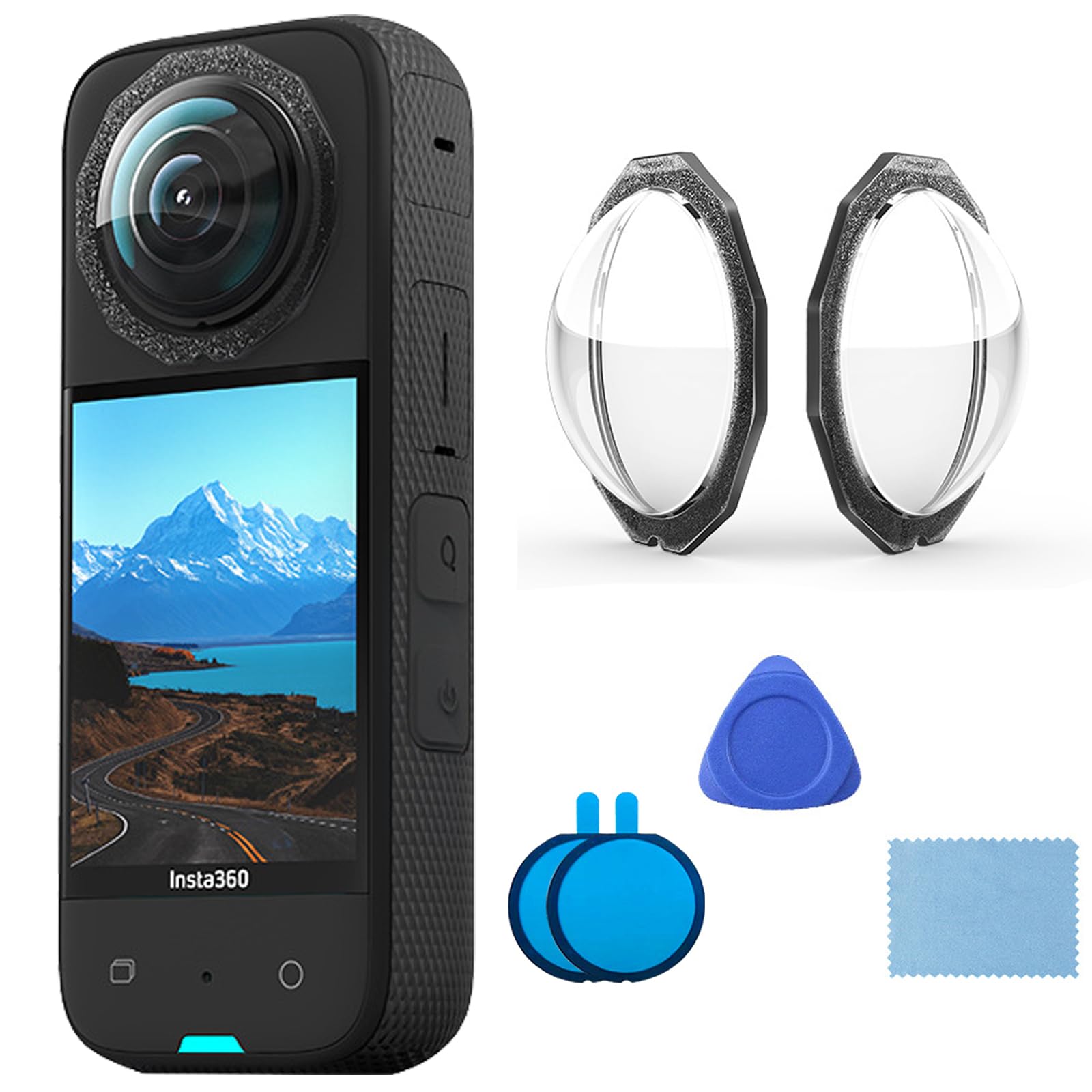
Insta360 X3 Lens Protector Size: 34.0 × 10.0 (mm³). Weight: 1.5 g. Professional protective lens for panoramic lenses, 1:1 replica of the real camera, good protection for the lenses. Does not affect the recording. All-round 360 degree anti-cuts, super hydrophobic coating. The high-quality material is very resistant and provides effective protection when the camera falls accidentally. Easy to install and easy to remove (replace). Package includes: 1 x front and rear lens protector, 2 x double-sided replacement glue, 1 x triangular breaker, 1 x wipe, 1 x instructions (English language not guaranteed). Instructions for use: 1. Before use, make sure the lenses are clean and dry. Distinguish the front and rear lens protection: the thinner lens protector should be applied to the side of the camera screen and the thicker lens protector on the side of the camera alogo. 2. After removing the lens protection, apply new adhesive. Attach the lens protector to the lens with double-sided adhesive tape and pay attention to the match of the position of the round hole. After inserting, press firmly for 15 seconds to ensure that the lens protector is fully attached to the mounting surface. If the paste is not flat, this will affect the water resistance and splicing of pictures. 3. The lens protector is splash-proof, but not suitable for underwater use. Instead, use the diving bag for underwater shots. 4. Use the included removal tool to remove the lens protector. Be careful not to scratch the lenses when removing the lens protector.
Customer reviews
10 Trustpilot reviews total, with 2 shown at a time.
I wrote to Bigamart's customer support and they accompanied the process of reshipping the item until it finally arrived. I felt a genuine effort to solve the problem till it was finally solved.
The package was here in Australia from England in a few days — so quick! Something was missing and they refunded it straight away. Pretty happy with these guys.
You might also like