Brinonac
✓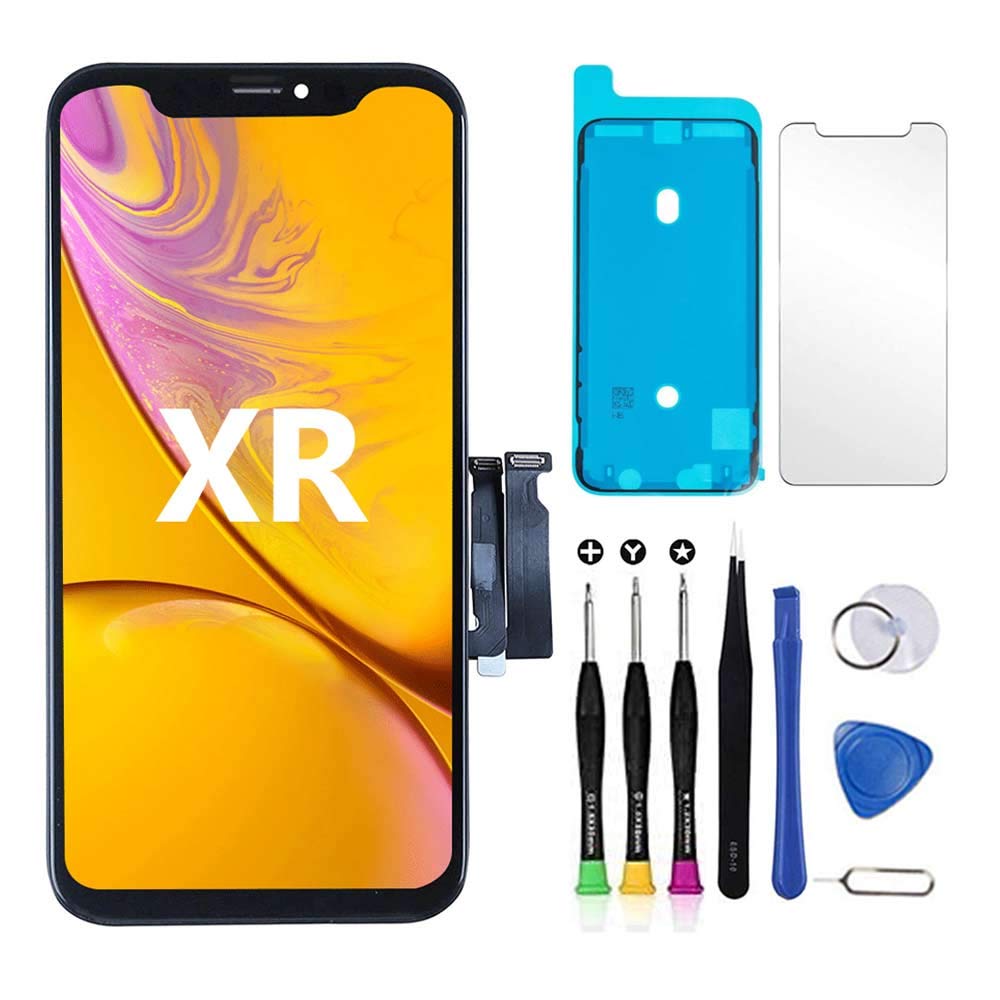
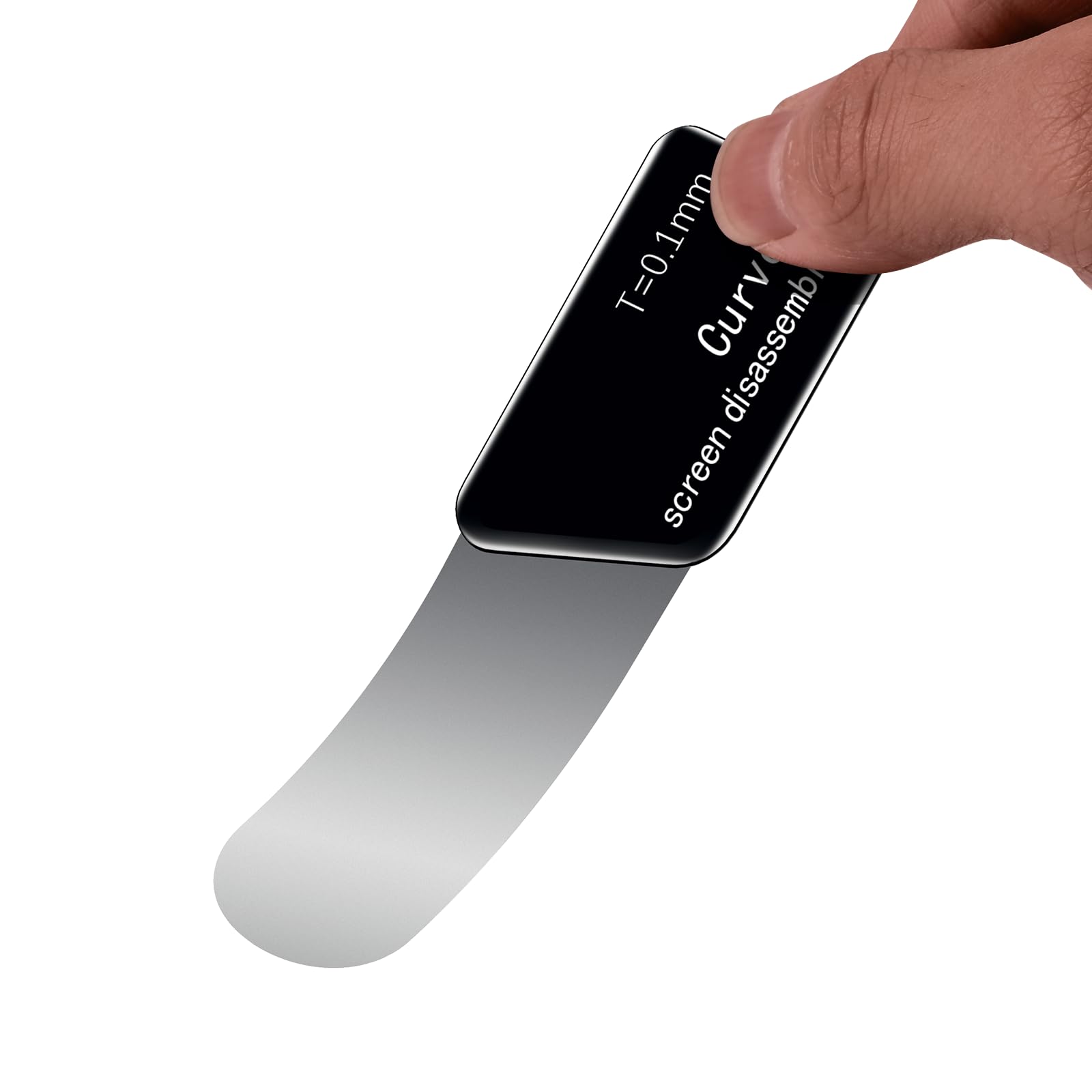
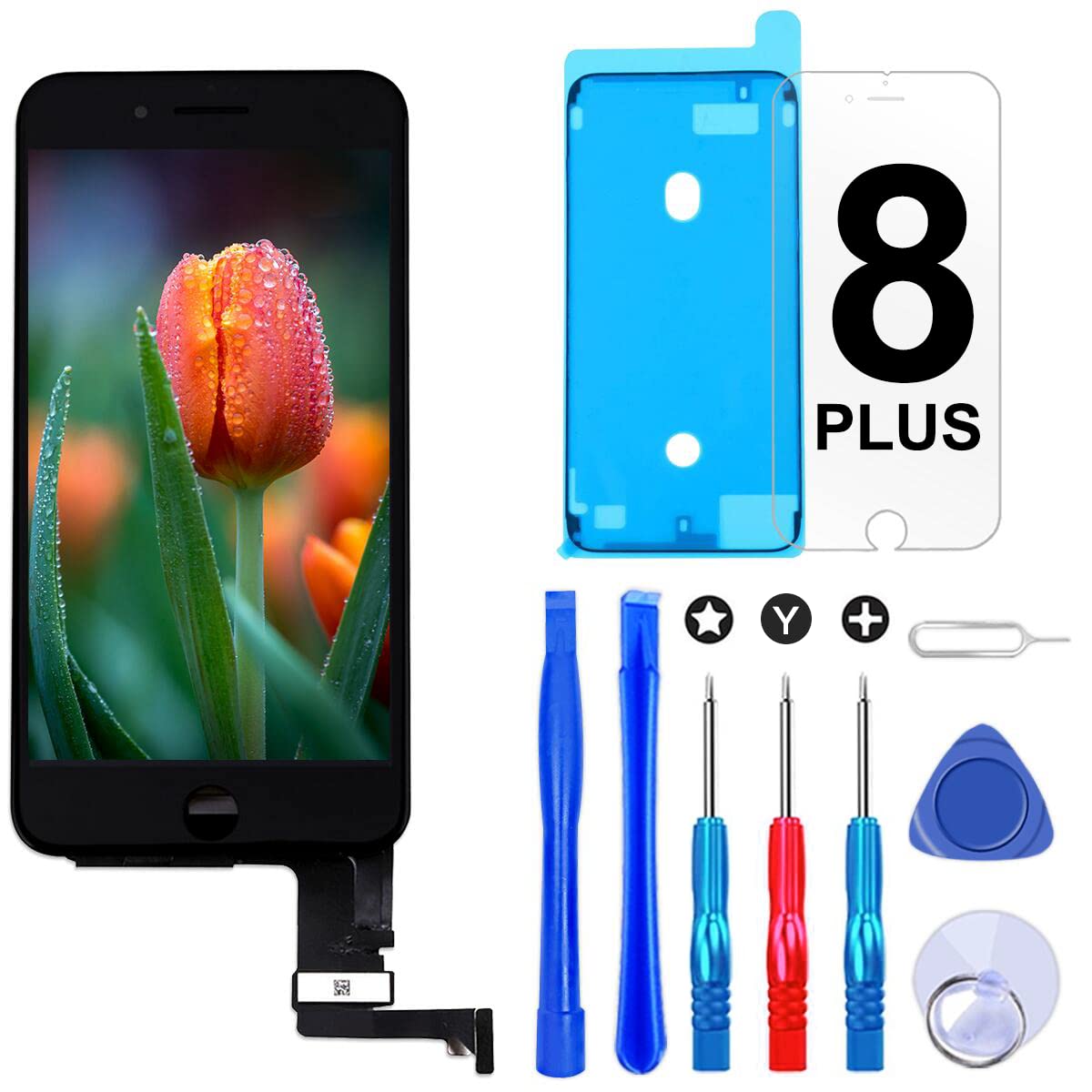
Product description You‘ll get a high-quality screen with common repair tools, including different types of screwdrivers, suction cups and spudger. These tools are enough to disassemble and install the screen. Maybe they look ordinary, but we save the cost and Buyers can save their money. Here we need to list some points to note, if you are an experienced repairman you can ignore it, but if you install the screen for the first time, you'd better watch an installation video on YouTuBe, which will help you to be faster and accurate Installation screen 1. Open the package and check whether the screen is broken or damaged at the first time, because the courier does not care what is inside the package, they treat the package very violently 2.Please shut down and disconnect the battery cable when disconnecting the screen cable 3. Do not disconnect the connector by hand, this will damage the cable, please use the blue spudger 4. Please stick the waterproof glue before connecting the cable 5. When you encounter the screen is too bright or too dark, please open the "settings" in the phone to adjust 6. Camera, HOME button does not work. In most cases, it has nothing to do with the screen, because the cable is not connected correctly, please reinstall the connector 7. The screen does not light up after a period of use. This is because the cable is loose, reconnect the cable tightly to solve this problem 8. Touch is not sensitive or the letter keyboard jumps randomly. Please disconnect the battery again for a period of time and then connect to charge and restart 9. When you install the screen, there are dead spots. aperture, lines, light leakage, etc. indicate that the screen is broken, which may be caused during transportation or installation, because we provide high-quality screens, which have been passed 3 times before shipment Qualified testing, in this case you can get replacements for free Safety Warning iphone xr screen replacement
Customer reviews
10 Trustpilot reviews total, with 2 shown at a time.
I wrote to Bigamart's customer support and they accompanied the process of reshipping the item until it finally arrived. I felt a genuine effort to solve the problem till it was finally solved.
The package was here in Australia from England in a few days — so quick! Something was missing and they refunded it straight away. Pretty happy with these guys.
You might also like