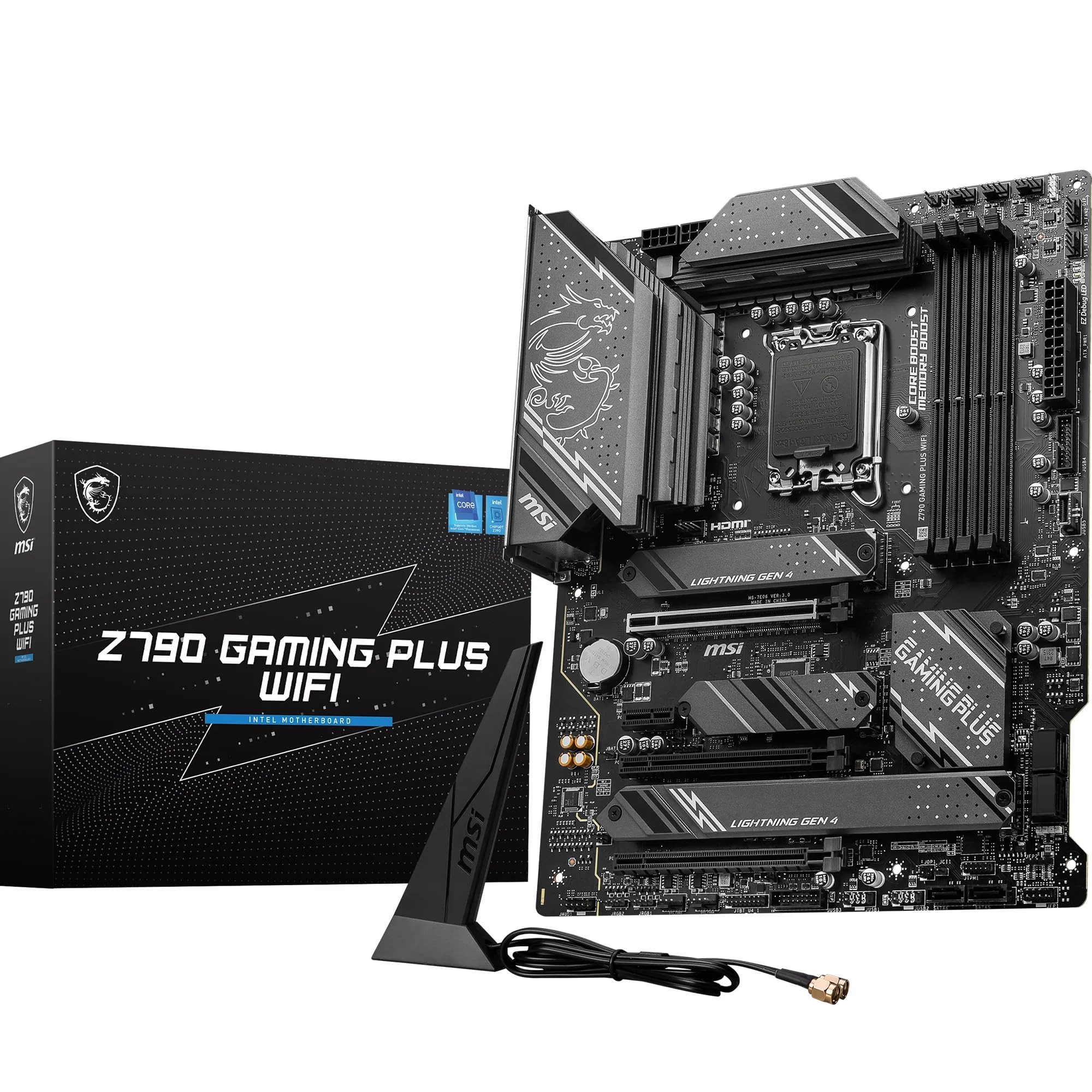
MSI
✓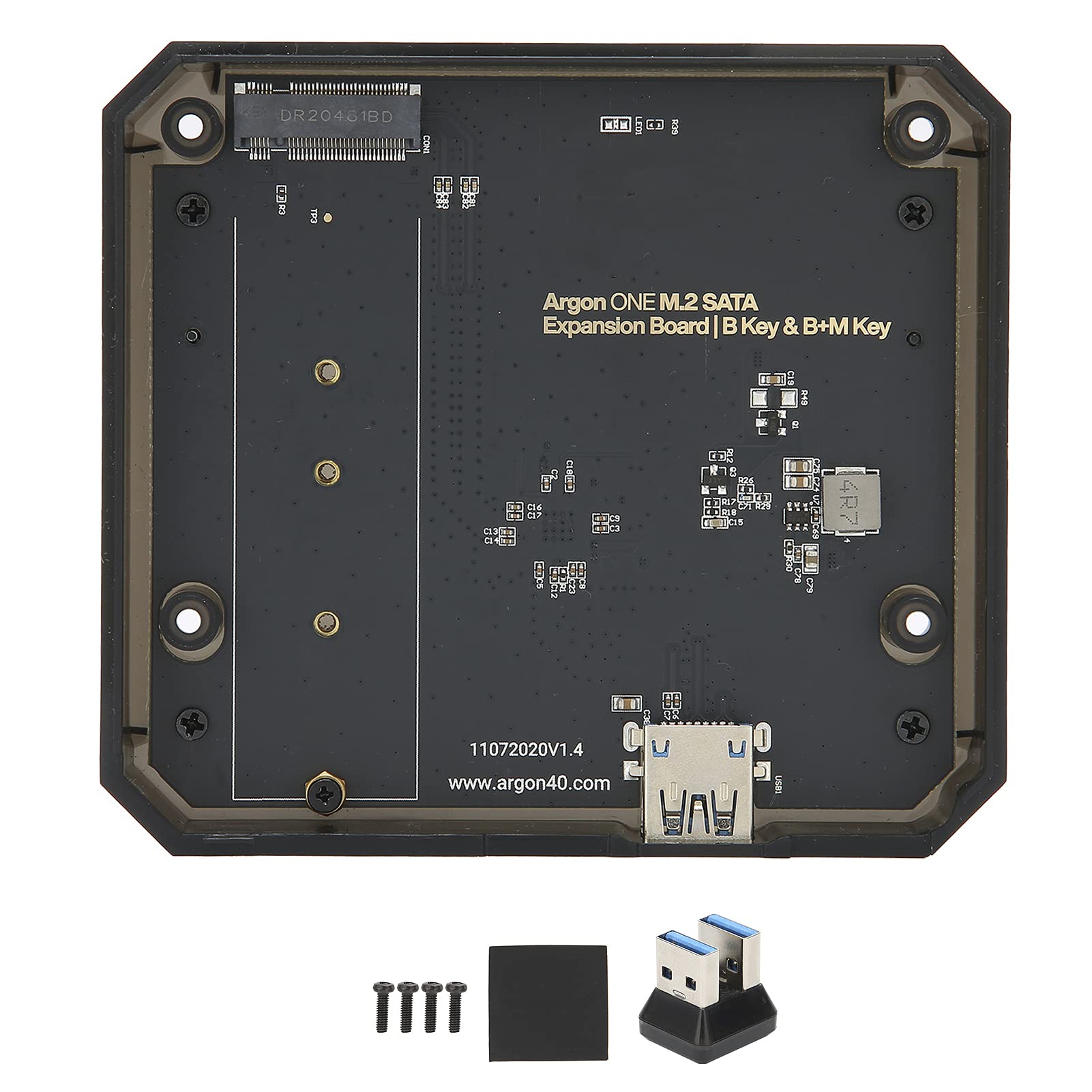
Specification: Item Type: Expansion Board for Raspberry Pi 4B Material: ABS+PCB Features: M.2 SATA SSD to USB 3.0 board Accept M.2 SSD NGFF key B and key B+ M SSD Size: NGFF M.2 2280 2260 2242 2230 Chipset: For ASMedia Technologies-ASM1153E Compliant with USB3.0 specification revision 1.0 Up to 6 Gbps transmission speed Support for Raspberry Pi UASP How to Use: 1. Connect the for Raspberry Pi to the High Definition Multimedia Interface audio board and paste the silicon thermal pad 2. Carefully connect the for Raspberry Pi GPIO to the power supply and cooling plate. Press the POWER ON button to start 3. Use shorter flat head screws to fix the for Raspberry Pi and High Definition Multimedia Interface board assembly to the top case 4. Select power button management mode 5. Connect the M.2 SATA SSD to the M.2 SATA expansion board. The board will accept M.2 key B and M.2 key B + M SATA storage drives 6. Before assembling the bottom plastic cover M.2, insert the card into the for Raspberry Pi 7. After assembling the M.2 shell, place upright on the back of the shell and connect the USB 3 bridge. 8. Connect the cable on the back, dont forget to press the power button to turn it on Package List: 1 x M.2 Expansion Board 1 x USB 3.0 Adapter 4 x Screw 1 x User Manual 1 x Gasket
Customer reviews
10 Trustpilot reviews total, with 2 shown at a time.
I wrote to Bigamart's customer support and they accompanied the process of reshipping the item until it finally arrived. I felt a genuine effort to solve the problem till it was finally solved.
The package was here in Australia from England in a few days — so quick! Something was missing and they refunded it straight away. Pretty happy with these guys.
You might also like