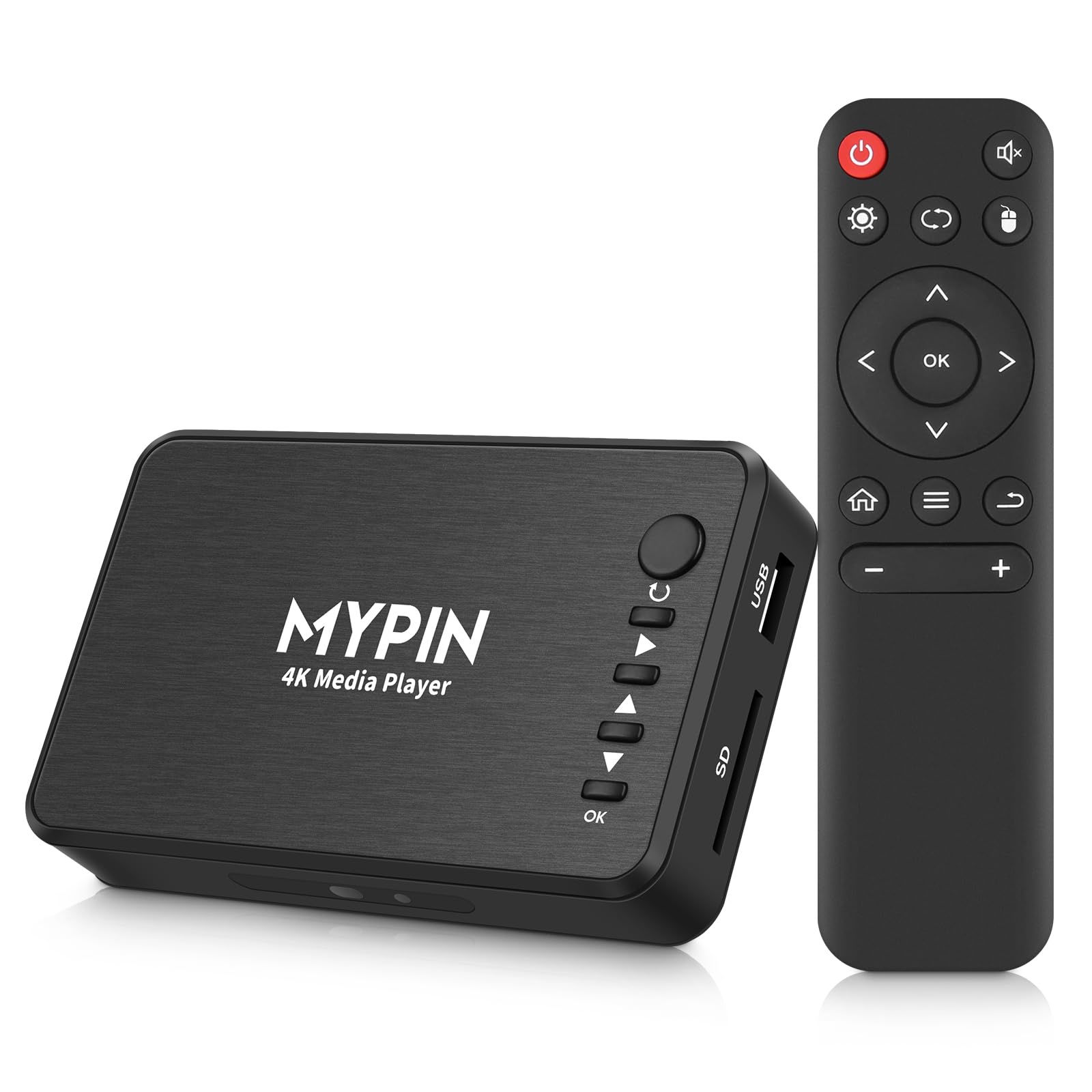
MYPIN
✓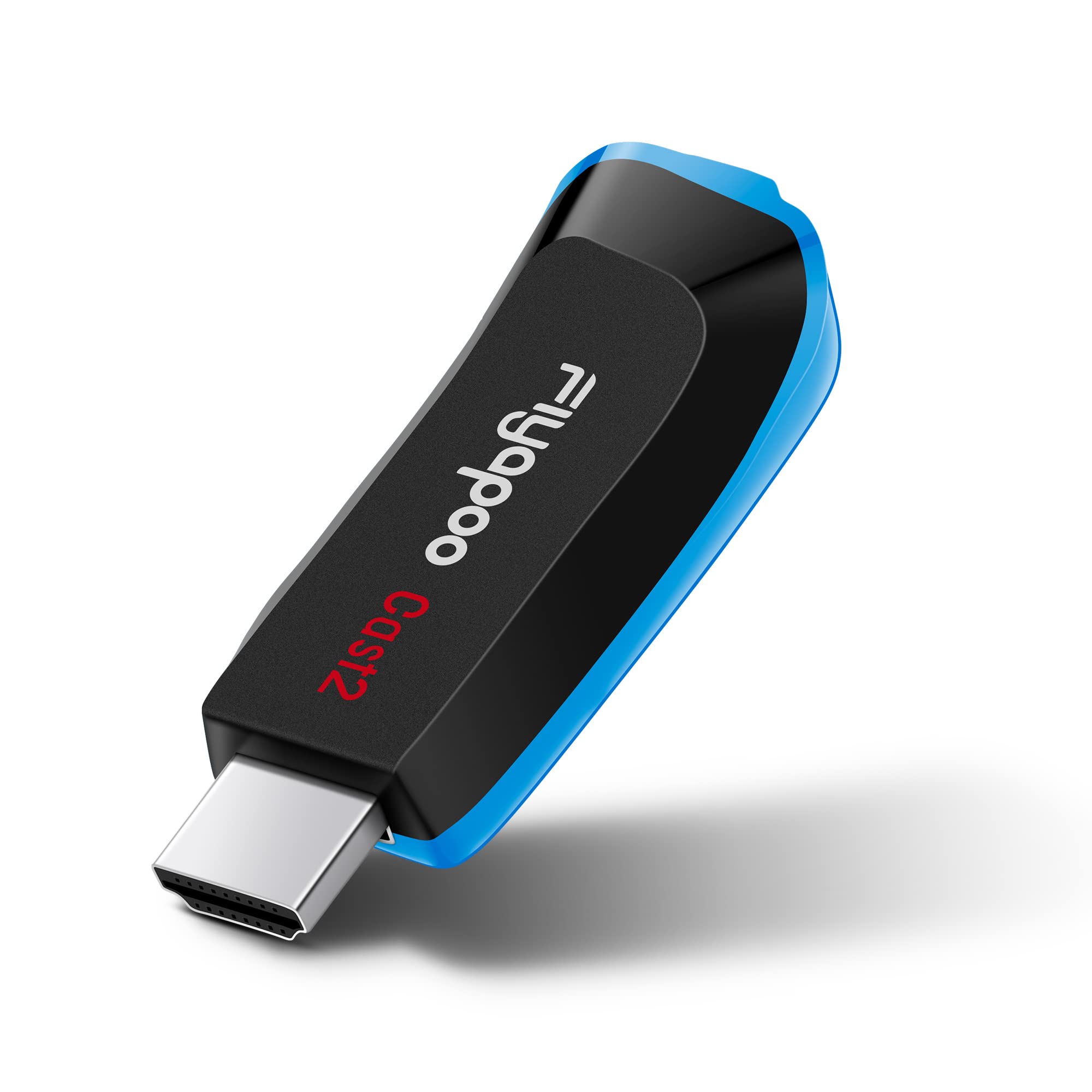
FIYAPOO Miracast, the latest 2020 upgraded!!! Dual-core processor, 4K resolution, all-copper antenna, faster and more stable, better image quality, perfect to meet your entertainment and office needs. Compatible with: * Android 5.0 and above/* IOS9.0 and above * Windows 8.1 and above/* MAC 10.9 and above Features: ✔Support 4k(3840 X 2160) Resolution,Four times clearer than 1080P!! ✔Support multi-screen interactive features like Airpaly/ DLNA / Miracast ! ✔Dual-core Processor, Stable and Faster processing speed!! ✔Lightweight and portable pocket size to carry!! ✔Easily enjoy watching videos or playing your games on bigger screens!! ✔No app or drivers required, Easy to use and install!! ✔Automatic online upgrade!! How to connect: You have to make sure all cords are connected or they will not work. 1. Plug the HDMI connector to the TV (Projector/Monitor) hdmi port. 2. Connect the USB cable to a power adapter(at least 5V 1A) to supply power for the HDMI connector. 3. Then Fiyapoo main page will be displayed, then go to phone "Setting" - "WiFi" , Choose the Fiyapoo dongle network(recognize it according to SSID which is showed on display)via WiFi (Password12345678) Note: *Only Android smartphones support encrypted video such as Netflix, Amazon Prime Video.iOS device do not support. *The power supply must have 5V /1A or better. *If the dongle can't work properly, you can press the Fn button on the side of the dongle to restore the factory settings. Packing included: Wireless Display Dongle X 1 WiFi Cable X 1 HDMI Cable X 1 Manual X 1
Customer reviews
10 Trustpilot reviews total, with 2 shown at a time.
I wrote to Bigamart's customer support and they accompanied the process of reshipping the item until it finally arrived. I felt a genuine effort to solve the problem till it was finally solved.
The package was here in Australia from England in a few days — so quick! Something was missing and they refunded it straight away. Pretty happy with these guys.
You might also like