Hopbucan
✓Electric Scooters
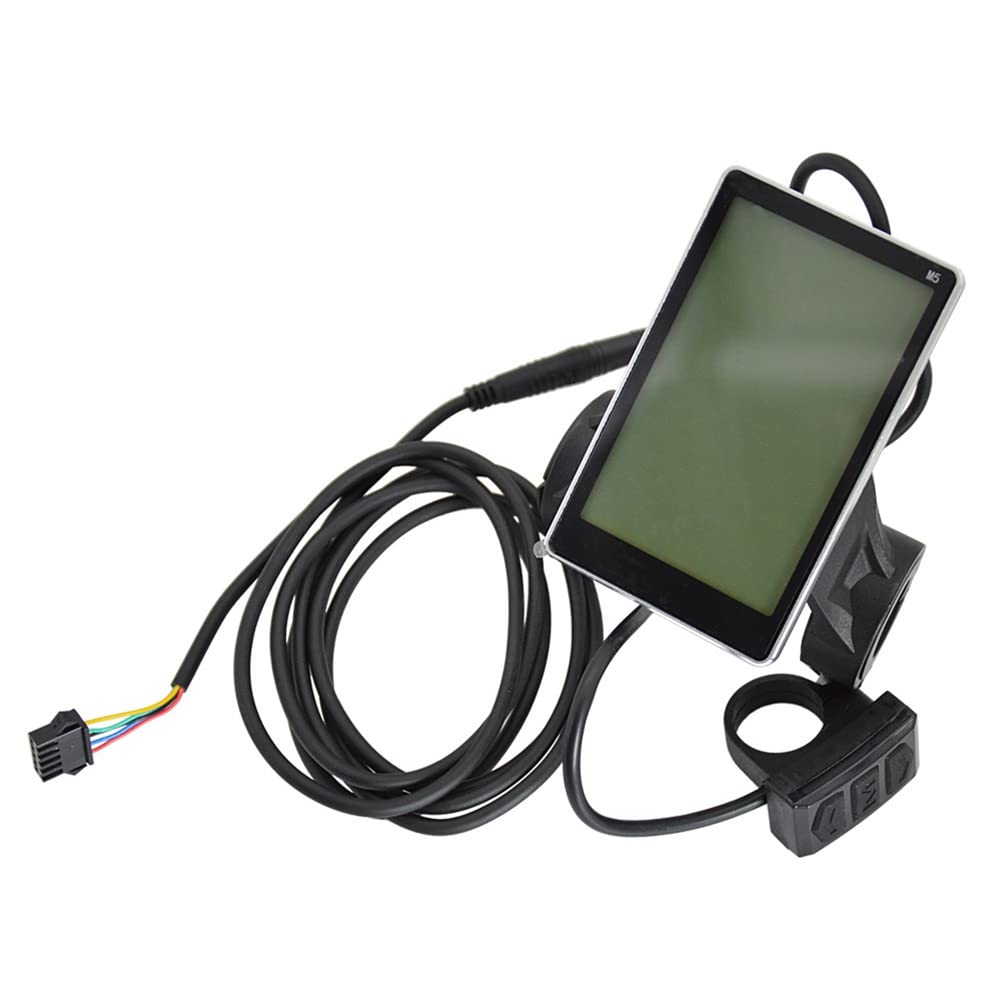
Hopbucan E-Bike Display Electric Bicycle Car Scooter Waterproof 5-Core LCD Display Panel
$111.99
View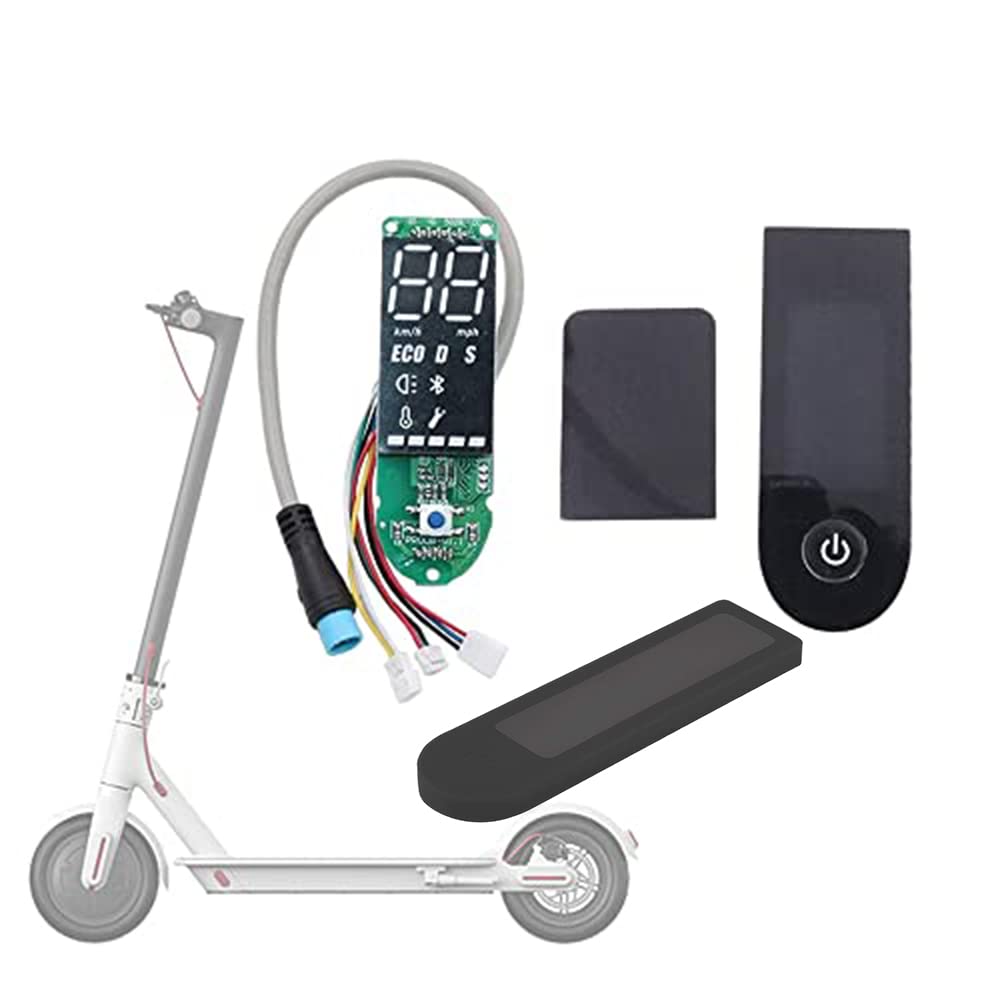
✈Great shopping experience! Brand: FEC tech Manufacturers: FEC tech M365 Common Troubleshooting 1.Please Check whether the original firmware is working: Before disassembling the original instrument panel(original circuit borad of your scocter), please check whether the following hardware is working properly:the battery charging is ok, the instrument panel is working , and riding is normal. If you find that one of it is not working properly, please do not install the instrument panel.and contact the local sales team of Xiaomi to solve the problem first. 2.Keep your Old Board connected,pair with your scooter on phone(make sure you’re in the United States mode),Login Mi Home App - Mi Home App Settings - Check for firmware,updates and make sure the firmware is the latest version (minimum version 1.5.4 or higher) 3.After updated old board firmware,replace the new circuit board. 4.With new board installed, switch your profile to China Mainland and re-pair the scooter but as a Pro version,Then execute the firmware update.Finish. Board Installation a.Take off the stock display covers (both the top and the bottom units). Remove the screw at the bottom of the panel. b. Install the connector.and check the screen lights up and works properly. c.Install the new display in the card slot with double-sided tape. Important Warning: Only the Bluetooth board is damaged, not the main controller is damaged, you can directly replace it. Package List: 1 x 1*Original Dashboard 1*Dashboard Cover 1 *Installation instructions manual. Service Protection Regarding product installation, return, and replacement services, please contact our customer service first! We are committed to solving your problems.
Customer reviews
10 Trustpilot reviews total, with 2 shown at a time.
I wrote to Bigamart's customer support and they accompanied the process of reshipping the item until it finally arrived. I felt a genuine effort to solve the problem till it was finally solved.
The package was here in Australia from England in a few days — so quick! Something was missing and they refunded it straight away. Pretty happy with these guys.
You might also like