Microsoft
⏳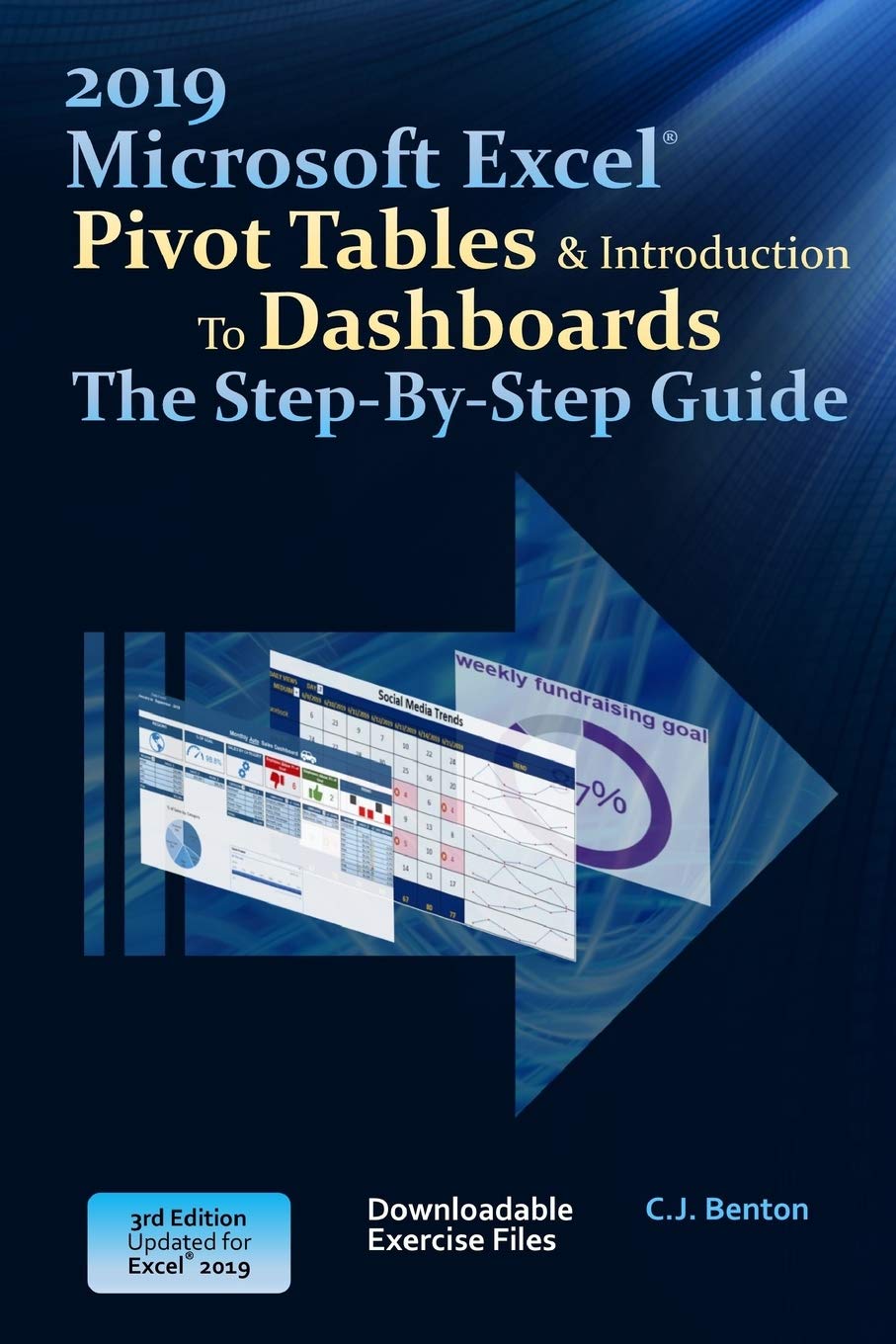
Learn Pivot Tables ~By Example~ - Updated for 2019! With this practical and to-the-point guide on Pivot Tables and basic Dashboards, you'll develop the skills to build and modify reports with step-by-step examples and screenshots including how to: Organize and summarize data Format & filter Pivot Table results Create Pivot Charts Display averages & percentages Group data into predefined ranges Use Slicers, Timelines, and Sparklines Rank results Apply calculated fields Use Power Query to create and combine Pivot Table reports from imported files And more! In addition to the above, you will also learn how to create, format, and update a basic Dashboard using Pivot Table data: Incorporate Pivot Charts, Sparklines, and performance symbols into your reporting Refresh and protect your Pivot Table data A great resource for: Business Analysts Data Analysts Financial Analysts Administrative and Support staff Imagine the time you'll save by not having to search the internet or help files to learn the most practical ways of using one of Microsoft® Excel’s® best features!
Customer reviews
10 Trustpilot reviews total, with 2 shown at a time.
I wrote to Bigamart's customer support and they accompanied the process of reshipping the item until it finally arrived. I felt a genuine effort to solve the problem till it was finally solved.
The package was here in Australia from England in a few days — so quick! Something was missing and they refunded it straight away. Pretty happy with these guys.
You might also like