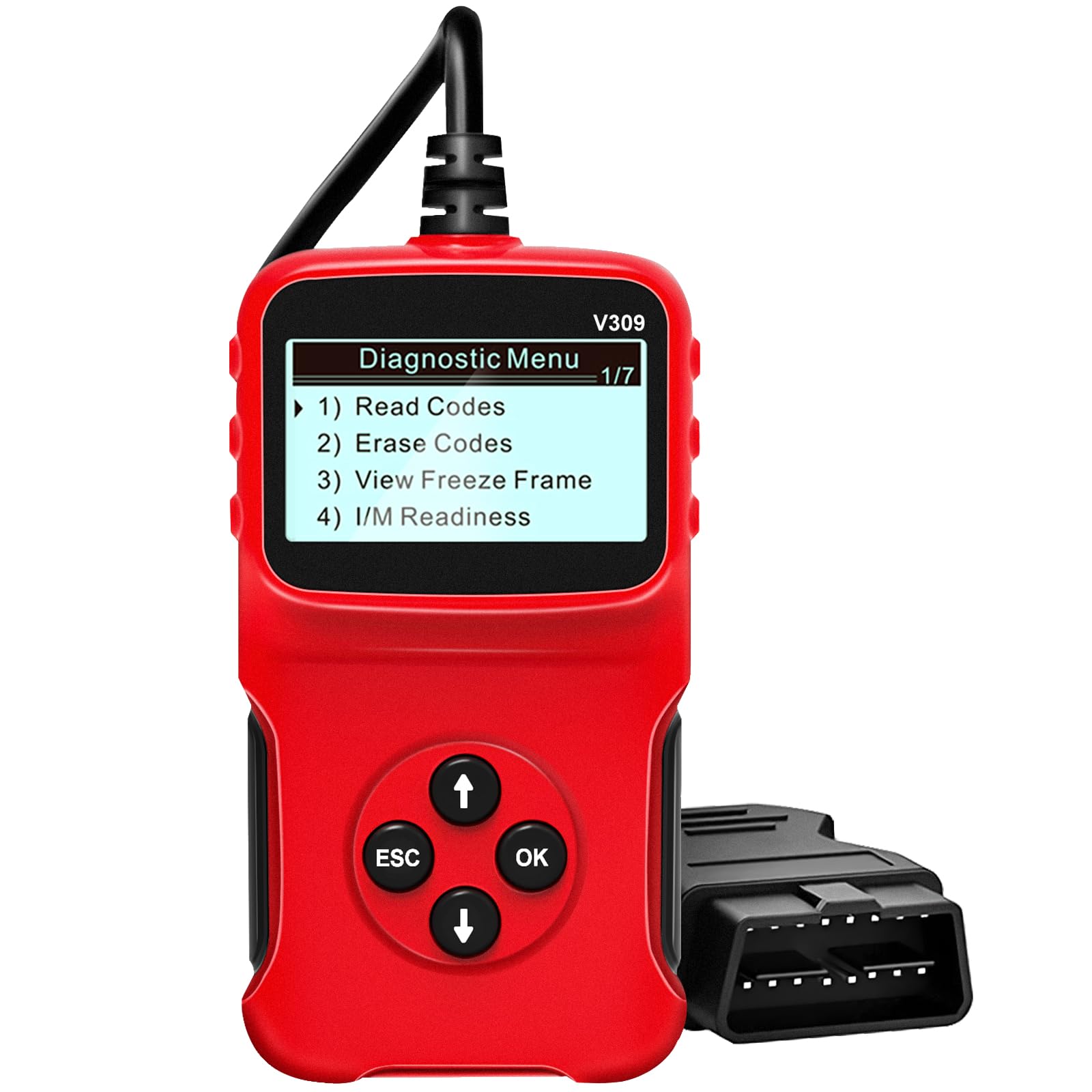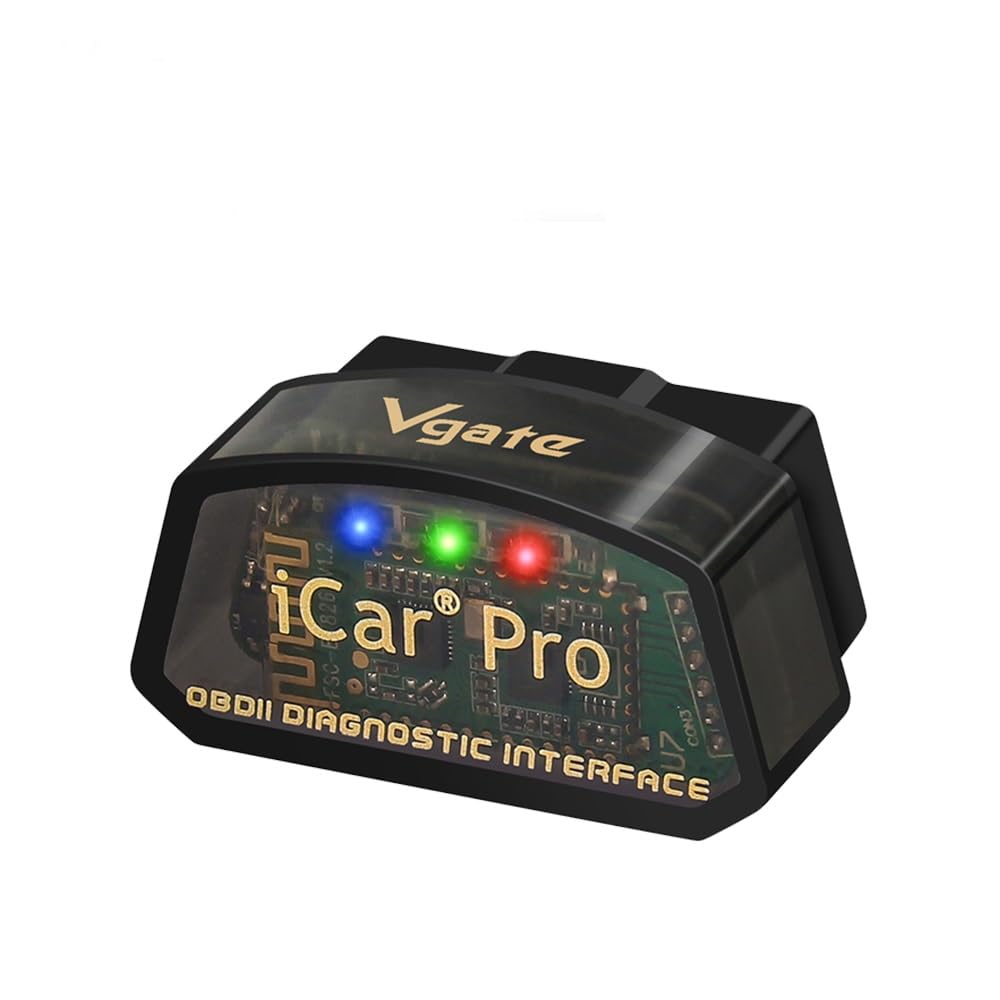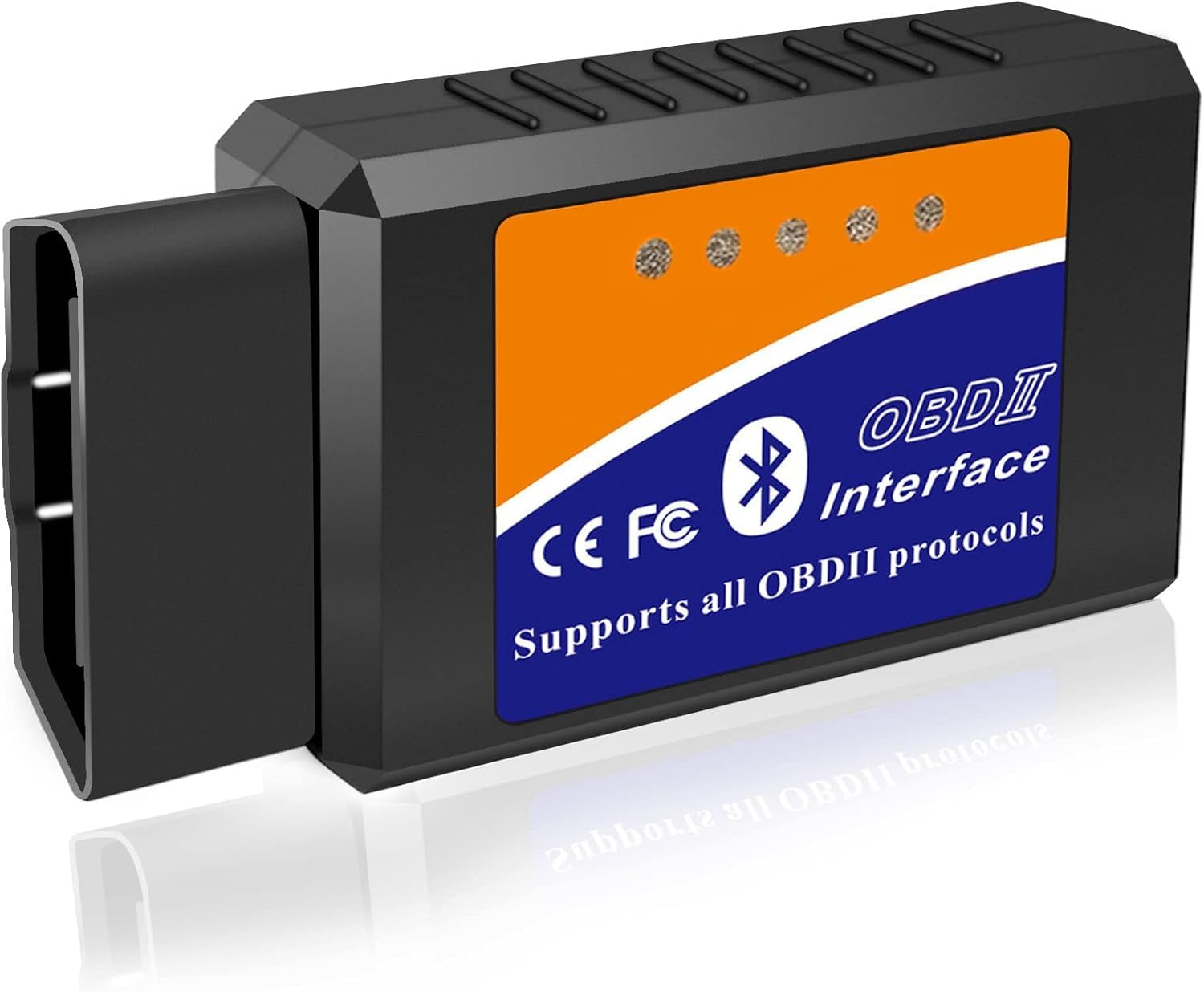
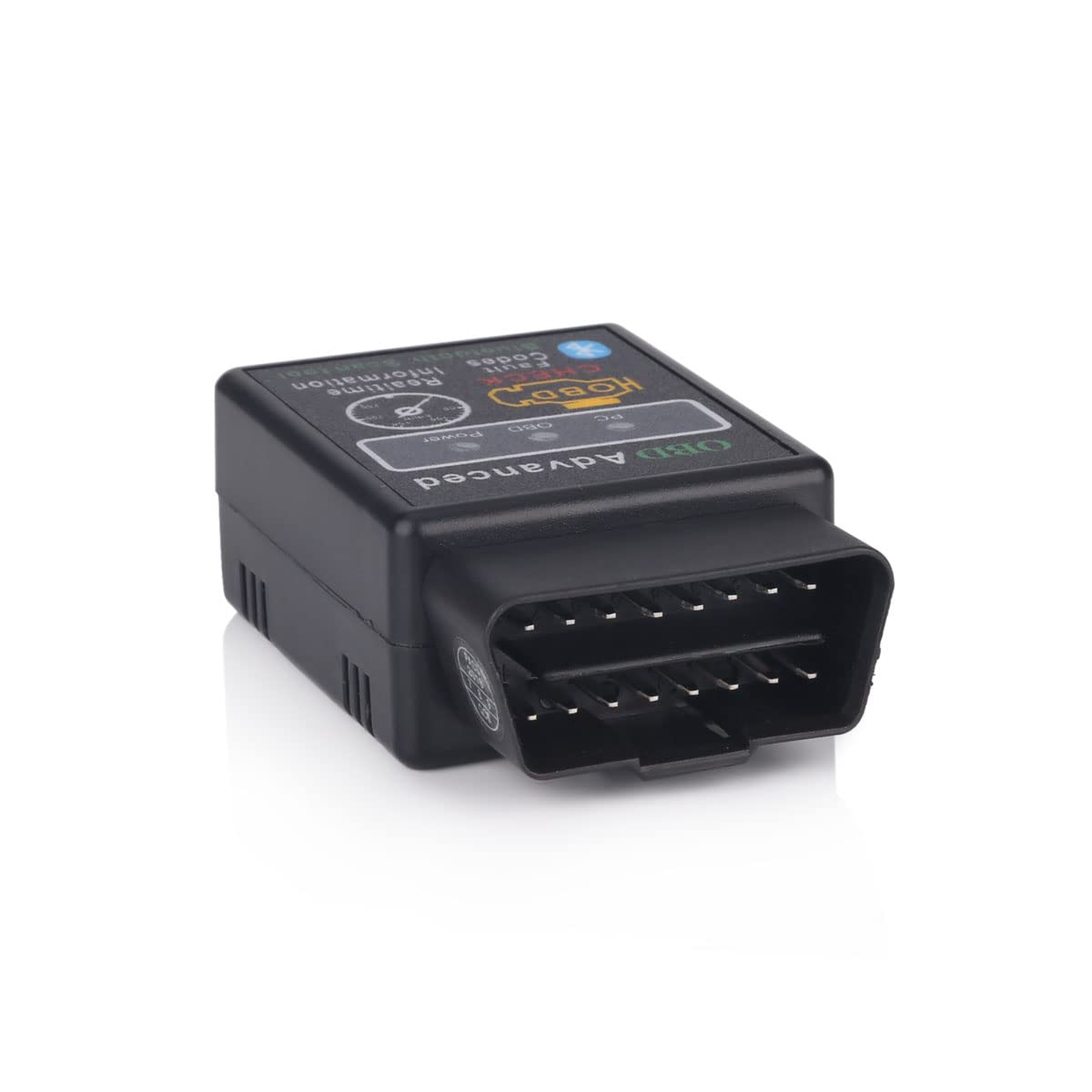

erisin OBD2 Bluetooth Scanner Car Diagnostic Scanner Auto Check Tool for Android Phone
About this item
- 1. This mini car Bluetooth diagnostic scanner works on Android Torque/Mobile/PC with the latest software version V1.5.If you do not have car stereo system in your car, no worries, you can still use your Android mobile phone to connect it.
- 2. This Bluetooth OBDII Reader supports all OBD-II protocols and can retrieve Fault Codes (DTCs) and also clear Check Engine lights. It can actually check the car performance levels and allow you to see vital information about your car LIVE with your Android device! The app download is a free app called "Torque" (Android Only).
- 3. Most of Android car stereos pre-installed the Torque App, then you can use directly after bluetooth connected. If no App there, you can download Torque Pro App from App store or contact us to get download link to run on your Android car stereo.
- 4. To see if your car is OBD II compliant, please follow this simple instruction: Check the Vehicle Emissions Control Information Label which is located under the bonnet or by the radiator of most vehicles. If the vehicle is compliant, the label will designate "OBD II Certified" and will have a 16-Pin OBDII standard socket diagnostic port located in the cab of the car.
- 5. Package Content:1 x Bluetooth Diagnostic Scanner (Shipping Weight Approx. to 50g). No CD include, if you need Torque Pro App/software, please contact us.
Product description
Key Features: Read diagnostic trouble codes, both generic and manufacturer-specific, and display their meaning (over 3000 generic code definitions in the database). Clear trouble codes and turn off the MIL ("Check Engine" light). Display current sensor data, including: Absolute Throttle Position Air Flow Rate Calculated Load Value Coolant Temperature Engine RPM Fuel System Status Fuel Pressure Intake Manifold Pressure Intake Air Temperature Long Term Fuel Trim Short Term Fuel Trim Timing Advance Oxygen sensor voltages/associated short term fuel trims Vehicle Speed Instructions of use: 1. Plug in the OBD scan tool to the diagnostic port on the car 2. Bluetooth Settings must be on the head-unit, please check your device?s instructions on how to do that. (Normally, you just need to click the Torque APK to set it on most of the Android head units.) 3. Download the proper Torque apk like Torque in App store or contact us to get download link. 4. Pair the head unit to the OBDII scanner. When pairing, the password could be either: 0000, 1234, 6666 or 6789 (one of them will work). This tool does not match abs and airbag system. 5. Set your car info to get more details.
Product details
Customer reviews
What customers say about Bigamart
10 Trustpilot reviews total, with 2 shown at a time.
I wrote to Bigamart's customer support and they accompanied the process of reshipping the item until it finally arrived. I felt a genuine effort to solve the problem till it was finally solved.
The package was here in Australia from England in a few days โ so quick! Something was missing and they refunded it straight away. Pretty happy with these guys.
You might also like
Similar items


DZYDZR Most Fibre Optic Loop Bypass Plug and Socket Adapter for Benz Audi Mercedes BMW VW Porsche (2 PCS)
![ThinkDiag Bluetooth Diagnostic Scanner All System for ECU Coding Active Test and 16 Reset Service Functions Remote Check based on App for Android and iOS [ NEW 2020 ]](https://images-na.ssl-images-amazon.com/images/I/71LI+oV+WHL.jpg)
ThinkDiag Bluetooth Diagnostic Scanner All System for ECU Coding Active Test and 16 Reset Service Functions Remote Check based on App for Android and iOS [ NEW 2020 ]

Autel Scanner MaxiIM IM508S with XP200 Key Programmer, 2025 Up of IM508 KM100 Programming Tool, 2-Years Update, Expert & Smart Mode, Bidirectional 3000+ Tests, 40+ Hot Services, OE All Sys Diagnostic