Uxcell
✓Switches & Dimmers
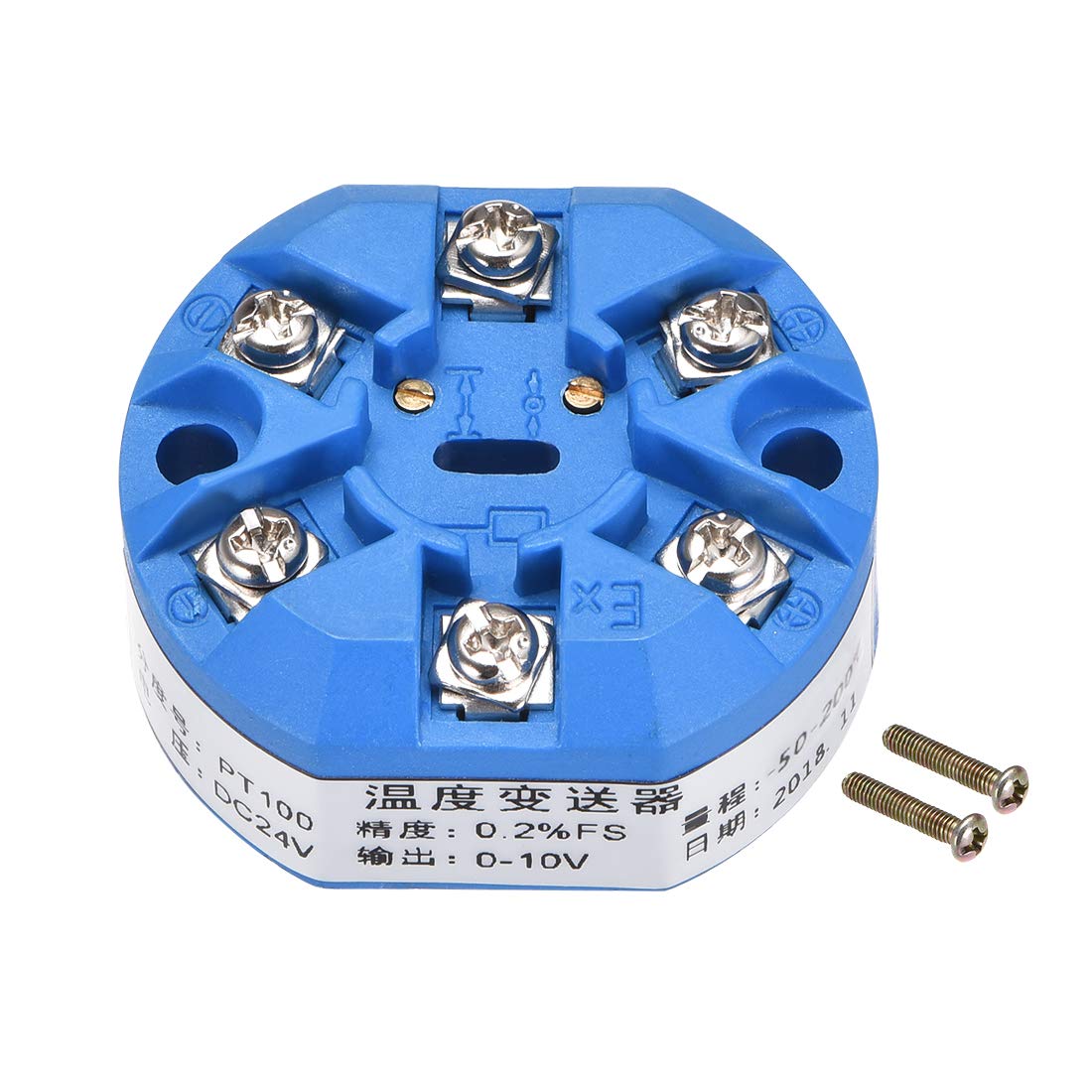
sourcingmap PT100 Temperature Sensor Transmitter 24V DC 0-10V -50℃ to 200℃
★★★★★4.4
$67.99
View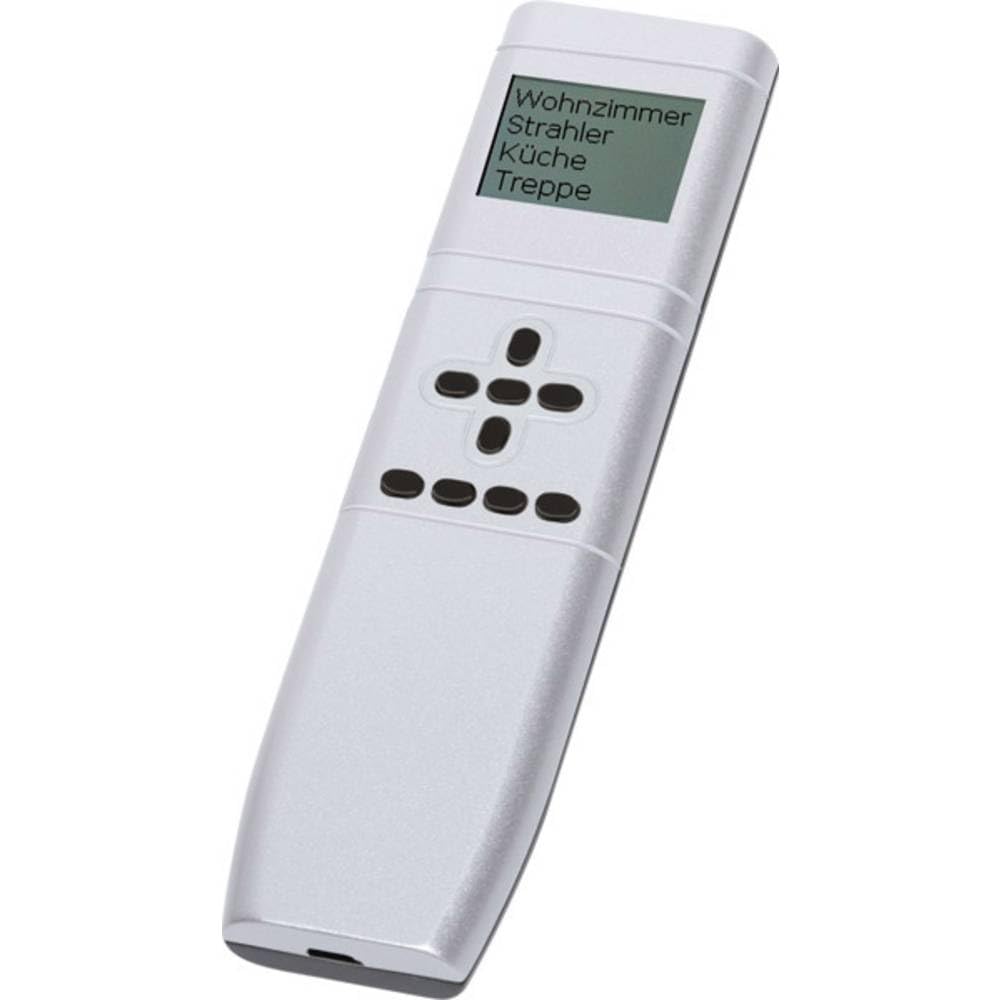
Remote control with display 185 x 50 mm, 17 mm high. Powered by lithium-ion battery, whose voltage monitors and if necessary in the display. The display switches on automatically when the remote control is taken into the hand, as well as when the middle button is pressed in the navigation cross. Display lighting: by simultaneously pressing the buttons arrow at the top and arrow at the bottom, the backlight of the display can be activated or deactivated. 50 channels can be assigned individually and also marked with text. Each channel can send 4 evaluable radio telegrams to the Eltako building radio. If no entry has been made, there is no entry into the display. The input is done with the 5 buttons of the navigation cross: top, bottom, right, left and the middle (OK). First, by simultaneously pressing the buttons on the left and right the desired language is selected, with German, English, French, espanol and Italiano available. After confirming with OK, max. The time is between 10 and 90 seconds (factory setting 20 seconds), after which the display switches to sleep mode after the last button operation to save energy. Create, modify, move and delete entries according to instructions. All entries are learned with radio telegrams in the corresponding actuators. In addition, the four function buttons can be assigned directly under the navigation cross. CONFIGURATE FFD with PC: When the FFD is connected to a USB cable with a PC, the connection appears in the display and a battery icon indicates the charging process. When connected to the PCT14 tool, USB connection appears in the display. The PCT14 tool allows you to read, configure and transfer data to the FFD.
Customer reviews
10 Trustpilot reviews total, with 2 shown at a time.
I wrote to Bigamart's customer support and they accompanied the process of reshipping the item until it finally arrived. I felt a genuine effort to solve the problem till it was finally solved.
The package was here in Australia from England in a few days — so quick! Something was missing and they refunded it straight away. Pretty happy with these guys.
You might also like