WYNGS
✓Tablet Accessories
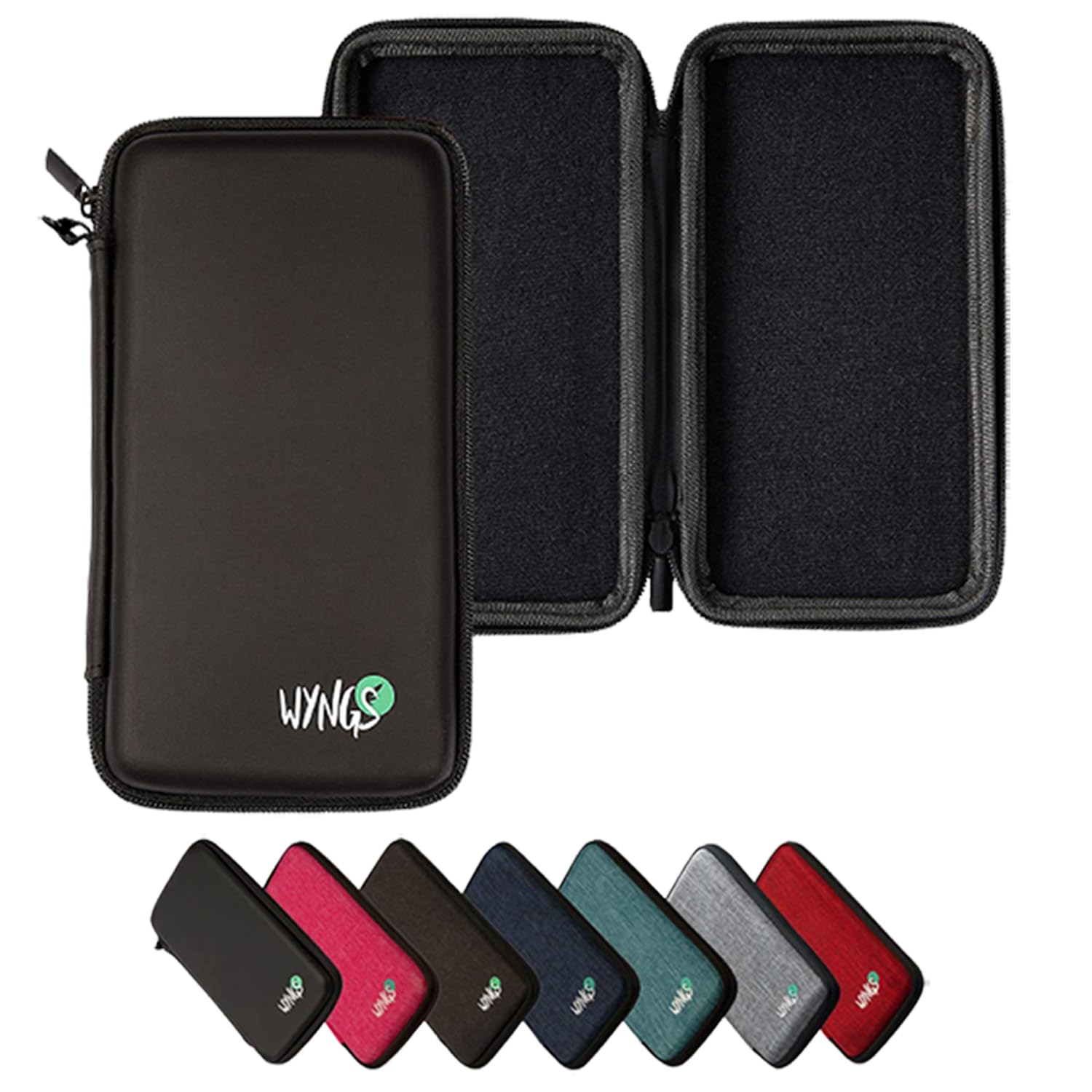
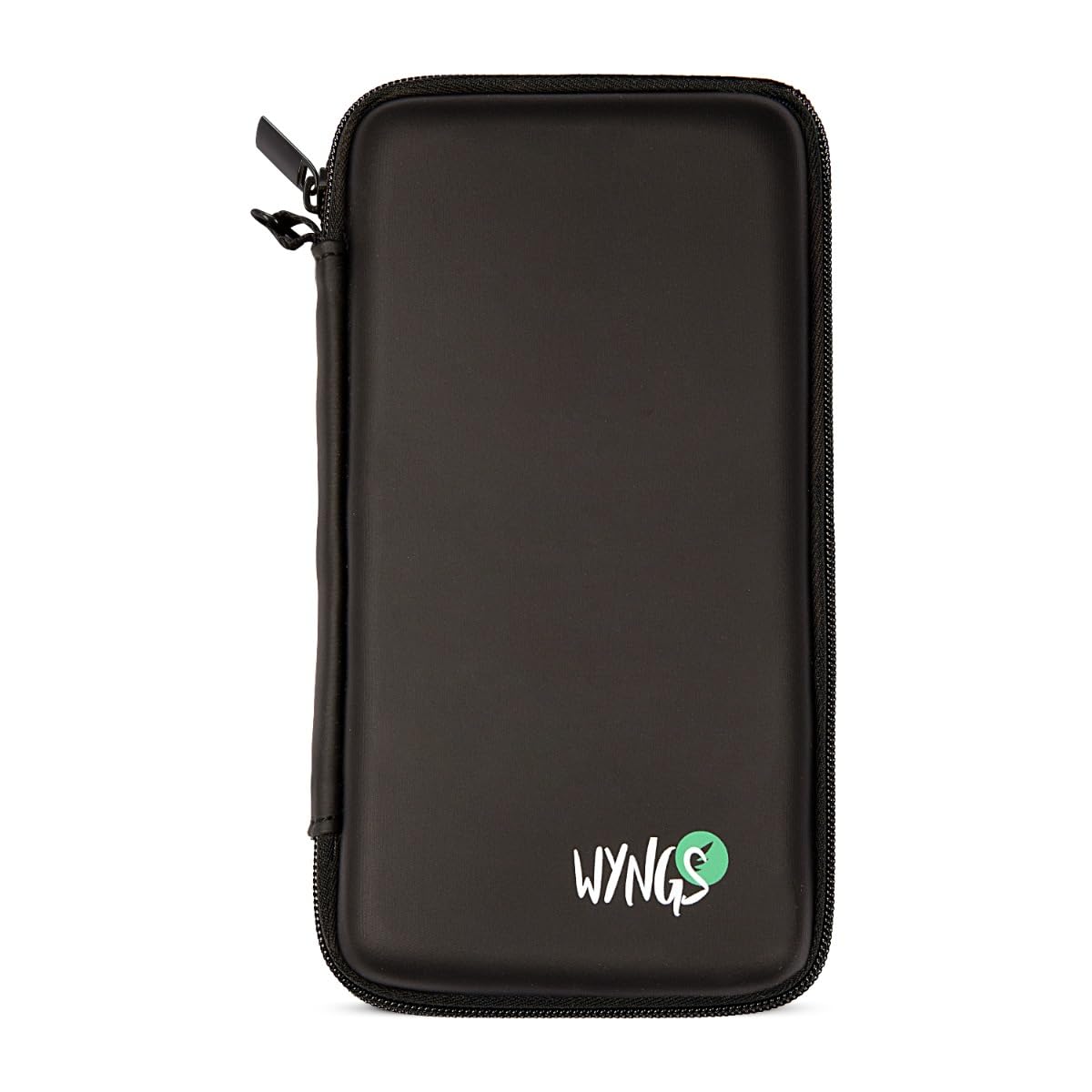
WYNGS Protective Case Black compatible with Calculator Casio Classpad II (fx-CP400)
★★★★★4.4
$54.99
View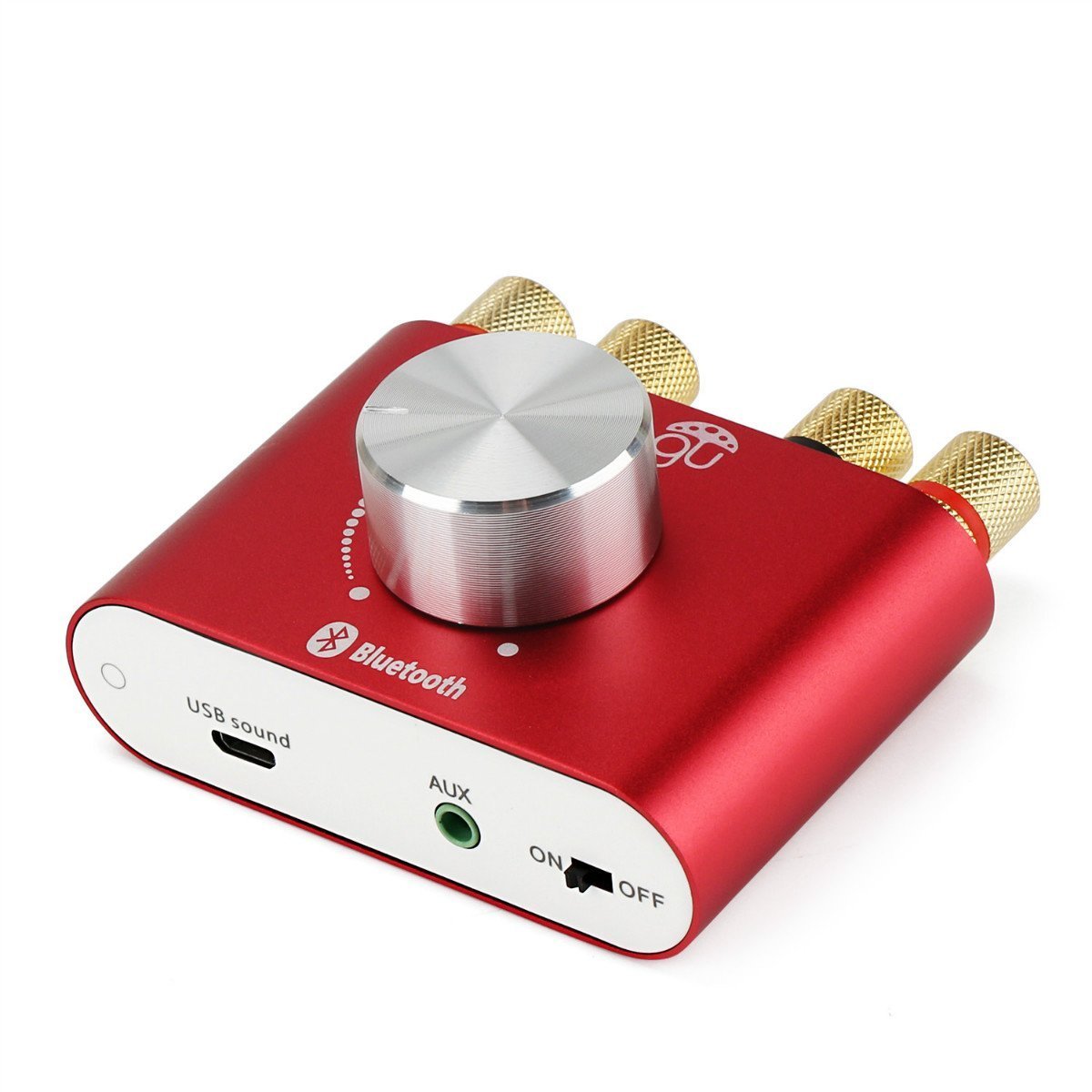
Product description: Amplifier type: AV amplifier Channel: 2 channel Weight: 0.154kg Resistance: 4ohm Dimension: 78*70*38cm Input voltage: 12V-24V Input current: at least 2.5A Bluetooth connecting distance: within 10 meter Bluetooth standard: Bluetooth 3.0+EDR Headset power: 105mW*2 Speaker output power: 30W*2 Power input: DC 12V-24V 3A--4A How to use: 1.Power on the amplifier 2.Use smart phone/notebook product with Bluetooth function 3.Searching "F900 Music Play" Bluetooth, click connecting, if hint PIN pls enter 0000, after connecting then can play wireless music 4.Bluetooth indicator condition, blue light twinkle, means Bluetooth not connect, if indicator light for long period then twinkle means connect succeed Note: 1.Bluetooth not connect succeed: power off it and restart again 2.Amplifier no sound: check whether volume normal, confirm insert DC 12V-24V power 3.Aux audio input no sound: only can use 3.5mm audio signal cable 4. PC cannot connect the Bluetooth with this amplifier, need to download the bluetooth driver then connect Bluetooth device, click>> Control Panel, find the "Sound" option, setting Bluetooth as the default device. Package includes: 1x Bluetooth amplifier 1x Audio signal cable 1x AV audio signal cable 1x Power Adapter
Customer reviews
10 Trustpilot reviews total, with 2 shown at a time.
I wrote to Bigamart's customer support and they accompanied the process of reshipping the item until it finally arrived. I felt a genuine effort to solve the problem till it was finally solved.
The package was here in Australia from England in a few days — so quick! Something was missing and they refunded it straight away. Pretty happy with these guys.
You might also like