๐ŸŒ Worldwide shipping ยท 30-day returns ยท Rated Excellent on Trustpilot โ˜…โ˜…โ˜…โ˜…ยฝ
Price
$80.53
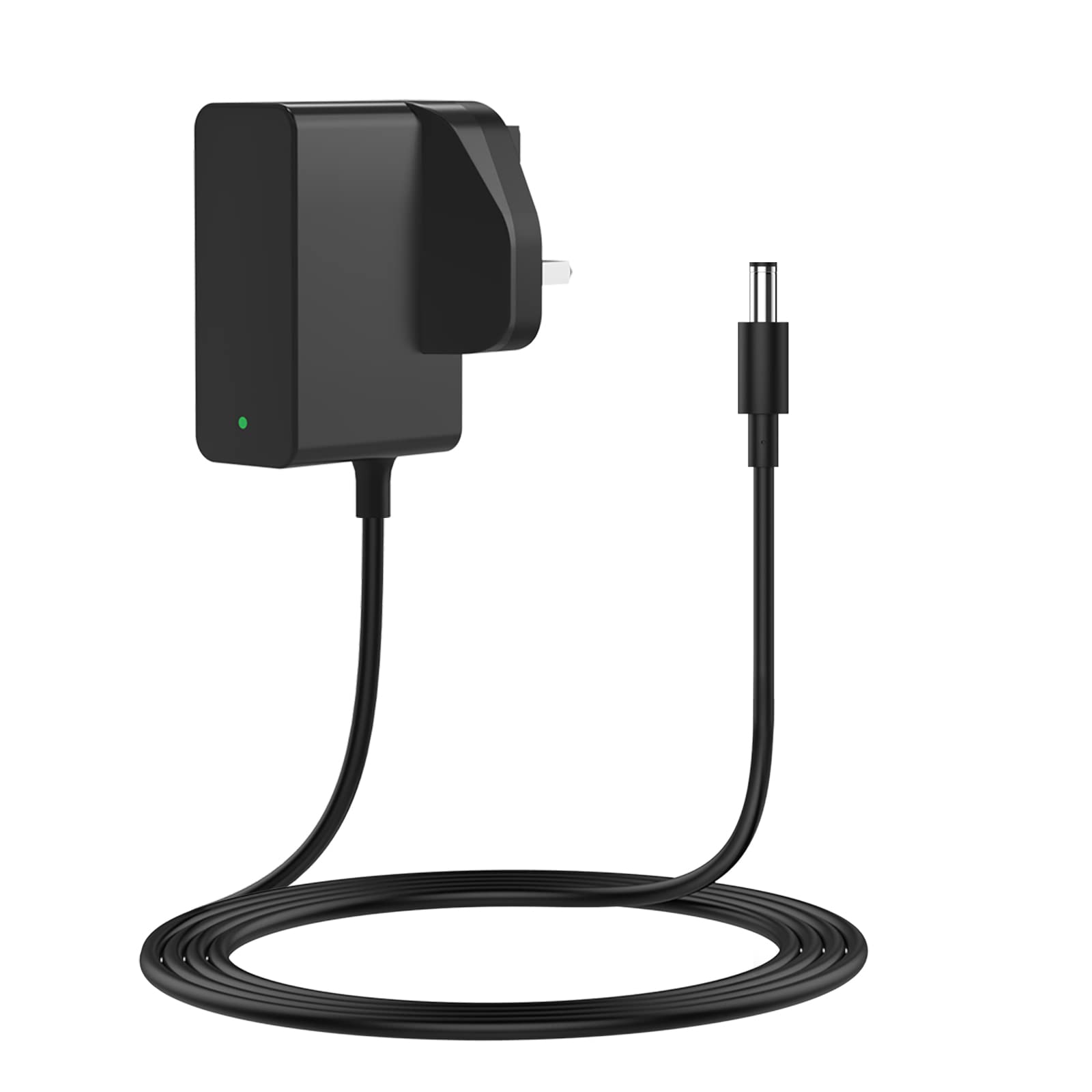
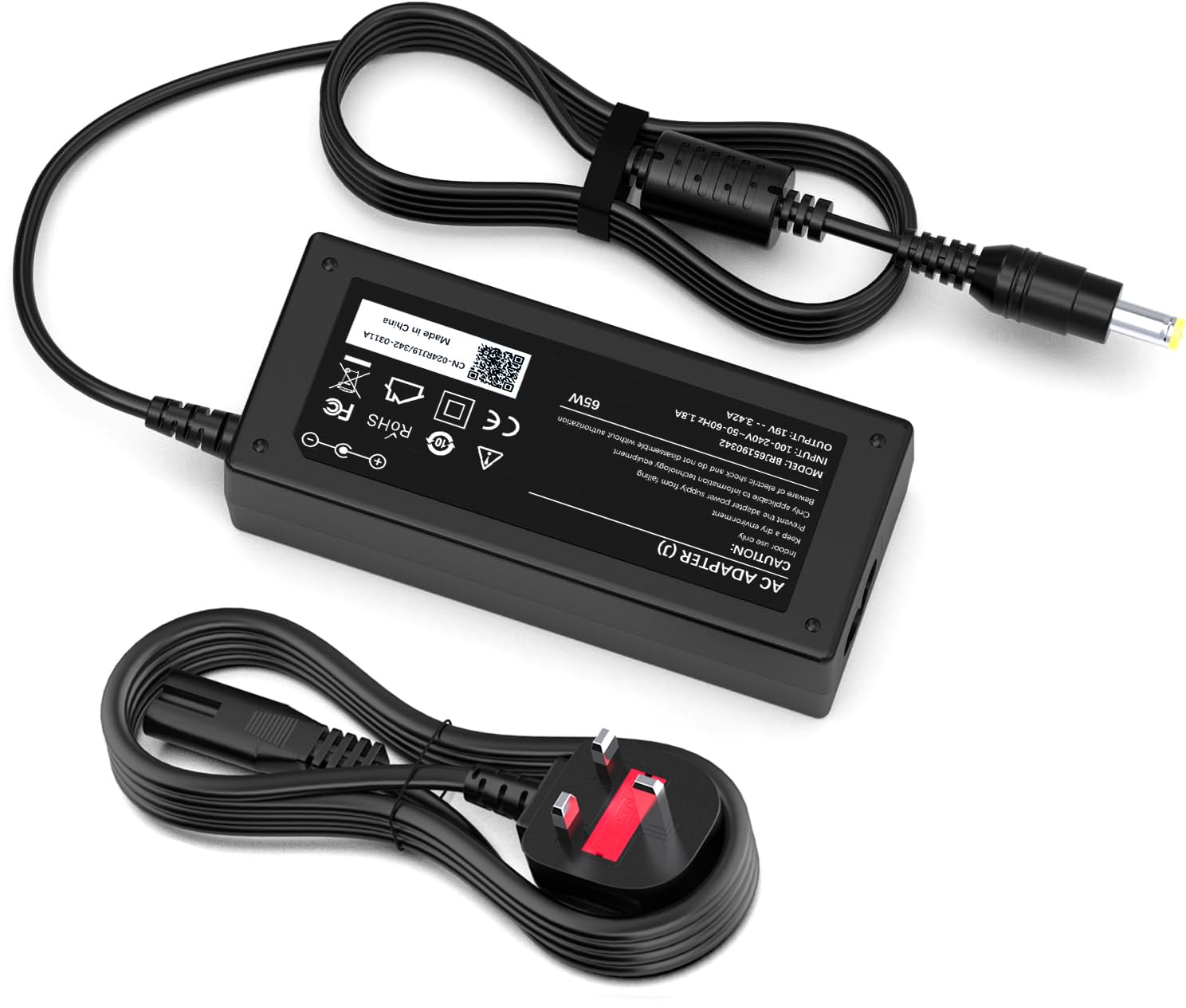
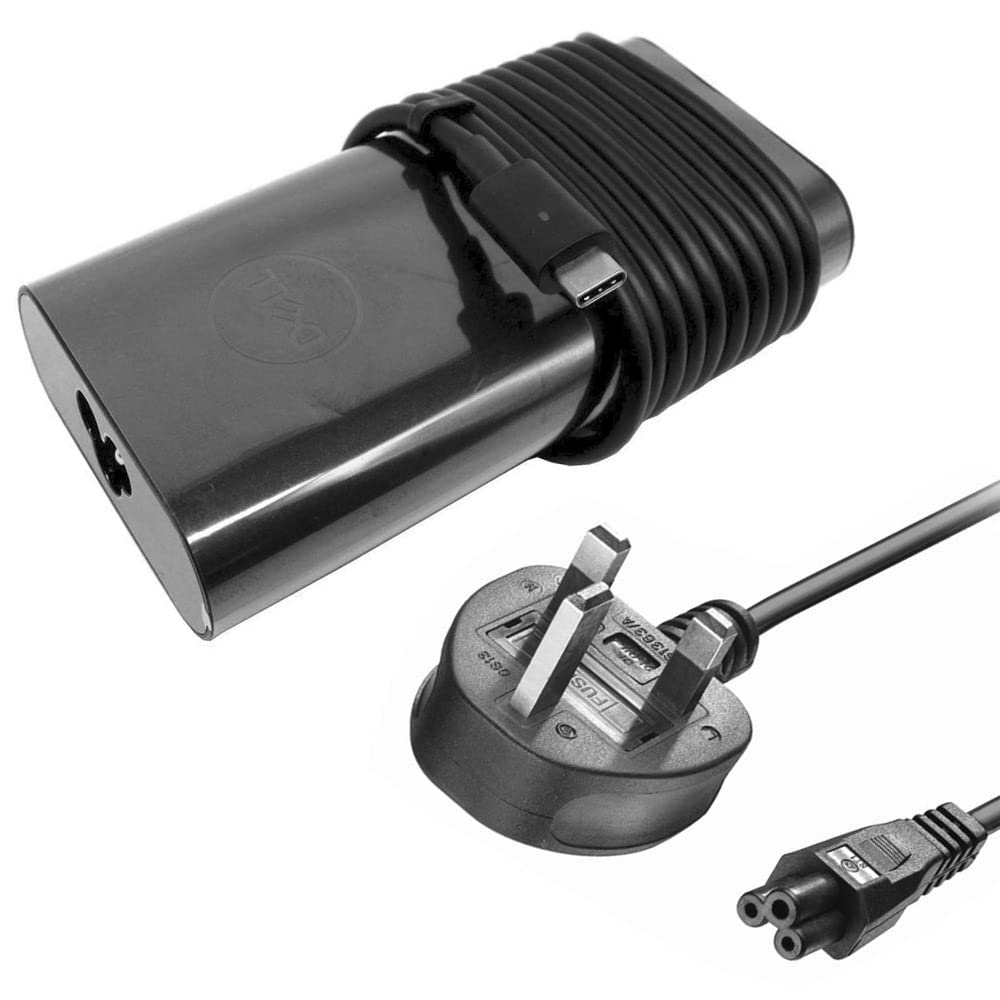
Dell 130W USB Type C AC Adapter XPS 15 2-in-1 9575, Compatible with P/N: 0K00F5, K00F5 - Sold By Wikiparts โ€” image 1
Power SuppliesDellโœ“ In stock

Dell 130W USB Type C AC Adapter XPS 15 2-in-1 9575, Compatible with P/N: 0K00F5, K00F5 - Sold By Wikiparts

โ˜…โ˜…โ˜…โ˜…โ˜…
$80.53
Worldwide shipping
Fast tracked delivery
30-day returns
Hassle-free returns
Secure checkout
Safe & protected
Great service
Thousands of happy customers
About this item
  • Brand New Original Genuine DELL 130W USB-C Type Adapters Available for Use with Listed DELL Laptop Models That Uses USB-C Type Charger
  • Technical Specification: 20V 6.5A 130W Charger with USB-C TYPE Pin; Please Note - If The Adapter is Not Recognized by Laptop, Switch on your laptop and press F2 key to enter into BIOS settings. After entering into BIOS settings page, go to "Advanced" tab and move down to "Adapter Warnings" option. Press Enter key to change its value and select "Disabled" option from the list.
  • Free UK Power cord Included with Every Adapter. Includes 1 Year Warranty (Only Eligible for Products Sold by Wikiparts)
  • Tested, safely packaged, guaranteed to be in stock and will be dispatched in a Secured packaging. Please note all our Dell chargers stock are sourced from Dell registered partner and as we buy in bulk we do not get them in the Retail Packaging. Please check the packaging pictures prior to purchase.
  • Please do not buy adapters based on part numbers as similar adapter part numbers can come in different pin sizes. We May Send 100% Compatible Part Number If an Exact Part Number is Not Available in Stock. To avoid buying the wrong charger, please check the product images and specification carefully. Please email us In case of any doubt.
Product description

Dell Original 130W AC Adapter USB Type-C Charger which offers fast, efficient charging at home, in the office, or on the go. This 130W charger is compatible with Listed Models Only. Please Note - If The Adapter Is Not Recognized by Laptop, Switch on your laptop and press F2 key to enter into BIOS settings. After entering into BIOS settings page, go to "Advanced" tab and move down to "Adapter Warnings" option. Press Enter key to change its value and select "Disabled" option from the list.

Product details
Brand
Dell
Manufacturer
Dell

Customer reviews

What customers say about Bigamart

10 Trustpilot reviews total, with 2 shown at a time.

Trustpilot
โ˜…โ˜…โ˜…โ˜…โ˜…
Excellent
4.5 average rating
See all reviews โ†’
S
Sigalit
๐Ÿ‡ฎ๐Ÿ‡ฑ ยท January 2026
โ˜…โ˜…โ˜…โ˜…โ˜…

I wrote to Bigamart's customer support and they accompanied the process of reshipping the item until it finally arrived. I felt a genuine effort to solve the problem till it was finally solved.

V
Verified buyer
๐Ÿ‡ฆ๐Ÿ‡บ ยท November 2025
โ˜…โ˜…โ˜…โ˜…โ˜…

The package was here in Australia from England in a few days โ€” so quick! Something was missing and they refunded it straight away. Pretty happy with these guys.

Showing 1โ€“2 of 10 reviews

You might also like

Similar items

View all โ†’