ZTC
✓Internal Solid State Drives
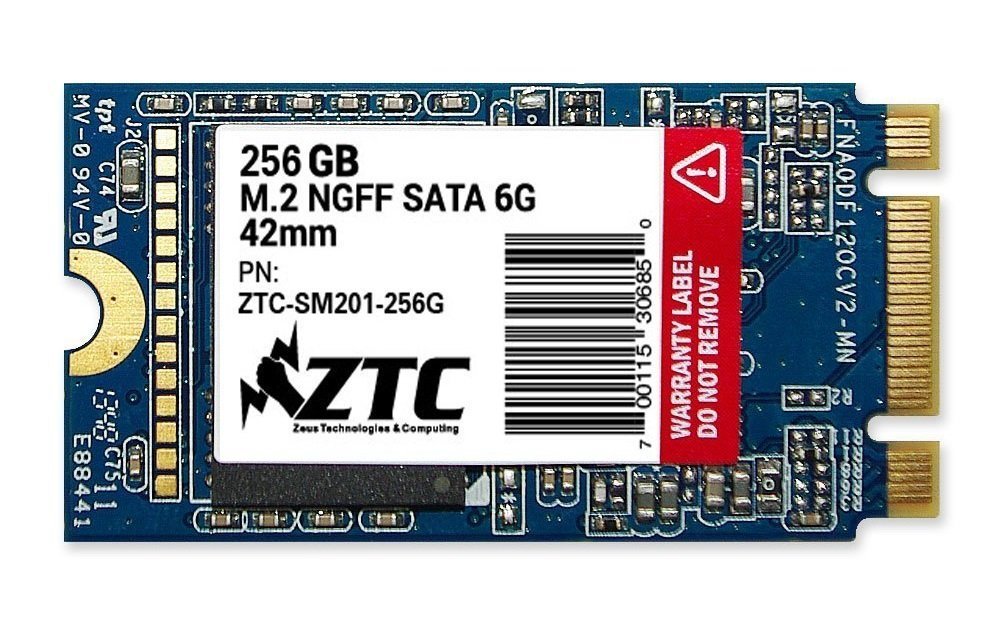
ZTC Armor 42Mm M.2 Ngff 6G Solid State Ssd Disk (256Gb)
★★★★★4.2
$151.99
View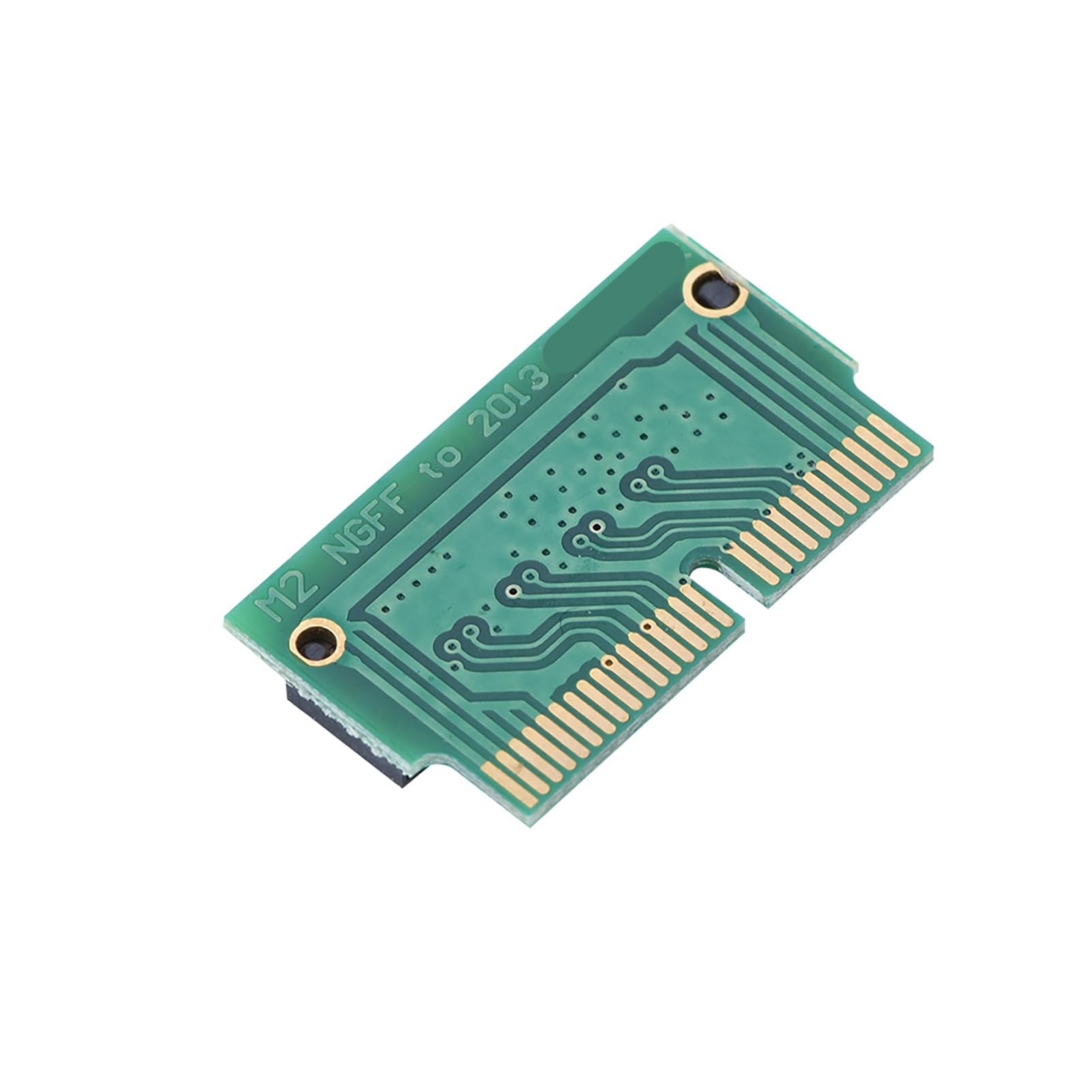
Description: This type of adapter card is suitable for convert the 2280 (22mm wide, 80mm long) specifications of the PCIe x4 M. 2 NGFF (Must be AHCI and NVME protocols, some models do not support PCIE X4 NVME transport protocol) into a 2013, 2014, 2015, 2016, 2017 edition of version AIR A1465 A1466 and 2014, 2015 2013 editions of the for Pro A1398 A1502 laptop with SSDS, convenient to use! Compatibility With: 1. For 2013 version Pro retina A1398 A1502 (ME864 ME865 ME866 ME293 ME294) 2. For 2014 version Pro retina A1502 A1398 (MGX72 MGX82 MGX92 MGXA2 MGXC2) 3. For 2015 version Pro retina A1502 A1398(MF839 MF840 MF841 MJLQ2 MJLT2) 4. For 2013-2014 version Air A1465 A1466(MD711 MD712 MD760 MD761) 5. For 2015 version Air A1465 A1466(MJVM2 MJVP2 MJVE2 MJVG2) 6. For Pro ME253 MD878,iMAC A1419(Late 2013 and newer) Specifications: Type: Adapter Card Material: PCB Color: Green Size: Approx. 22 * 13 mm / 0.9 * 0.5 inch Weight: 0.5g Package Include: 1 x Adapter Card Note: 1. This is an alternative product,It is different with your original hard disk. In addition, please turn off the sleep function of the system after installing the operating system. 2. Use other hard disk replacement after the 2013 version of the original IOS hard drive, the system that wakes up after sleep will crash, you need to restart the computer to normal use. So recommend after you installed system, shut down the system sleep function!
Customer reviews
10 Trustpilot reviews total, with 2 shown at a time.
I wrote to Bigamart's customer support and they accompanied the process of reshipping the item until it finally arrived. I felt a genuine effort to solve the problem till it was finally solved.
The package was here in Australia from England in a few days — so quick! Something was missing and they refunded it straight away. Pretty happy with these guys.
You might also like