Opaltool
✓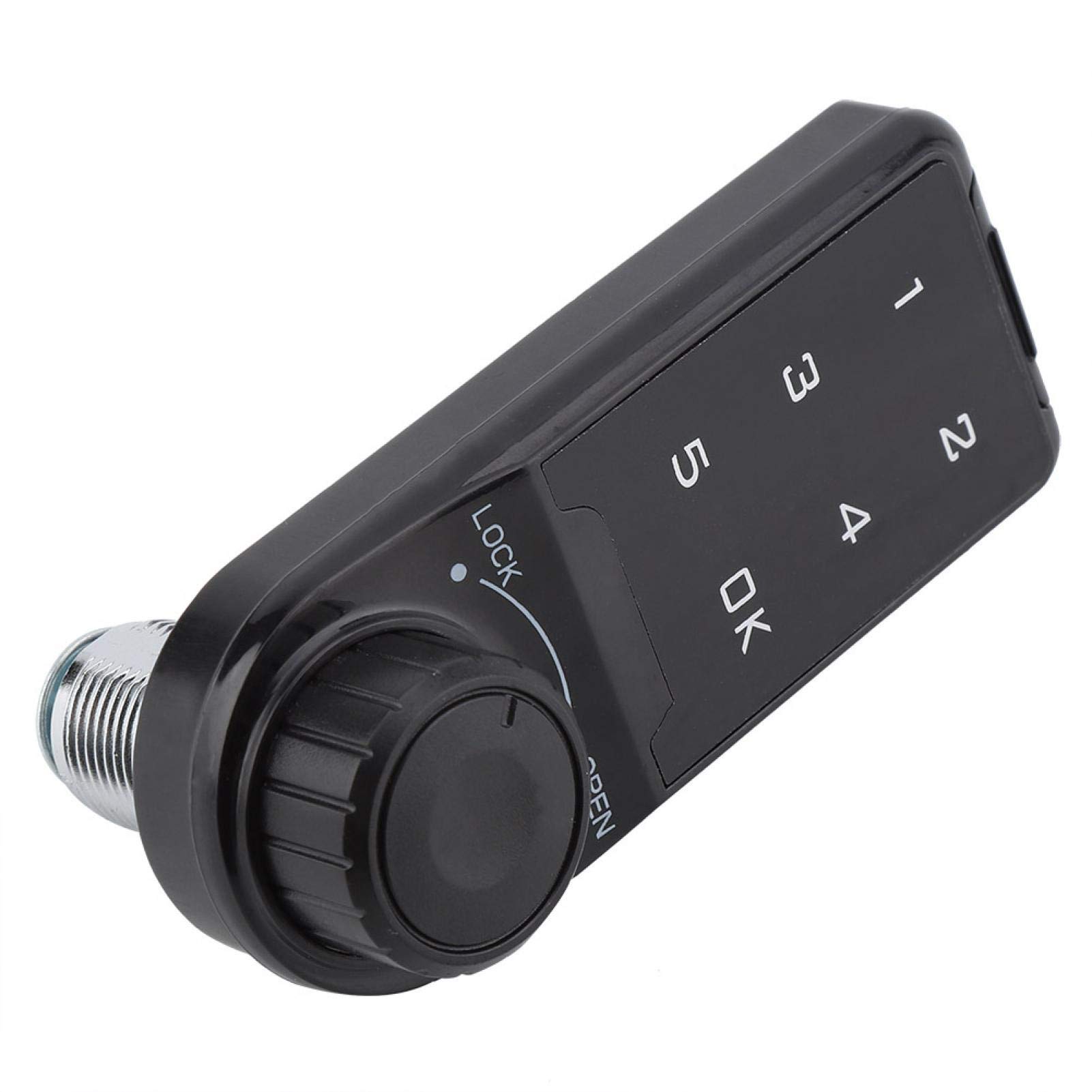
Description Specification: Material: ABS Maximum installation thickness: L = 20mm, L = 30mm (Optional) Battery: 3V button battery (CR2032) (Not included) Size: 95 x 35 x 15 mm / 3.74 x 1.38 x 0.60 inch (appr.) Package List: 1 x Code Security Lock 1 x Mounting panel 1 x Mounting nut 1 x Mounting screws 1 x Manual Instructions: Enable public mode 1. Enter the correct management password "****+OK" key, the buzzer "di..." a long beep, the unlocking light is always on. 2. Press the OK button again for more than 2 seconds, the lock flashes, press the OK button again. 3. Enter the numbers "4, 4" and press the "OK" button, "di .." a long beep. Set temporary password 1. Press the OK button, the unlock indicator flashes. 2. Enter the 4~15 password to be set. 3. Press the OK button, the buzzer will beep for a long time, and the lock will be opened and stored. The temporary password is set successfully. After entering the standby state, the light of the electronic lock will flash every 3 seconds. *The temporary password can only be used effectively once, and it will automatically become invalid after use. Turn off public mode 1. Enter the correct management password "+OK" key buzzer "di..." a long beep, the unlocking light is always on. 2. Press the "OK" button again for more than 2 seconds, the lock flashes, press the OK button again. 3. Enter the numbers "4, 3" and press the "OK" button, a long beep "di...".
Customer reviews
10 Trustpilot reviews total, with 2 shown at a time.
I wrote to Bigamart's customer support and they accompanied the process of reshipping the item until it finally arrived. I felt a genuine effort to solve the problem till it was finally solved.
The package was here in Australia from England in a few days — so quick! Something was missing and they refunded it straight away. Pretty happy with these guys.
You might also like