![[9inch] ATOTO A6 PF A6G209PF Double-DIN Android Car Stereo, Wireless CarPlay & Android Auto, IPS Display, Dual Bluetooth, HD Rearview with LRV, 2G+32G](https://images-na.ssl-images-amazon.com/images/I/61LcQunOe2L.jpg)
ATOTO
✓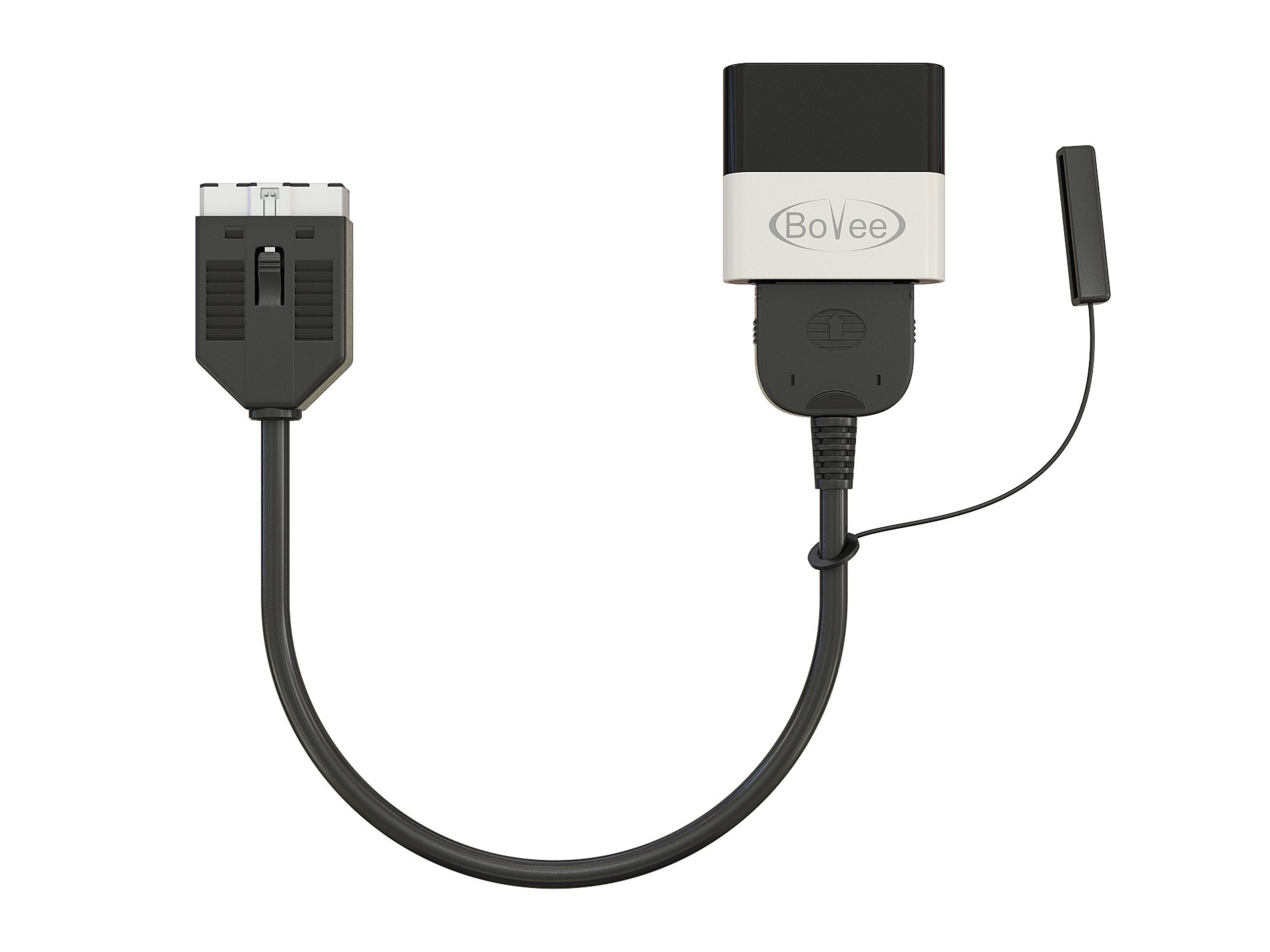
The Bovee 1000 is a plug-and-play Bluetooth music adapter for original or factory-fitted 30-pin iPod kits as well as aftermarket iPod integration. Instead of manually plugging in the iPod every time you enter the car, connect this device to the 30-pin iPod connector instead. The device is then permanently connected to the original iPod cable in the car. Once paired with your phone, every time you re-enter the vehicle, the Bluetooth connection is automatically established, meaning your entire music library on your car's iPod interface is instantly accessible without taking the phone out of your pocket and having to plug it into the cable manually. Please note: The device works with most cars that have a 30-pin iPod integration kit. The easiest way to know for sure is to plug an iPod into your 30-pin cable. If it works, one of our devices can usually add Bluetooth functionality to your iPod integration. Steering wheel controls and library support supported for Apple devices only. Music streaming is compatible with all Bluetooth-enabled smartphones. Disclaimer: Due to variations in the entertainment systems of different car models and production years, compatibility cannot be d. How to fix: 1. Unplug the device from your car's iPod integration. 2. Delete forget the device from iPhone after the phone is connected to the device, then turn off the phone's Bluetooth. 3. Restart the phone; do not turn on the phone's Bluetooth when rebooting. 4. Plug the device back in and wait for the blue light to flash.
Customer reviews
10 Trustpilot reviews total, with 2 shown at a time.
I wrote to Bigamart's customer support and they accompanied the process of reshipping the item until it finally arrived. I felt a genuine effort to solve the problem till it was finally solved.
The package was here in Australia from England in a few days — so quick! Something was missing and they refunded it straight away. Pretty happy with these guys.
You might also like