Insta360
✓Selfie Sticks
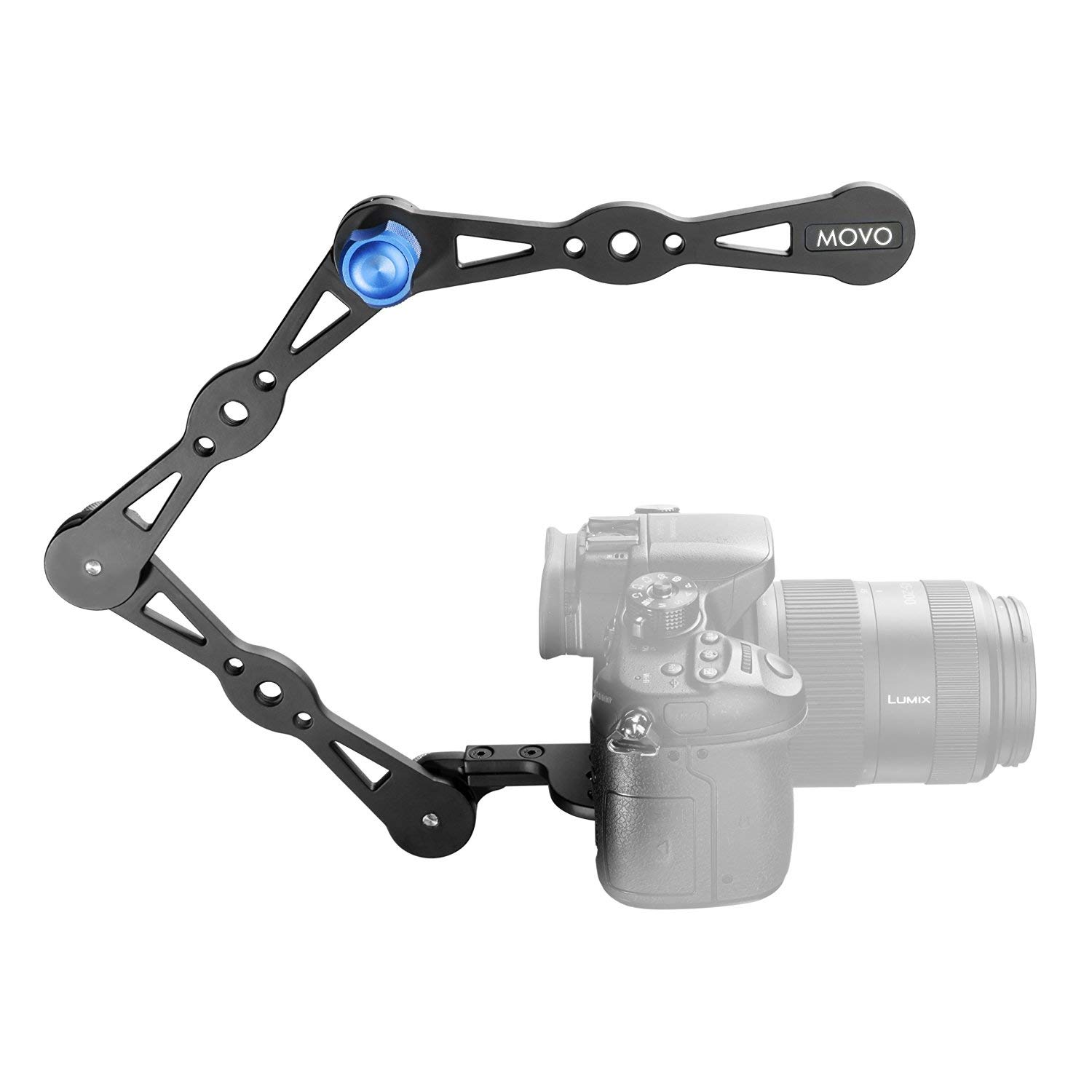
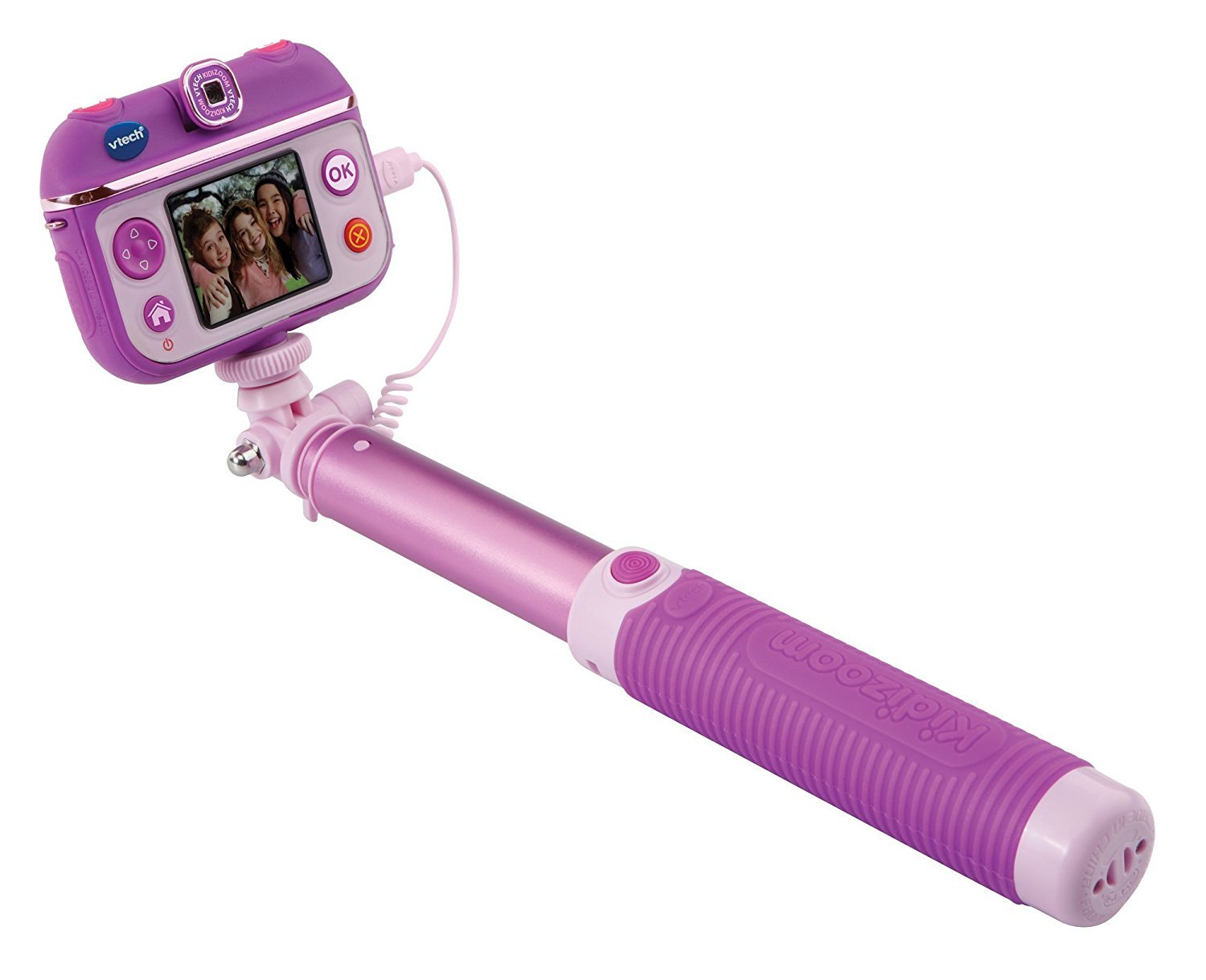
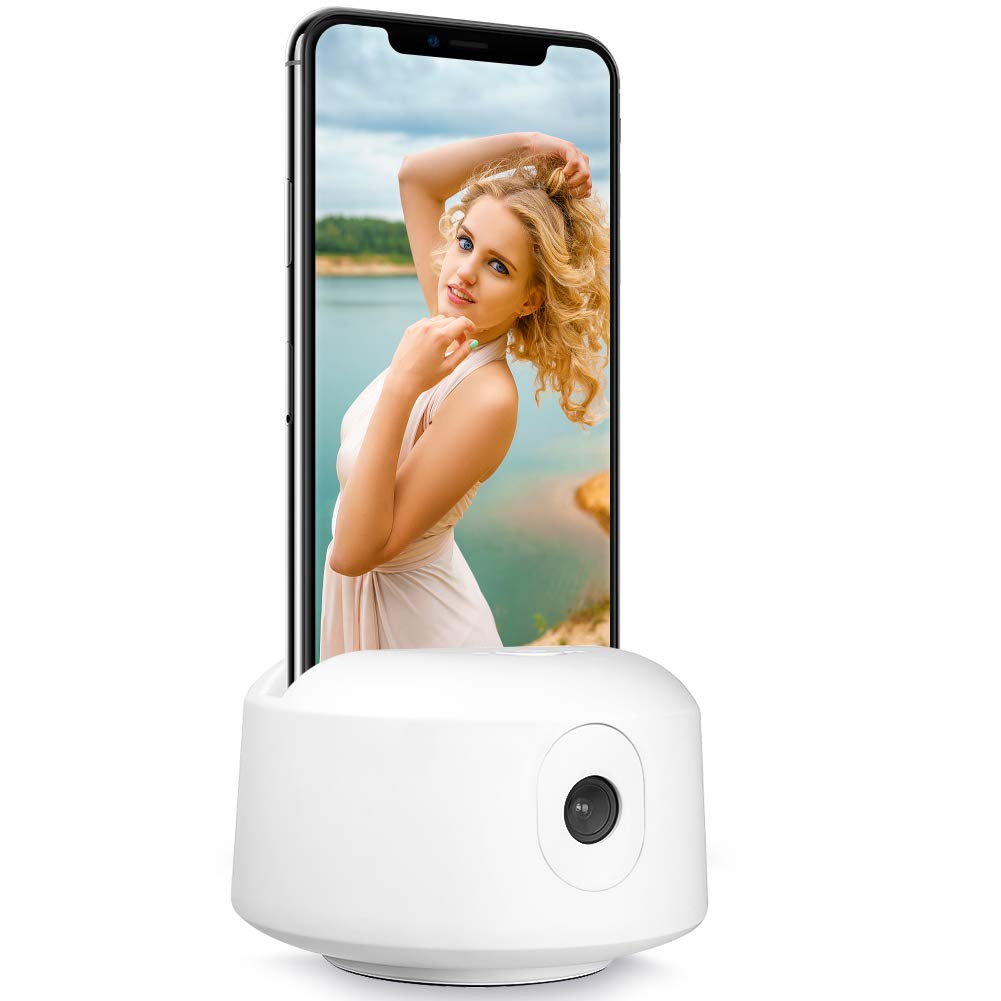
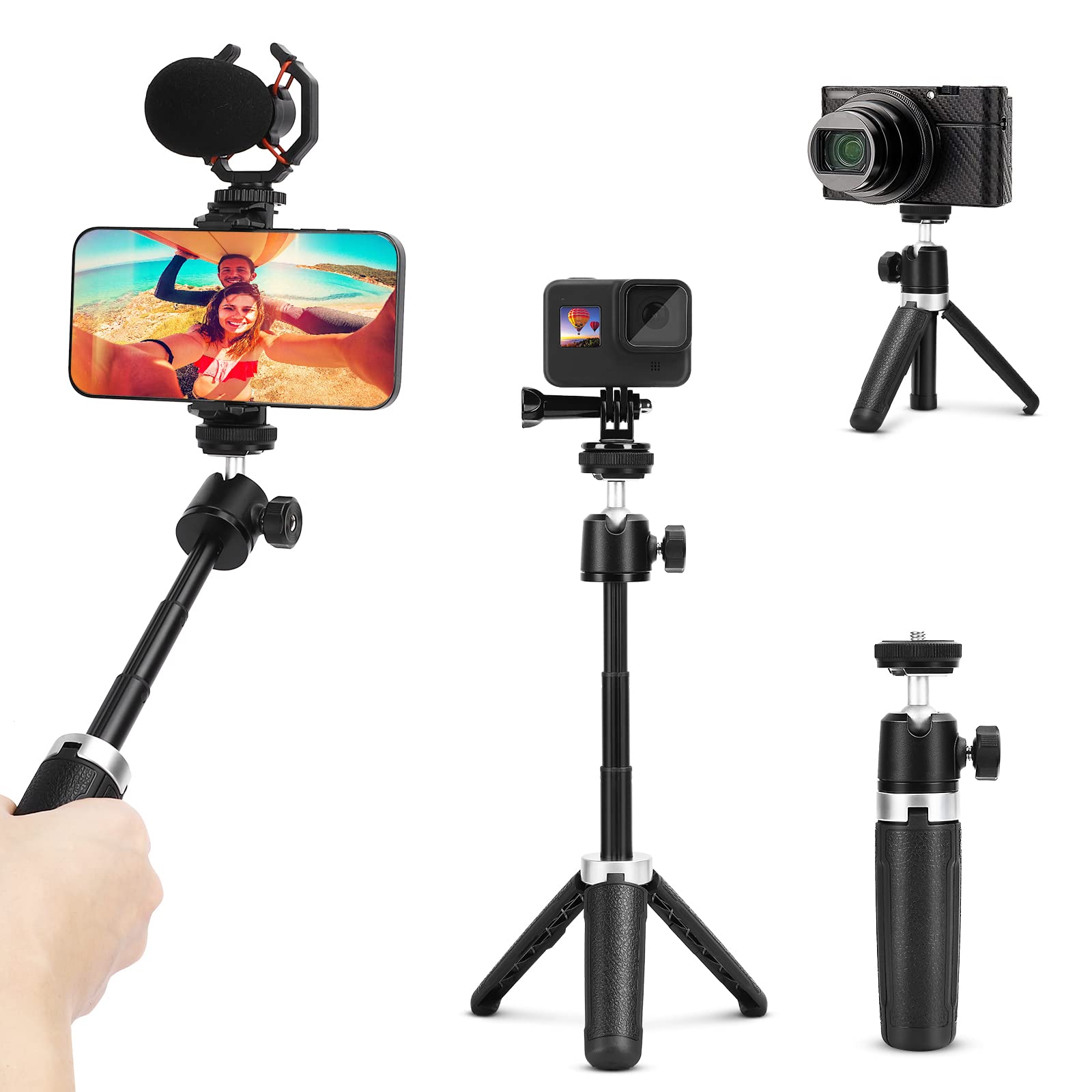
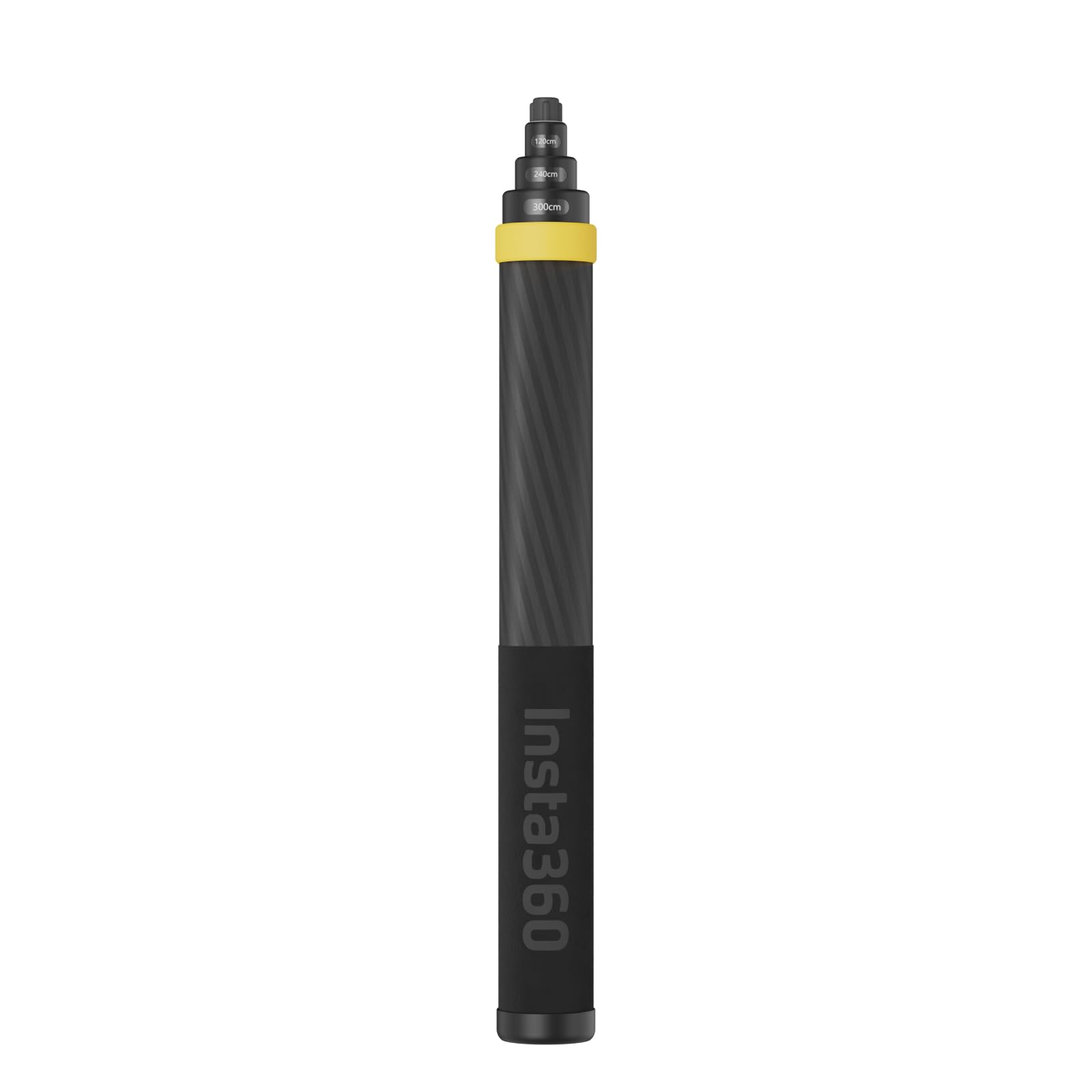
Insta360 3m 9.8ft Extended Edition Selfie Stick for ONE RS, ONE X2 & X3 Action Camera
★★★★★4.5
$248.99
View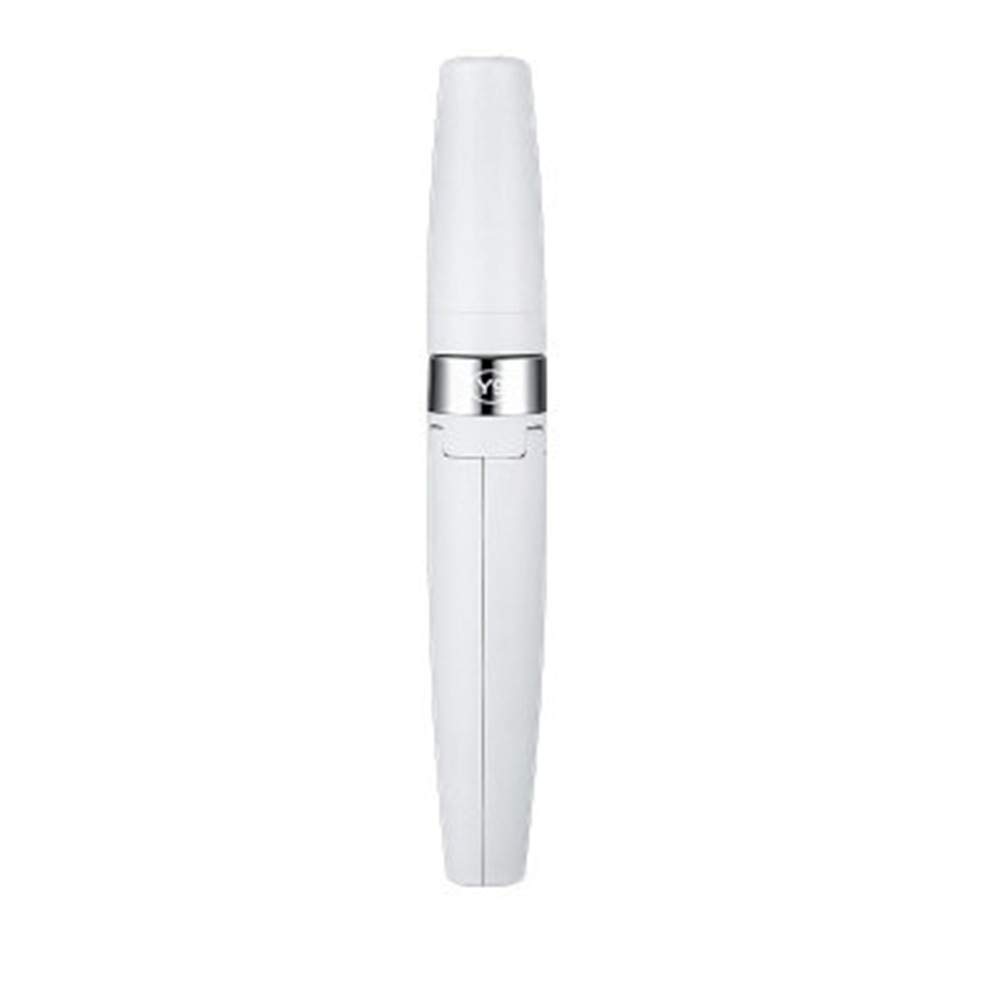
✅Lightweight & Heavy Duty: made of aluminium alloy, which can provide better grip and balance while holding the device in place. ✅White colour. Tripod and built-in Bluetooth remote control, it is easier to take selfie's or record videos, Video conferencing, and live online broadcasts. ✅The versatility is integrated into a small selfie stick. Simple, lightweight but strong, Aluminium alloy arm with stable tripod bracket. ✅Wireless selfie stick and phone tripod. Can be used as a tripod, watch movies or shoot videos. ✅The adjustable angle -270 ° rotating clip allows you to take selfie's, photos or recording videos. ✅1: Long press the remote control button to turn on the remote control blue indicator flashes. ✅2: Turn on the phone's Bluetooth, search for the new device "SelfieCom", and then connect. ✅3: Open the camera software of the mobile phone after pairing and connection. ✅4: Set the pose and press the shutter of the remote control to take pictures.
Customer reviews
10 Trustpilot reviews total, with 2 shown at a time.
I wrote to Bigamart's customer support and they accompanied the process of reshipping the item until it finally arrived. I felt a genuine effort to solve the problem till it was finally solved.
The package was here in Australia from England in a few days — so quick! Something was missing and they refunded it straight away. Pretty happy with these guys.
You might also like