Razer
✓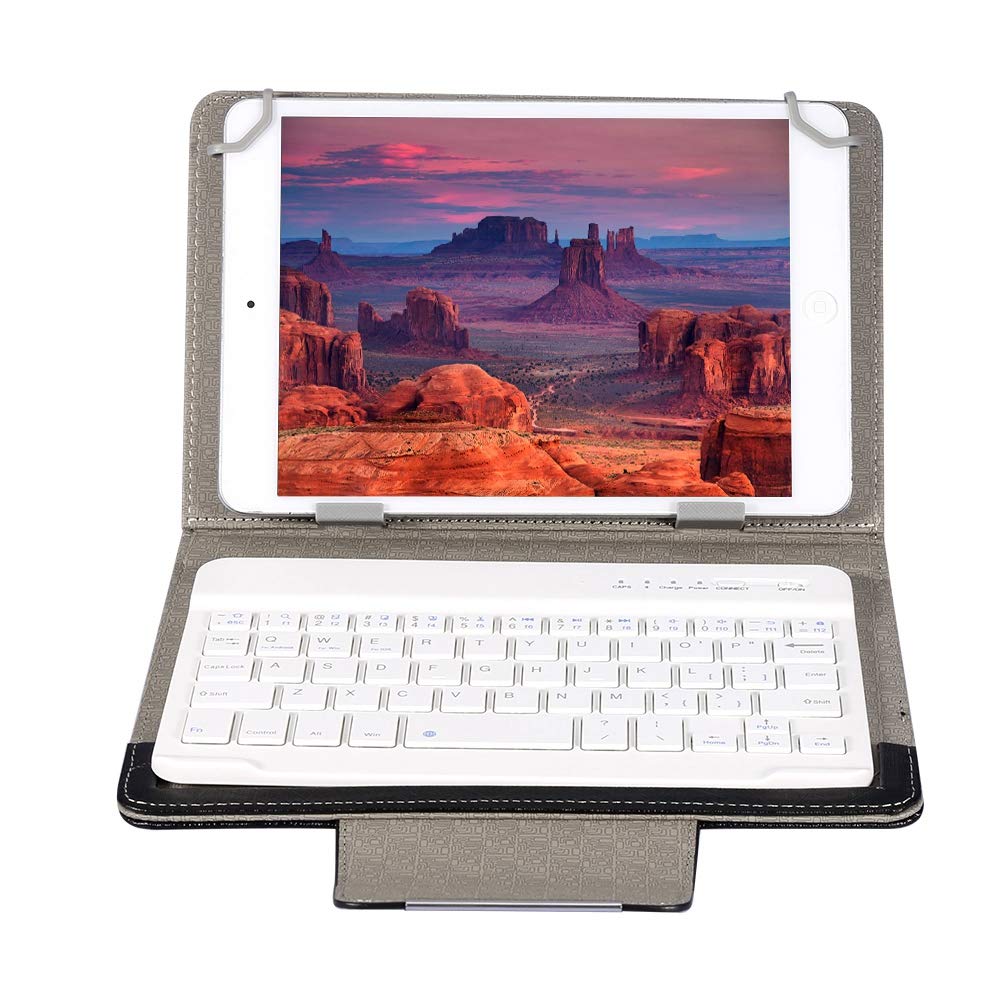
Specification: Type: Bluetooth Keyboard Case Keyboard type: Bluetooth keyboard Job type: Bluetooth wireless Features: Fn combined multimedia function Support Agreement : Bluetooth 2.0/1.2/1.1 Ergonomics: Support Power supply : Built-in rechargeable lithium battery Lithium battery capacity: 450 mAh Working environment temperature: -10-55 Is there a power switch : Yes USB charging function : Yes Passed certification: FCC, CE, ROHS, SRRC Charging time: 4-5 hours (full charge for 8 hours for the first charge, full use afterwards) Use time: 45 hours Material: PU leather + ABS; Dimensions: Approx. 22.28 * 145 * mm / 8.98 * 5.71 * 1.10 in Weight: Approx. 323g Package list: 1 * Bluetooth Keyboard Case Using Instructions: 1. Push the OFF switch on the lower right side of the Bluetooth keyboard to ON, then the blue light will be on and the keyboard will start. 2. Open the tablet, find --Settings -- Turn on wireless and network -- Turn on Bluetooth -- Search nearby devices - Search for Bluetooth keyboard -- Click Connect. 3. Tablet screen prompt: Bluetooth pairing request (enter Bluetooth password XXXX to pair ''Bluetooth keyboard''), input the number displayed on the screen on the Bluetooth keyboard and press the Enter key to connect successfully!
Customer reviews
10 Trustpilot reviews total, with 2 shown at a time.
I wrote to Bigamart's customer support and they accompanied the process of reshipping the item until it finally arrived. I felt a genuine effort to solve the problem till it was finally solved.
The package was here in Australia from England in a few days — so quick! Something was missing and they refunded it straight away. Pretty happy with these guys.
You might also like