iShoot
✓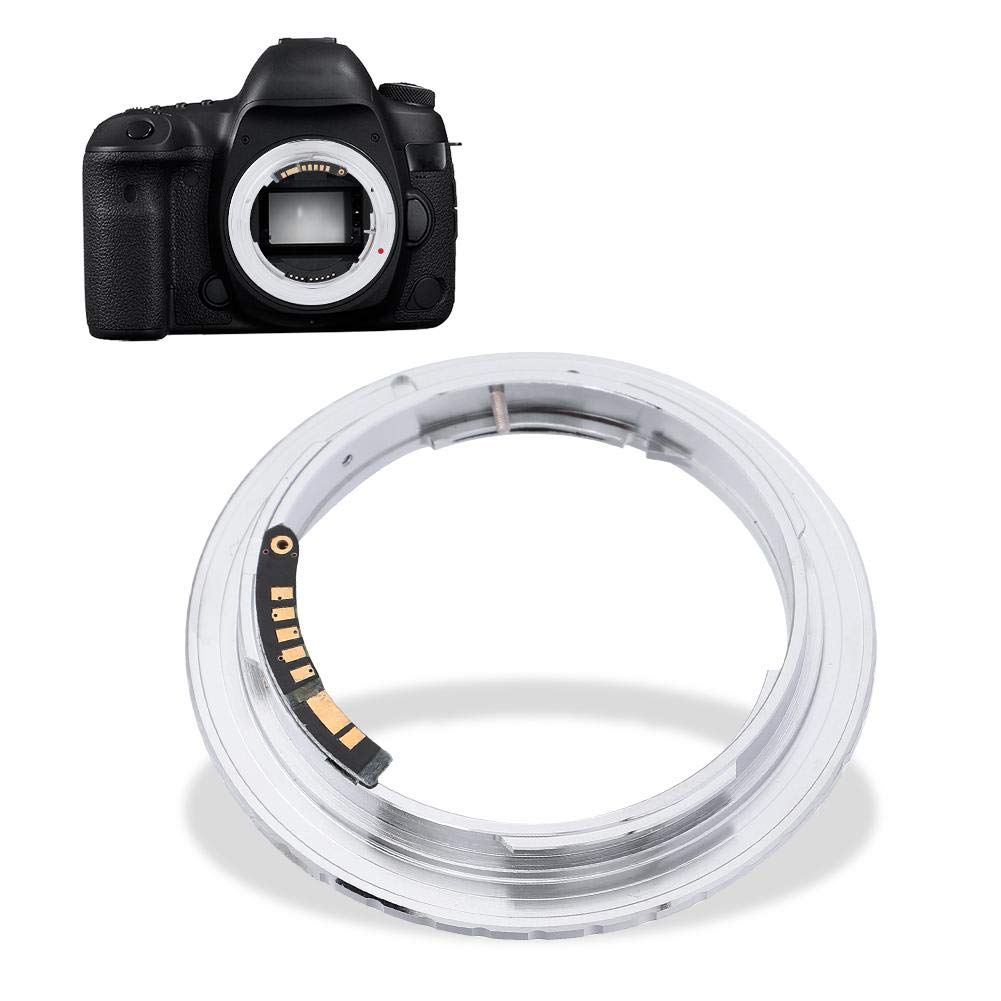
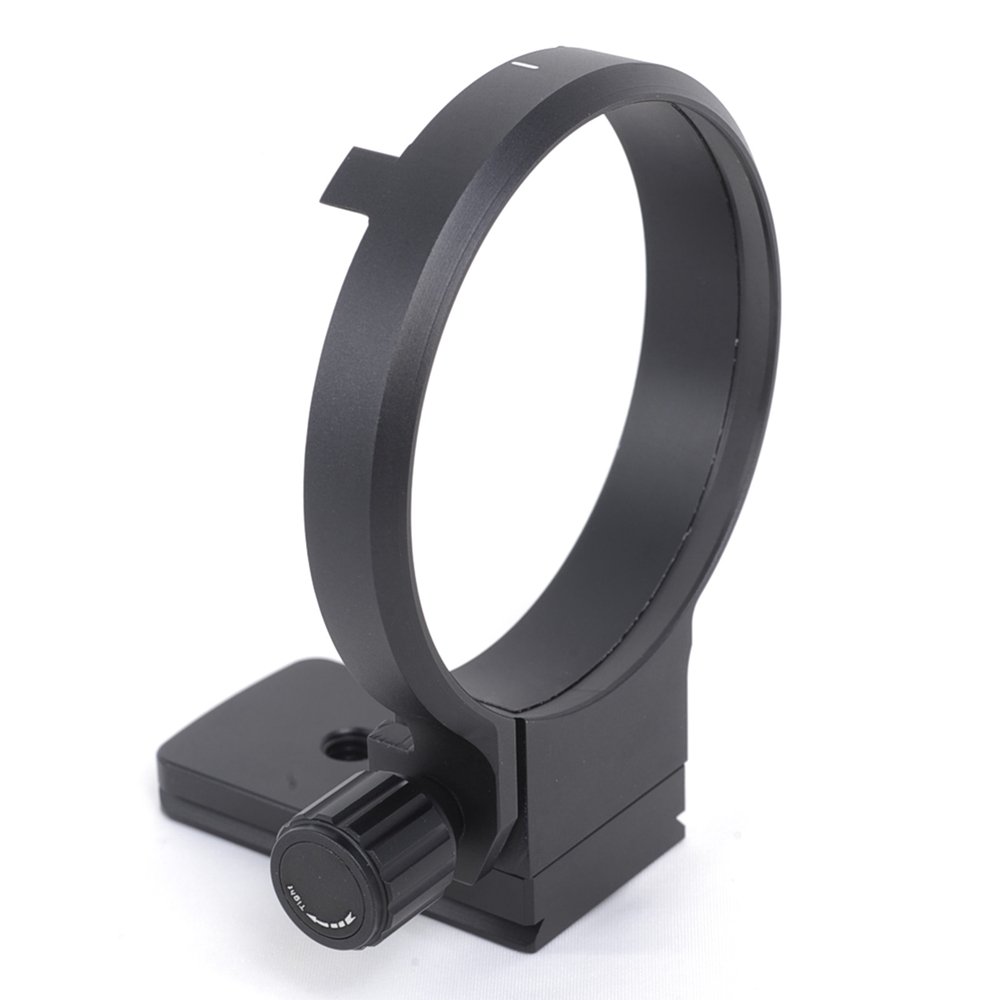
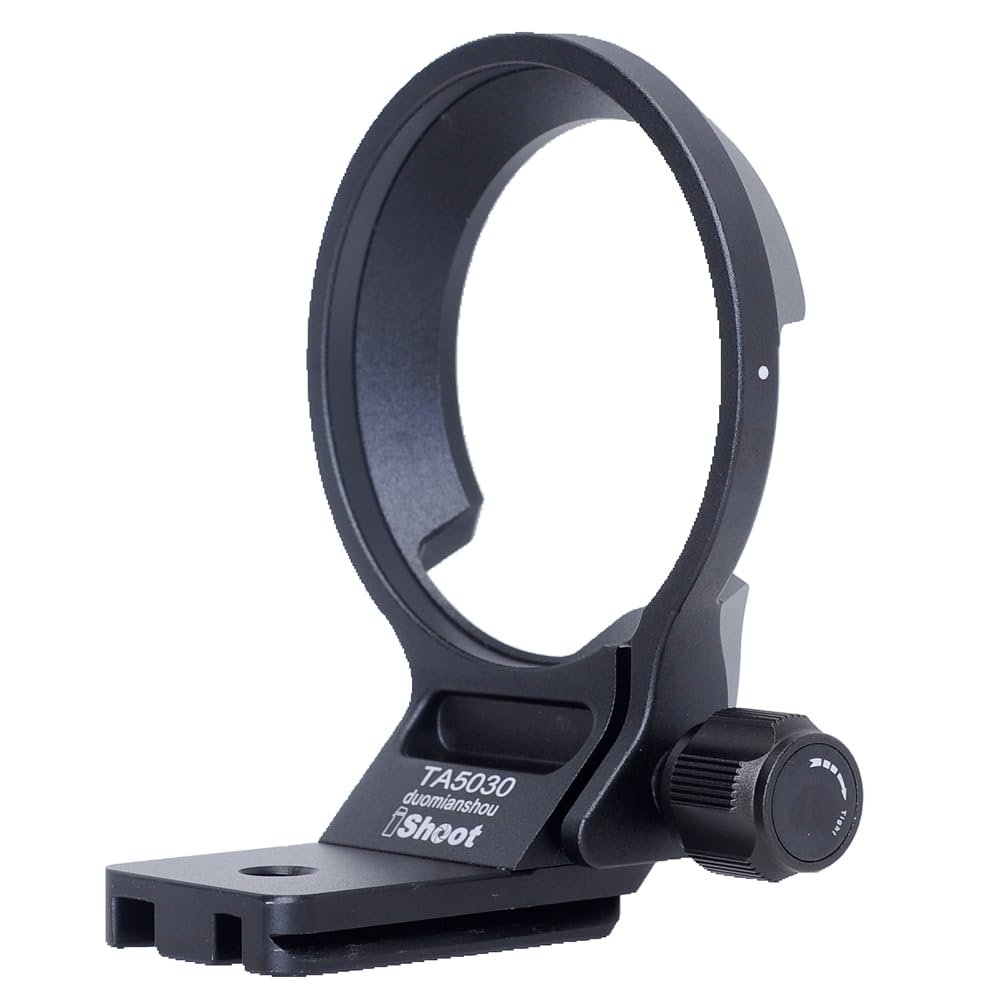
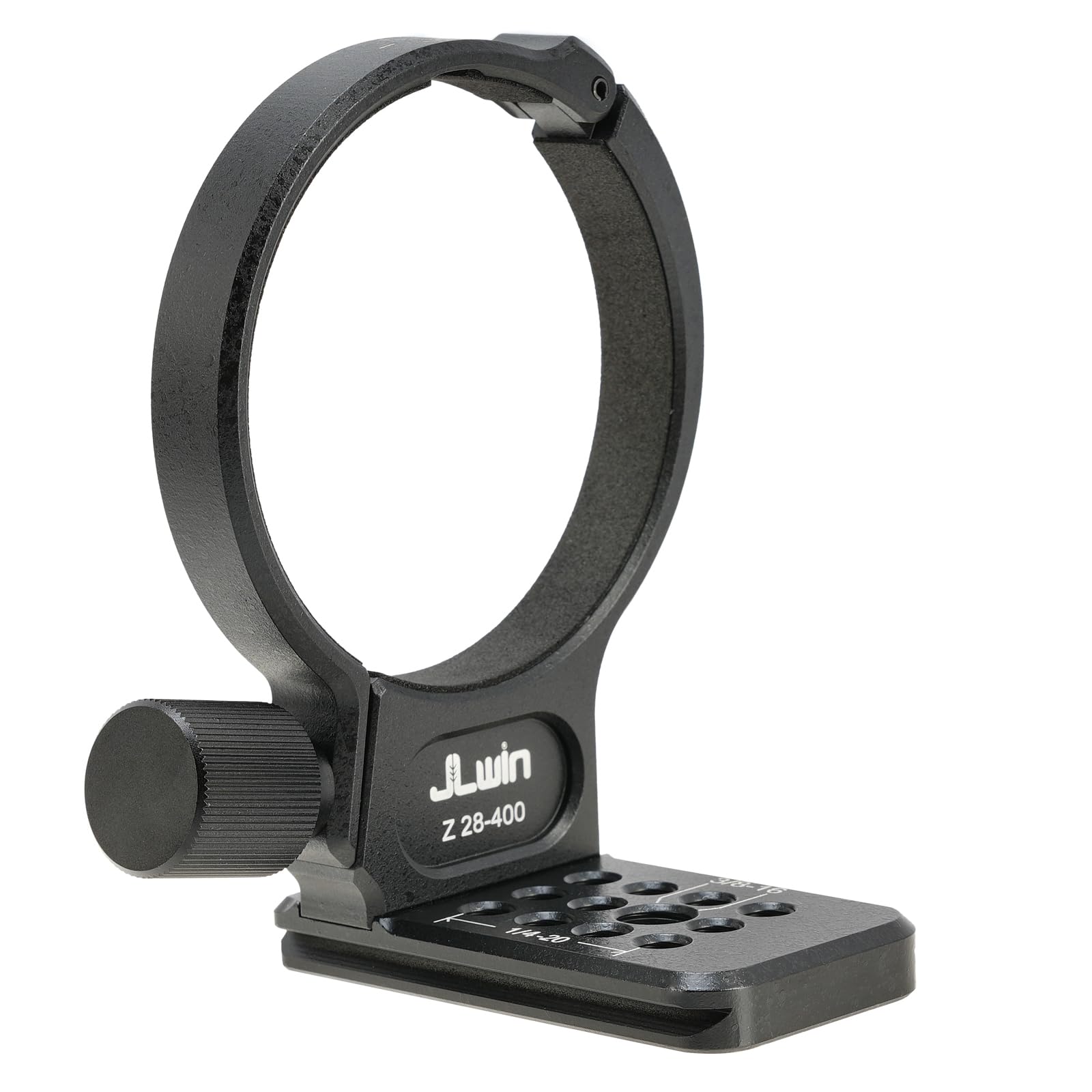
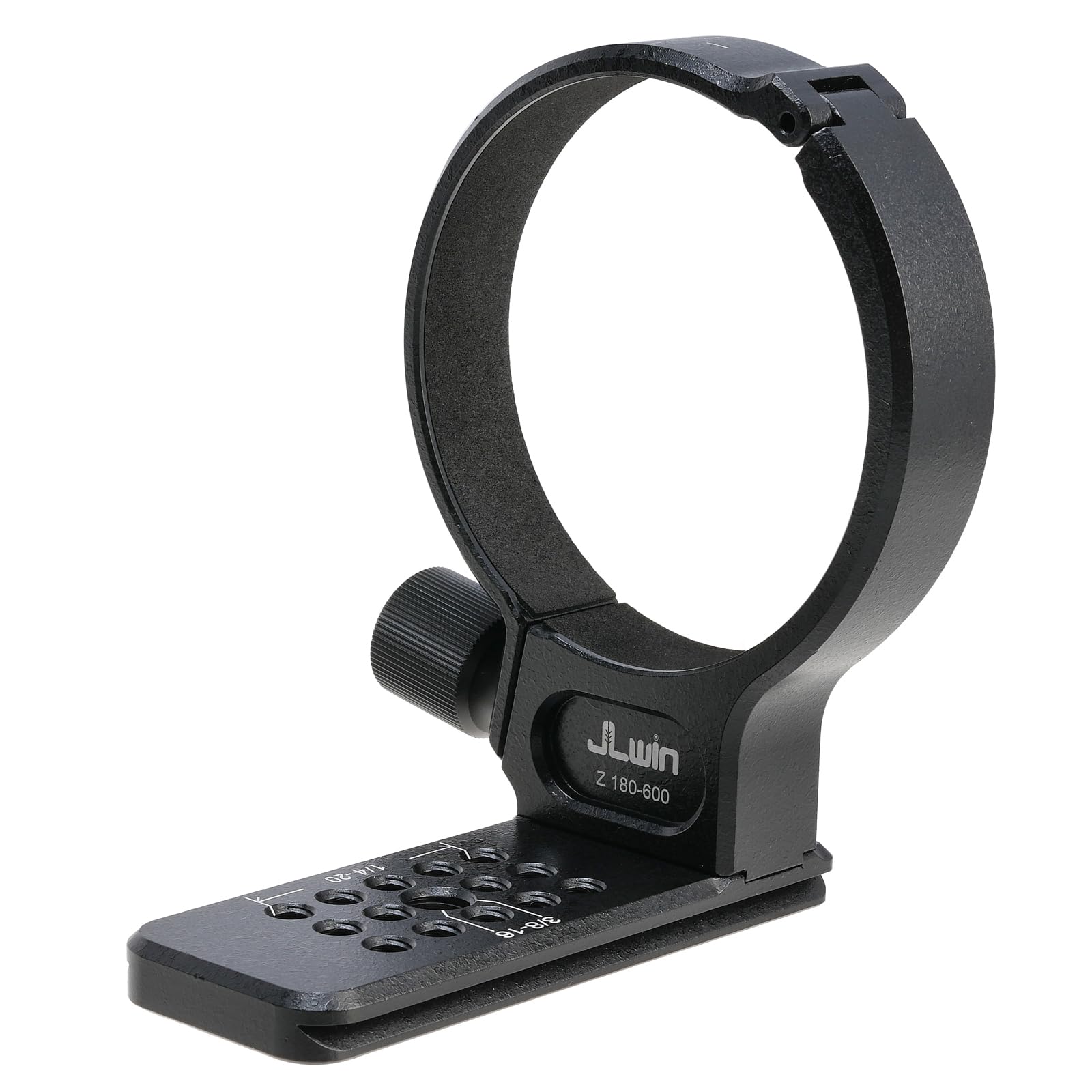
Specification: Material: Alloy Color: Shown as picture Suitable for EOS (EF mount) cameras Applicable for Olympus OM mount lens Diameter: Approx. 6.53cm / 2.57inch Weight: Approx. 47g Package List: 1 x Lens Adapter Ring Camera is not included. installation method: 1. Install the adapter ring on the lens: First, place the corresponding lens on the bayonet of the adapter ring, align the white dot on the lens with the red dot on the front end of the adapter ring, and then tighten it clockwise until it clicks, and it is installed in place. . 2. Install the adapter ring and lens on the camera as a whole: Power off the camera, align the mounting interface of the adapter ring with the camera interface, and align the red dot on the rear of the adapter ring with the red dot on the camera lens interface. Then, twist the adapter ring and lens clockwise until it clicks into place. 3. To remove the adapter ring and lens from the camera, press the lens release button on the camera, then twist the adapter ring counterclockwise. Instructions for using the adapter ring: 1. First set in the camera menu: turn on "shoot without lens" or "release shutter without lens", you can use the adapter ring. 2. Use LCD focus, all are manual focus. 3. The MF magnifying focus function, 7 times or 14 times magnifying focus can be used to achieve the focus function. 4. Can be shot in M or A mode.
Customer reviews
10 Trustpilot reviews total, with 2 shown at a time.
I wrote to Bigamart's customer support and they accompanied the process of reshipping the item until it finally arrived. I felt a genuine effort to solve the problem till it was finally solved.
The package was here in Australia from England in a few days — so quick! Something was missing and they refunded it straight away. Pretty happy with these guys.
You might also like