SABRENT
⏳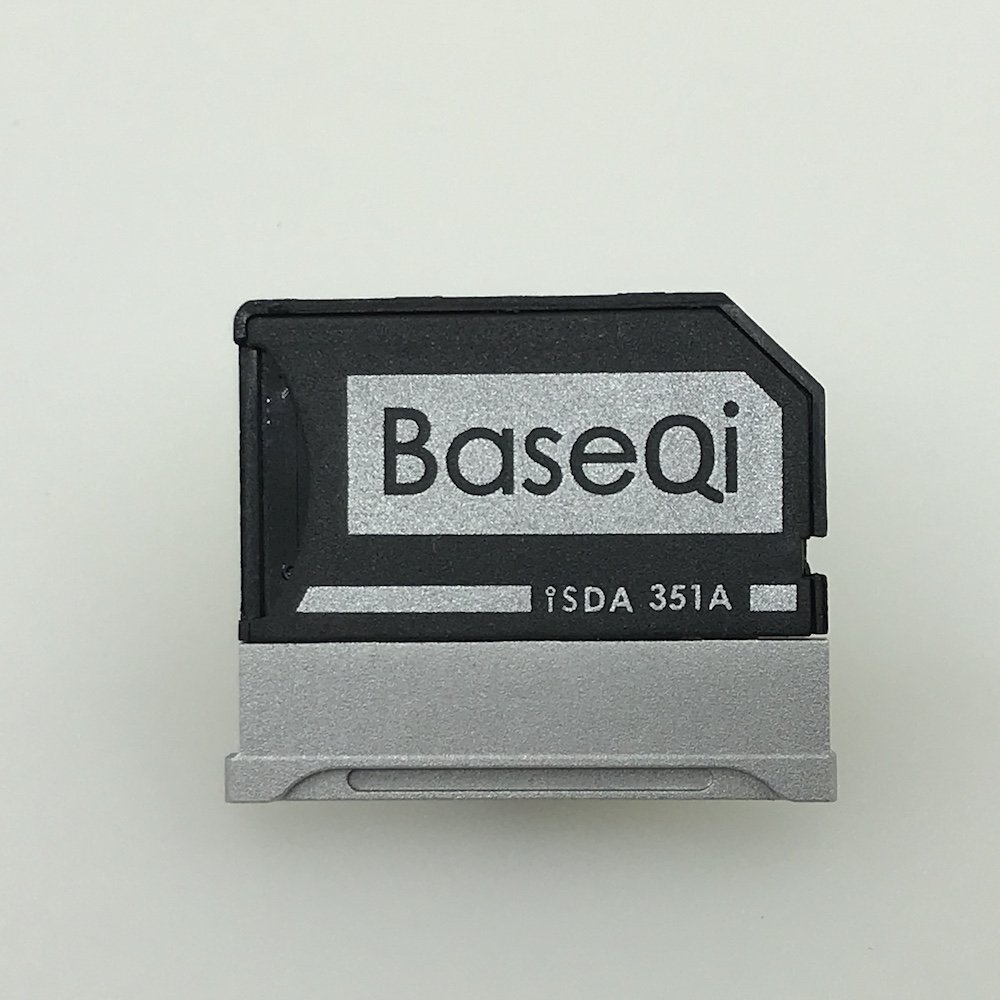
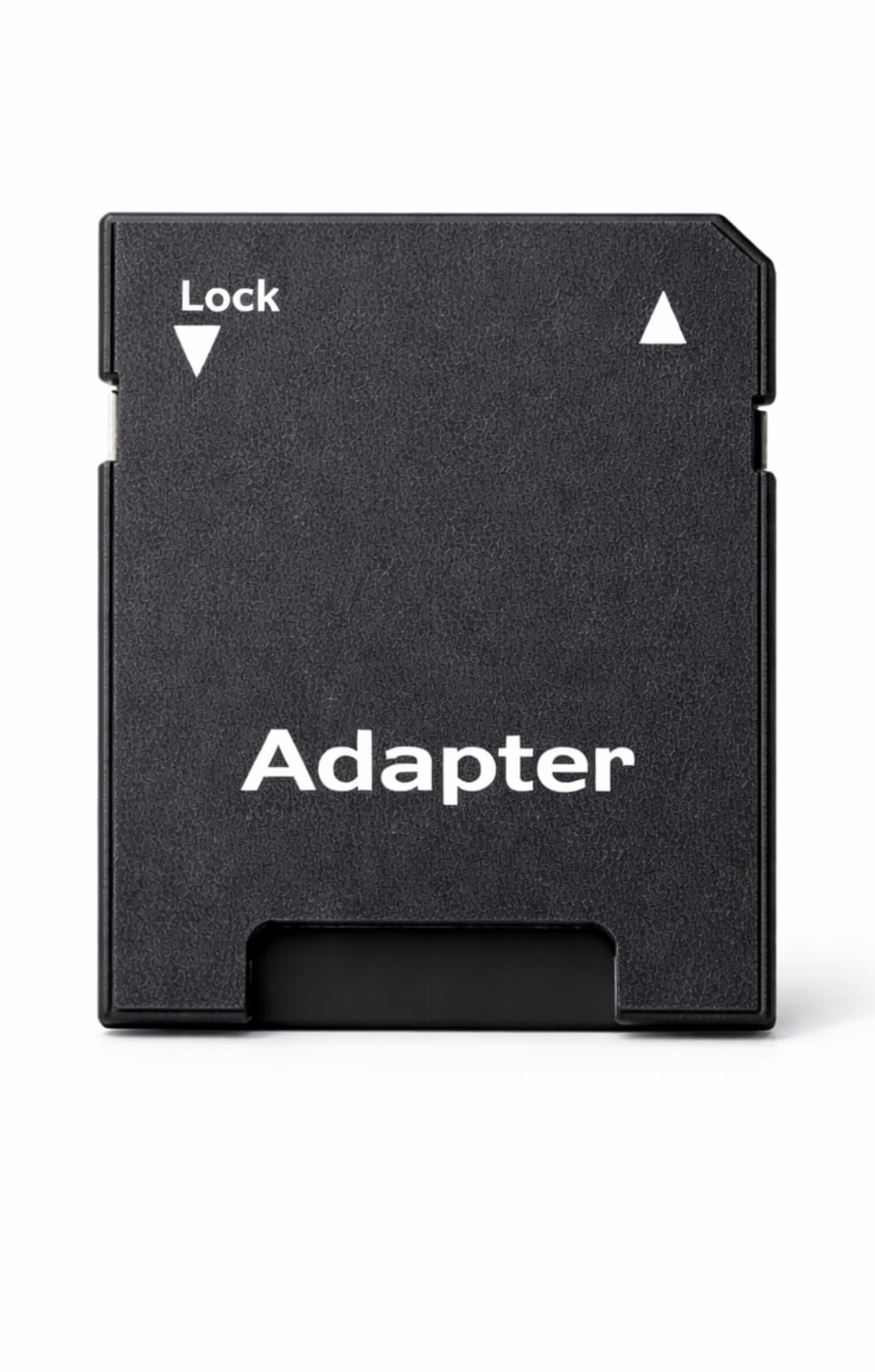
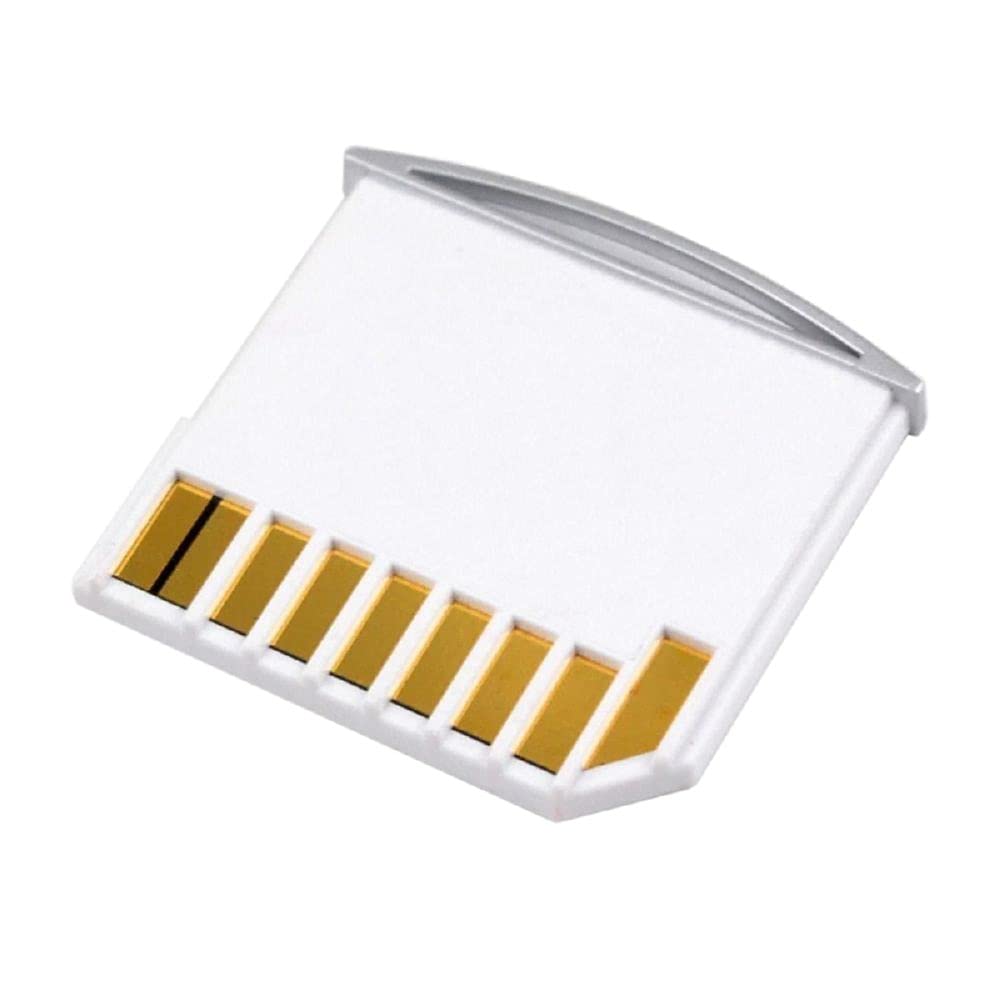
Perfectly matched to your Microsoft Surface Book. Preserve the beauty of Microsoft Surface Book as you expand storage space! Plug in and forget. The short microSD adapter designed exclusively for and Microsoft Surface Book. Simply insert a microSD card and slide it into the card slot of your Microsoft Surface Book to increase storage capacity. Unlike traditional long microSD adapters, this adapter flushes the SDXC slot of the Microsoft Surface Book without sticking out. It is almost completely hidden from the outside and invisible. Don't worry about broken microSD adapters or SDXC cards when transporting your Microsoft Surface Book. No tools required! Effortlessly pull out the adapter with your fingernail to change the SD card. No tools required! So you can easily change the microSD card on the go. You do not need a paper clip or other small tools to remove. The adapter is for the Surface Book with 15 inch size. It does not fit the device in 13.5 inches (search the article number B01D5UEX9K for the adapter for the 13.5 inch Surface Book). Please note that no microSD card is included. Photos are for illustration purposes only.
Customer reviews
10 Trustpilot reviews total, with 2 shown at a time.
I wrote to Bigamart's customer support and they accompanied the process of reshipping the item until it finally arrived. I felt a genuine effort to solve the problem till it was finally solved.
The package was here in Australia from England in a few days — so quick! Something was missing and they refunded it straight away. Pretty happy with these guys.
You might also like