v4ink
✓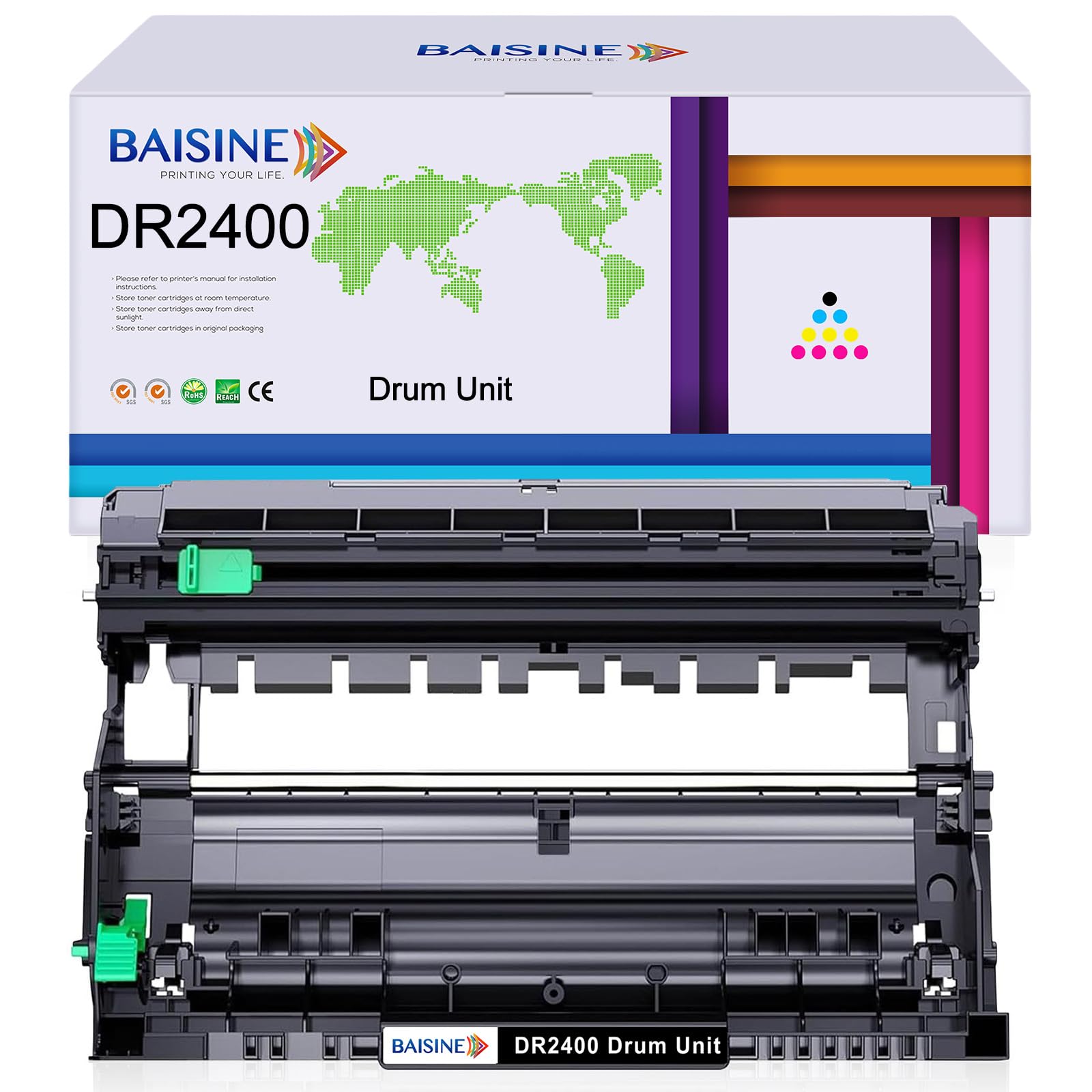
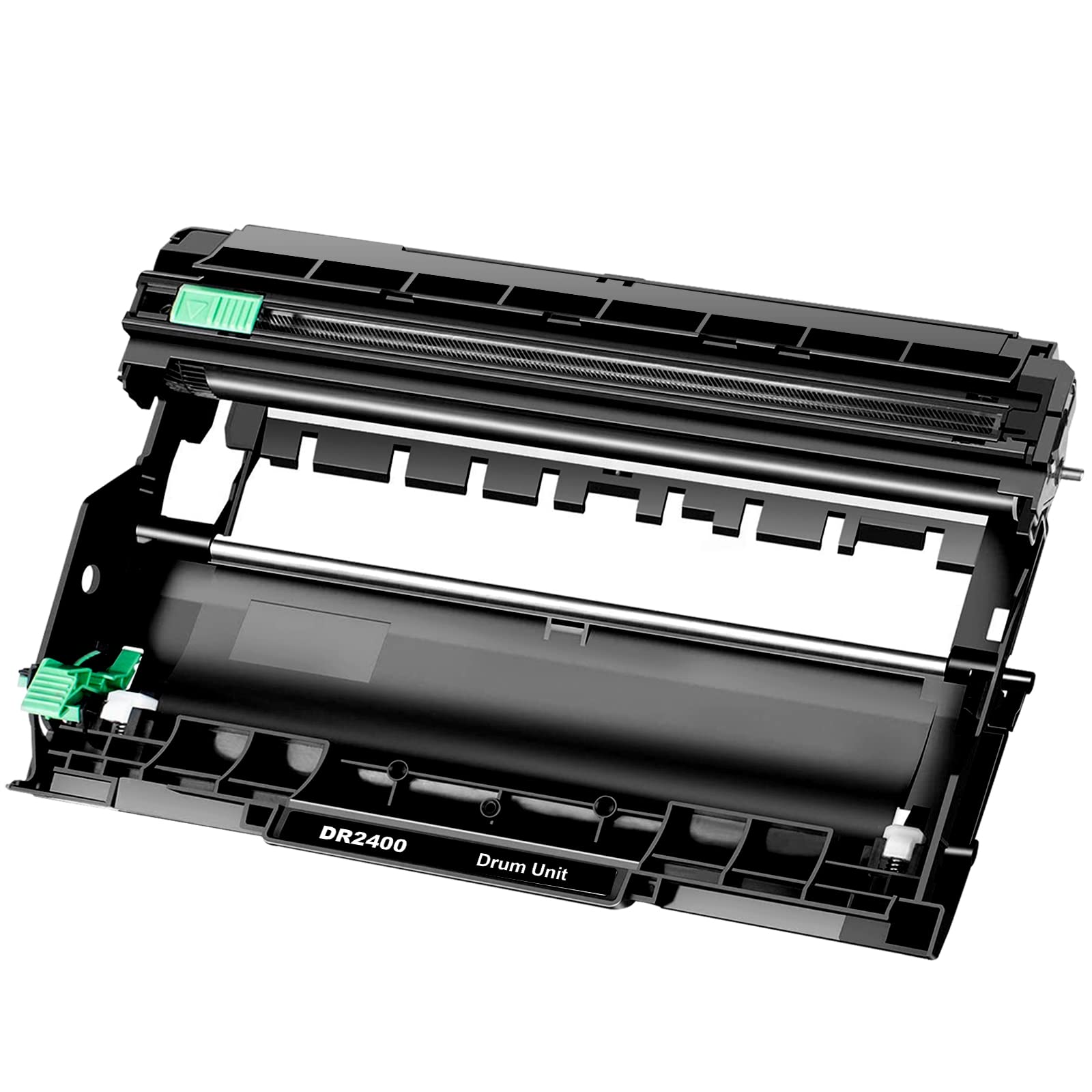
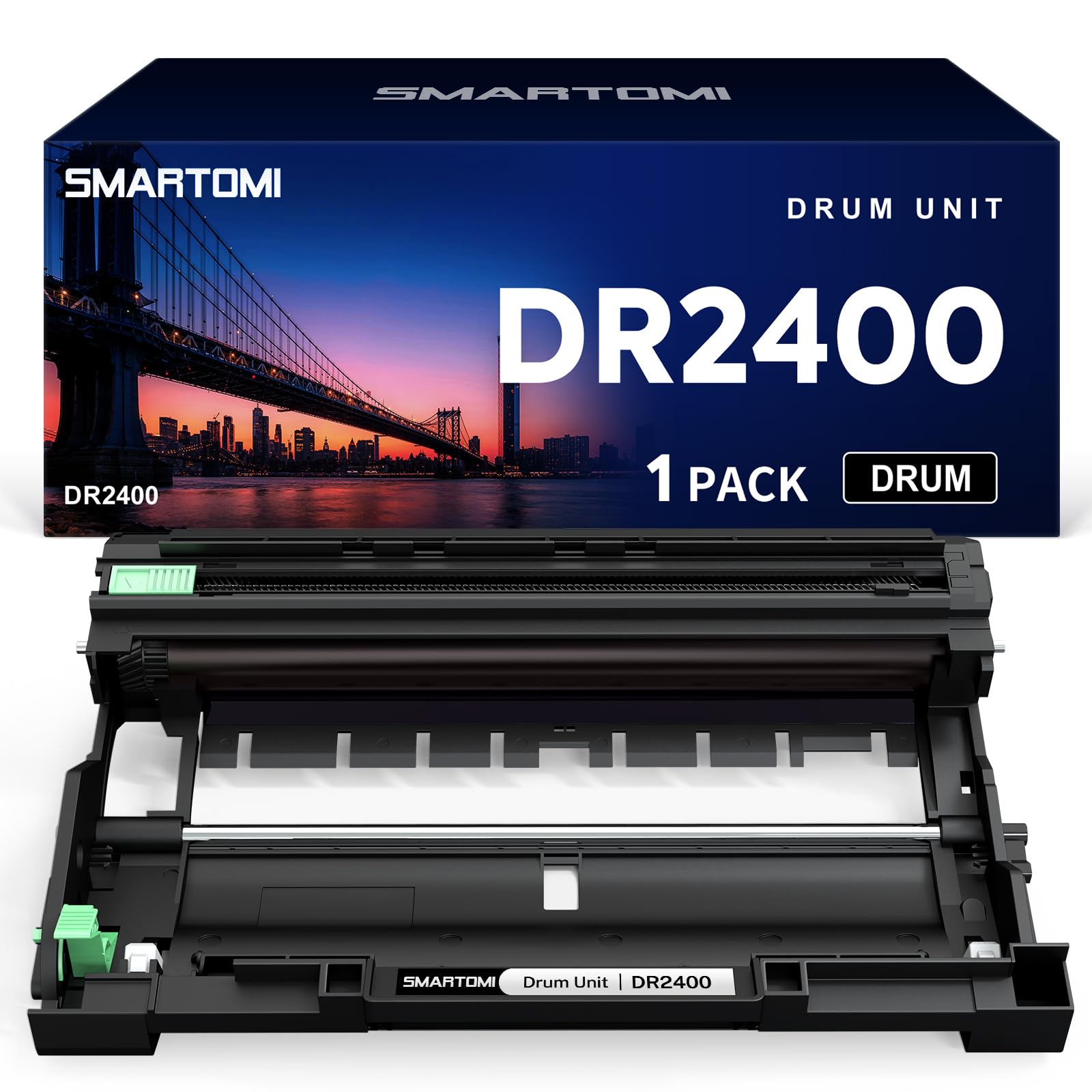
Package Include: 1 x Drum Unit DR-2400 DR2400 Toner Model: BAISINE Compatible Brother DR-2400 DR2400 Drum Unit Compatible for Brother DR-2400 DR2400 DR 2400 (NOT Toner Cartridge) Printer Compatible with Drum Unit: Brother DCP-L2510D Drum, MFC-L2710DW Drum Brother HL L2350DW L2310D Brother HL L2357DW L2375DW L2370DN Brother DCP L2510D L2530DW L2537DW L2550DN Brother MFC L2710DN L2710DW L2730DW L2750DW Page Yield: Black Drum: 12,000 pages Please RESET THE DRUM UNIT COUNTER before printing: (For DCP-L2510D/ DCP-L2550DN/ MFC-L2710DN/ L2710DW) 1.Make sure the machine is turned on, and the front cover is closed. 2.Press “OK” and “Up Arrow” at the same time. Press “OK” to select “Drum”. 3.Press “Up Arrow” to reset the drum counter. The display will show “Accepted”. (For HL-L2310D/ L2350DW/ L2370DN/ L2375DW) 1.Make sure the machine is turned on, and the front cover is closed. 2.Press “OK” and “Up Arrow” at the same time. Release the buttons. Press “OK” to select “Drum”. 3.Press “Down-Arrow” to reset the drum counter. (For MFC-L2730DW/ L2750DW) 1.Make sure the machine is turned on, and the front cover is closed. 2.Press “X”. Release the button. Hold "Toner" symbol for five seconds. Press “Drum”. 3.Press “YES” to reset the counter. Qualification certificate: All cartridges are manufactured in an ISO 9001&ISO 14001 certified facility. Contact us: Log into Your Account > Click "Your Account" > "Your Orders" > Find your order and click "Contact Seller"
Customer reviews
10 Trustpilot reviews total, with 2 shown at a time.
I wrote to Bigamart's customer support and they accompanied the process of reshipping the item until it finally arrived. I felt a genuine effort to solve the problem till it was finally solved.
The package was here in Australia from England in a few days — so quick! Something was missing and they refunded it straight away. Pretty happy with these guys.
You might also like