GQGP
✓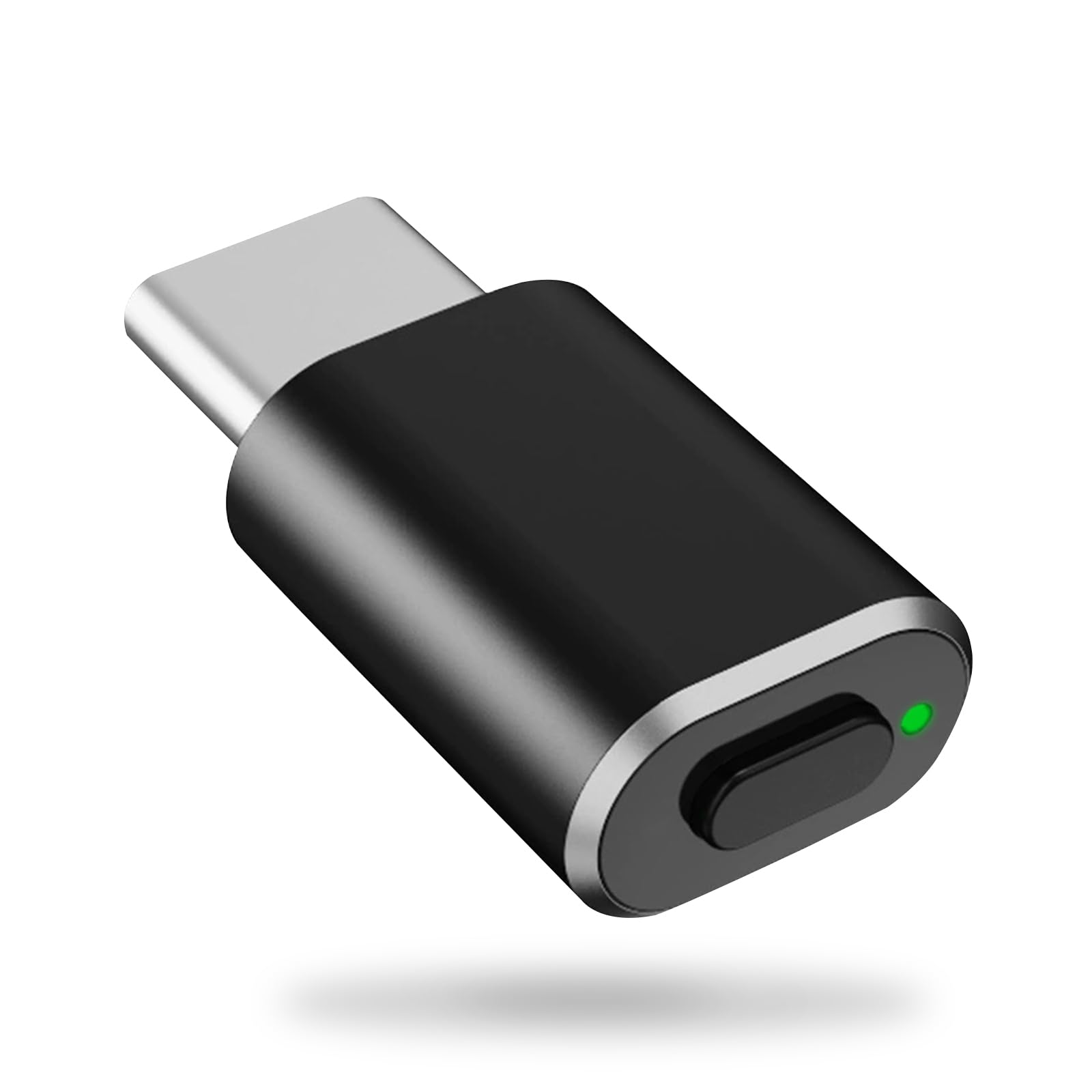
AXFEE Type-C Mouse Jitter - Single Button Features: 1. You can freely switch between 3 jitter modes according to your needs to prevent the computer from sleeping. 2. No need to install drivers, the computer cannot detect, and plug and play is realized. 3. With memory function, the last mode can be used when restarting. 4. Equipped with indicator light, you can clearly know whether the device is active. 5. Mini size, easy to carry, suitable for a variety of scenarios, such as online meetings, games, reading, remote connections, etc. 6. Support common operating systems such as iOS, Win XP/7/8/10, Android and Linux. Specifications: Size: 2.4*1.1*0.7cm Weight: 1.9g Material: Plastic + Metal Color: Black Steps: 1. Insert the mouse jitter into the Type-C port. 2. Press and hold the power switch for 4 seconds to turn on, and the indicator light will be on. 3. When the computer is turned on, the mouse pointer shows a slight shake in the first gear. Short press the power button to switch the shake mode. 4. Long press the power switch for 4 seconds to turn off the computer. Packing List: 1 * Type-C mouse shaker 1 * English manual Precautions: 1. Make sure your laptop has a USB C port so that our Type-C mouse shaker can be used normally. 2. Avoid frequent plugging and unplugging of the mouse shaker to protect the Type-C port from damage. 3.The light jitter mode does not affect normal use, but the light random sliding mode and width random jitter mode do not work properly.
Customer reviews
10 Trustpilot reviews total, with 2 shown at a time.
I wrote to Bigamart's customer support and they accompanied the process of reshipping the item until it finally arrived. I felt a genuine effort to solve the problem till it was finally solved.
The package was here in Australia from England in a few days — so quick! Something was missing and they refunded it straight away. Pretty happy with these guys.
You might also like