Louvolite
✓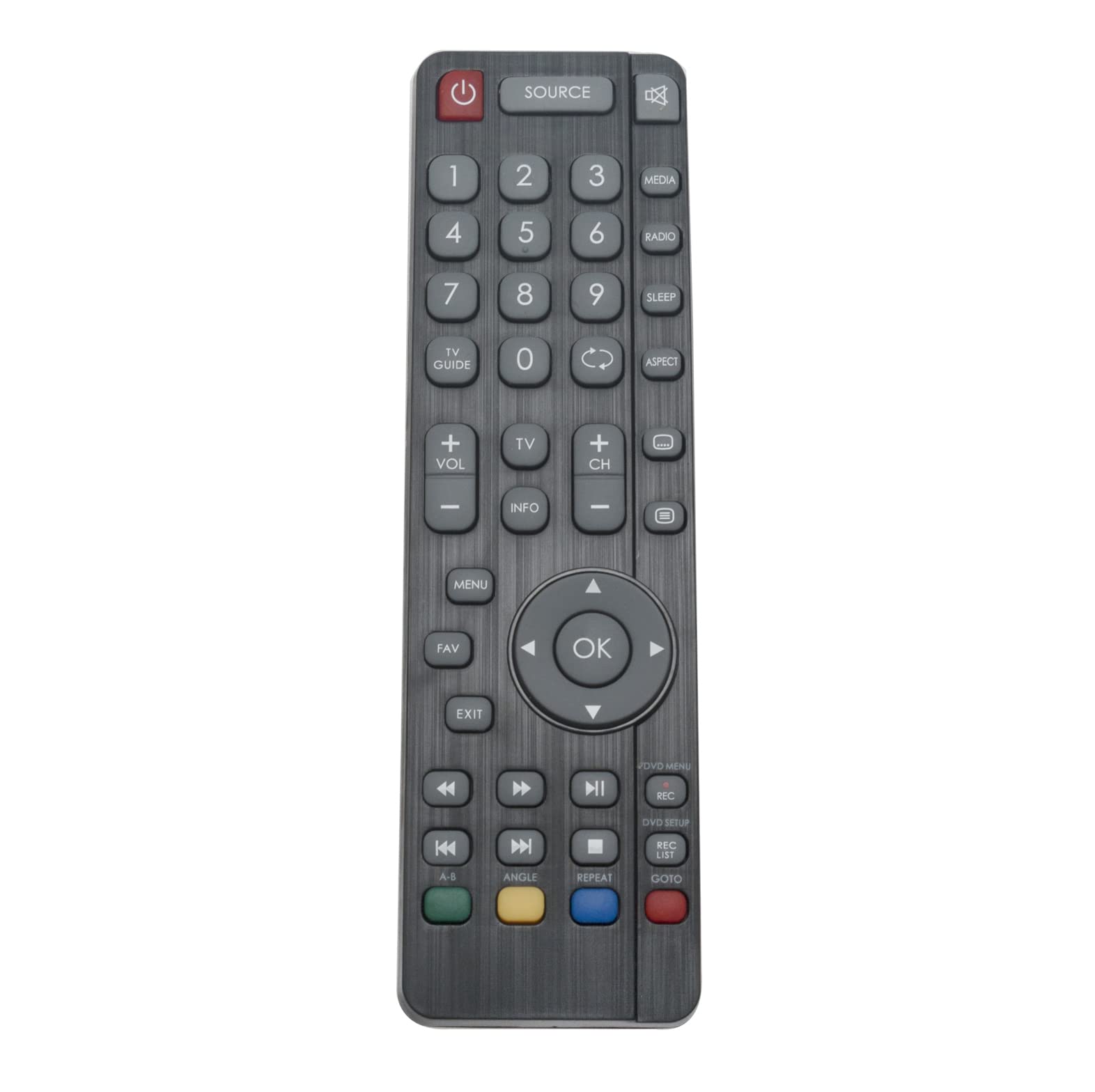
AULCMEET SHWRMC0118 Replacement RF Remote Control Compatible with Sharp 4K OLED Smart TV LC-24CHG5112EW LC-32CFF5221E LC-32CFF5222E LC-32CFG4041E LC-32CFG4042E LC-32CHF5221E LC-32CHF5222E Features: Compatible with:LC-24CHG5112EW LC-32CFF5221E LC-32CFF5222E LC-32CFG4041E LC-32CFG4042E LC-32CHF5221E LC-32CHF5222E LC-40CFG4041K LC-40CFG4042E LC-43CFF5221E LC-43CFF5222E LC-49CFF5222E LC-49CFG4041E LC-49CFG4041K LC-55CFG4041E LC-55CFG4041K LC-55CFG4042E LC-24CFG5111EW LC-24CFG5111E LC-24CFG5112E LC-24CFG5112EW LC-24CHG5111E LC-24CHG5111EW LC-24CHG5112E LC-32CHG4041E LC-32CHG4041K LC-32CHG4042E LC-32DHG4041K LC-40CFF5221E LC-40CFF5222E LC-40CFG4041E LC-49CFG4042E LC-43CFG4041E LC-43CFG4041K Pairing method:Turn the TV on using the standby button of the TV set (not the remote ), once switched on, press the standby button on the TV set once, which will prompt the ‘pairing menu’ to appear, scroll through and highlight ‘Pair your remote’ by pressing the CH+/CH- TV button (scroll up/down function of the menu) then press the TV set’s standby button (OK function in the menu) to confirm your selection, then with the remote control, press and hold the GREEN and YELLOW buttons for a few seconds, the power light will blink 5 times to confirm the TV and remote control are paired. Package contains: 1pc Remote Control Anything unclear please feel free to contact us,we will try our best to make you satisfy.
Customer reviews
10 Trustpilot reviews total, with 2 shown at a time.
I wrote to Bigamart's customer support and they accompanied the process of reshipping the item until it finally arrived. I felt a genuine effort to solve the problem till it was finally solved.
The package was here in Australia from England in a few days — so quick! Something was missing and they refunded it straight away. Pretty happy with these guys.
You might also like