ASKC
✓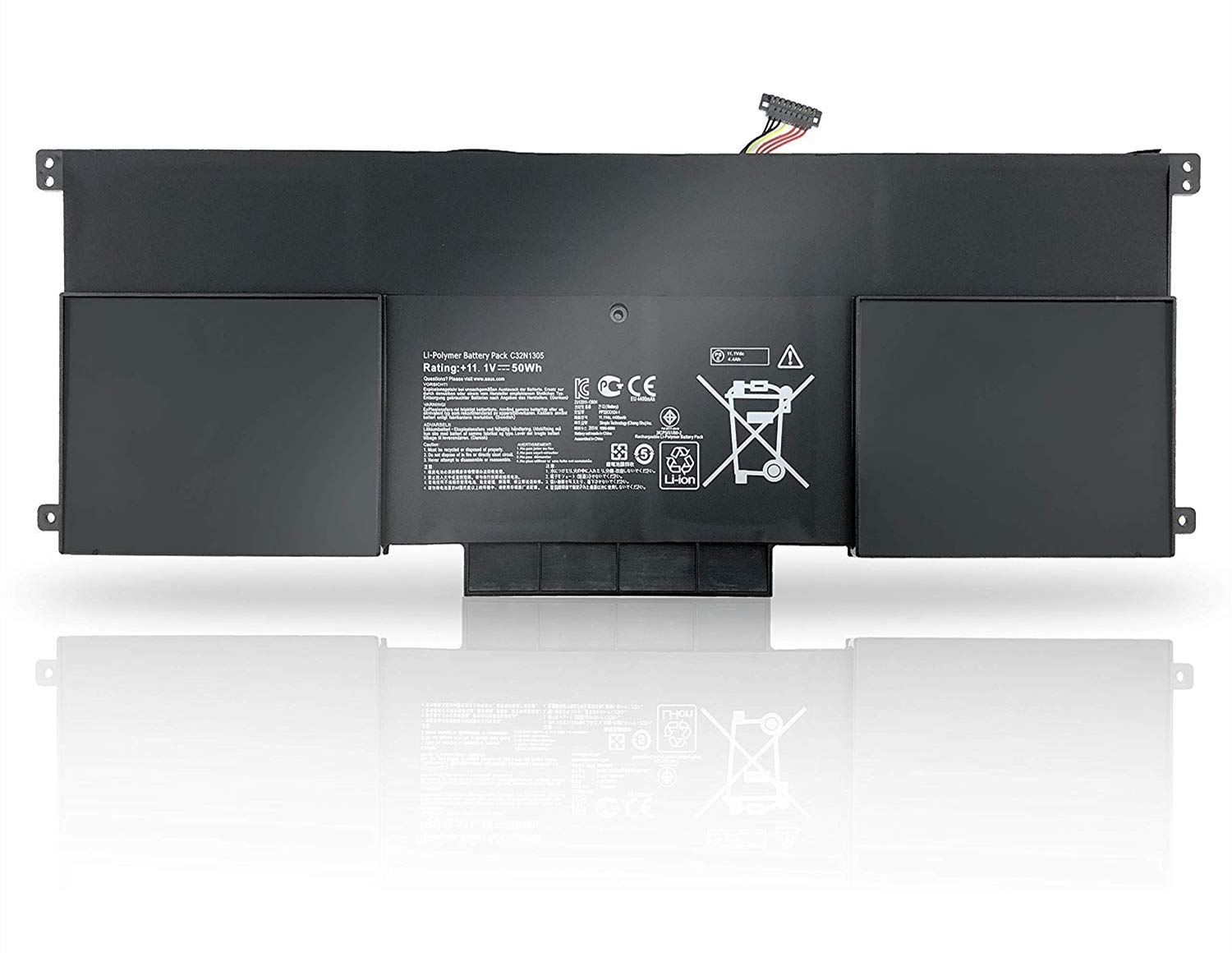
Specifications: Item Model: C32N1305 Voltage: 11.1V Capacity: 4400mAh/50Wh Condition: 100% Brand new & High quality Warranty: 12 Months Warranty Replace Battery Part Number: ASUS C32N1305, C32NI305 Compatible with: (use "ctrl+F" to find out your model quickly) ASUS Zenbook UX301L UX301LA UX301LA4500 UX301LA-1A UX301LA-1B UX301LA-2A UX301LA-C4003H UX301LA-C4005H UX301LA-C4006H UX301LA-C4013H UX301LA-C4014H UX301LA-C4145H UX301LA-DE022H UX301LA-DE141T UX301LA-DE150H UX301LA-DH51T UX301LA-DH71T UX301LA-XH72T UX301LA-WS71T How to replace new battery: Remove the old battery, holding the power button for 20 seconds to discharge any stored electricity, then connect the new battery. NOTE: 1. For initial using of the battery,please first of all discharge it to 3% and then fully charge it to 100%.The new battery need to charge and discharge 3-4 cycles before. 2. Please don’t discharge the battery to 0%, otherwise it may be easily damaged and may not be fully charged. 3. If you do not use battery for a long time, make sure to charge more than 80% electricity every month. 4. The computer does not recognize the battery, the battery connector may be bad contact with the computer jack, At this time need to check if the battery connector of copper exposed
Customer reviews
10 Trustpilot reviews total, with 2 shown at a time.
I wrote to Bigamart's customer support and they accompanied the process of reshipping the item until it finally arrived. I felt a genuine effort to solve the problem till it was finally solved.
The package was here in Australia from England in a few days — so quick! Something was missing and they refunded it straight away. Pretty happy with these guys.
You might also like