BAKTH
✓Keyboard & Mouse Combos
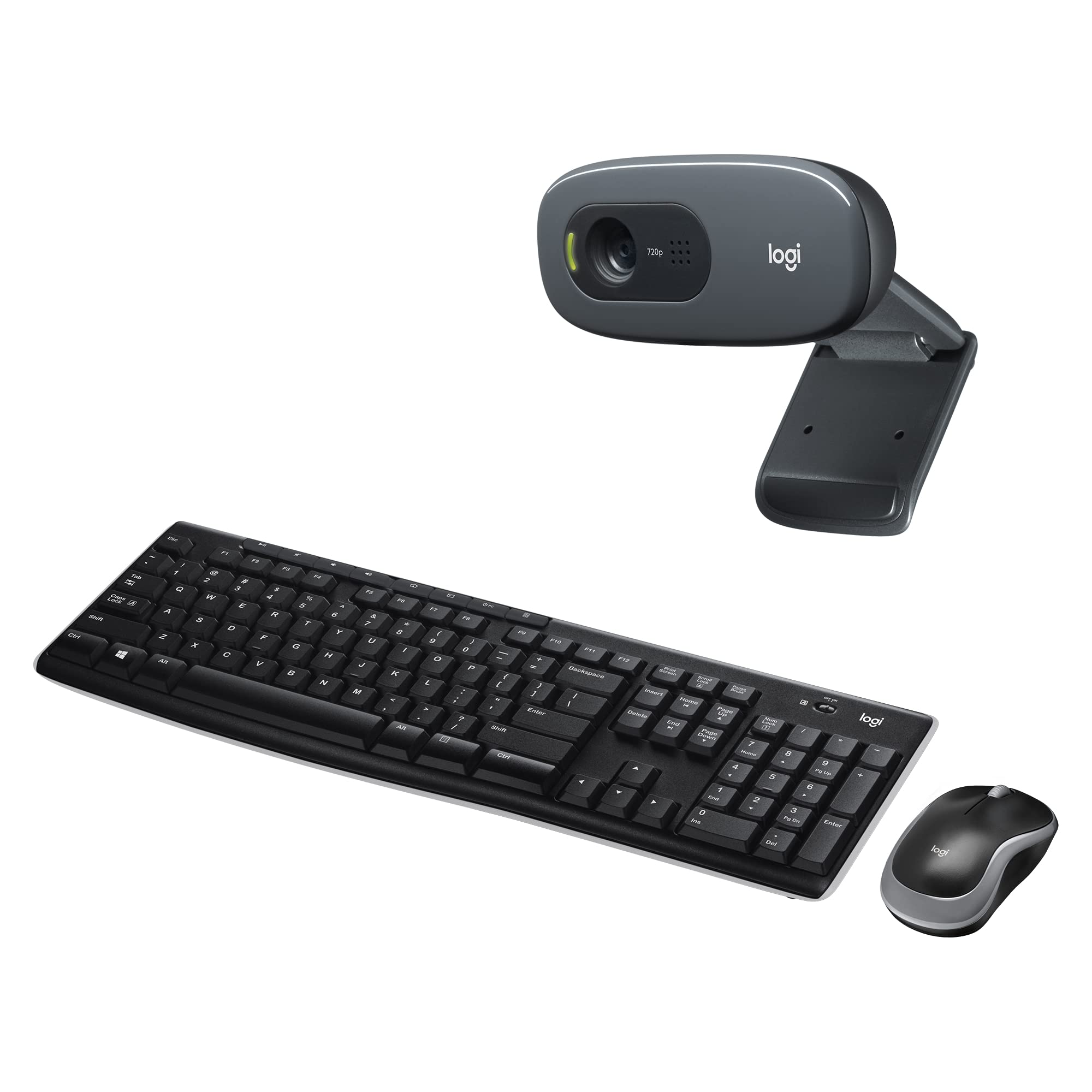
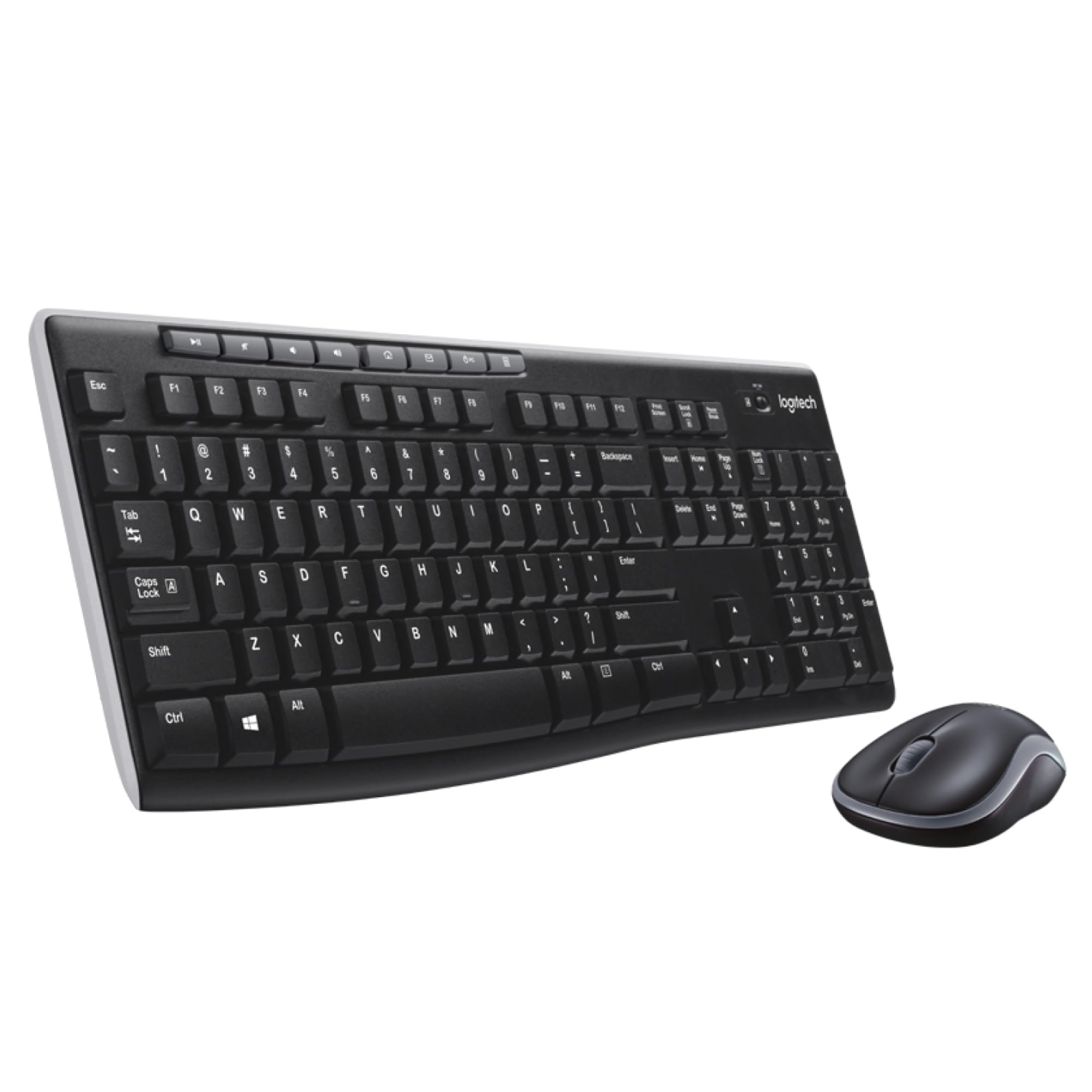
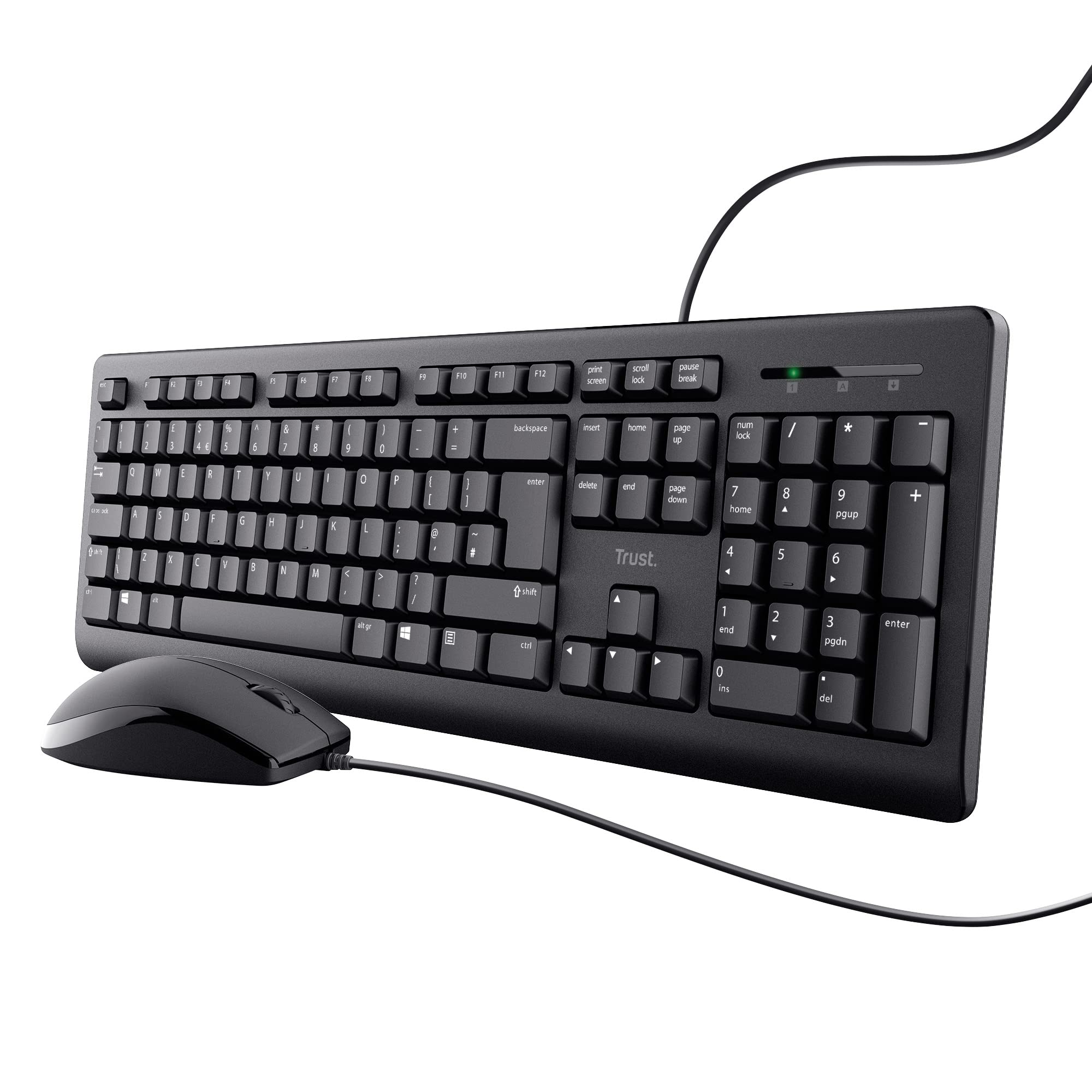
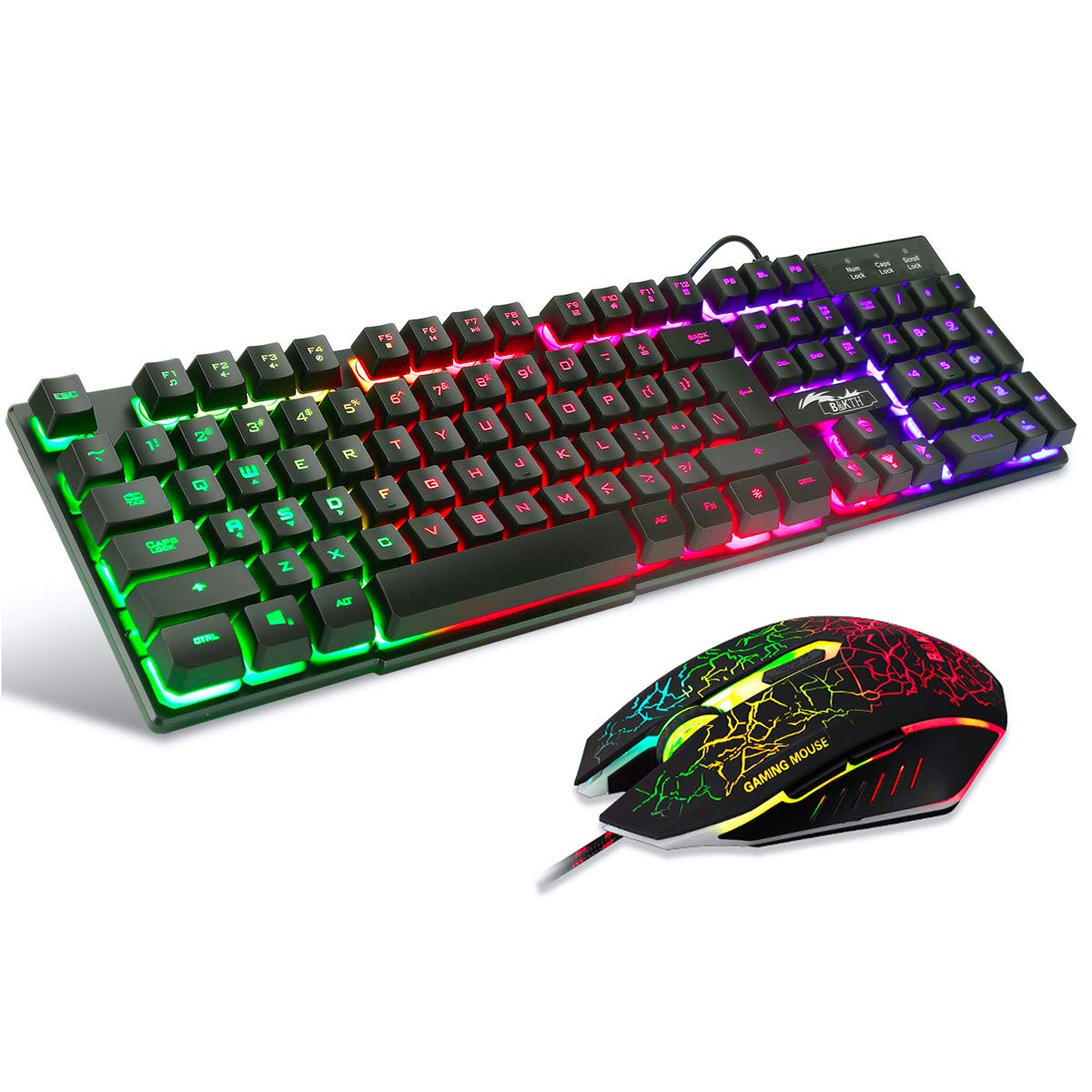
BAKTH Multiple Color Rainbow LED Backlit Mechanical Feeling USB Wired Gaming Keyboard and Mouse Combo for Working or Games
★★★★★4.5
$101.99
View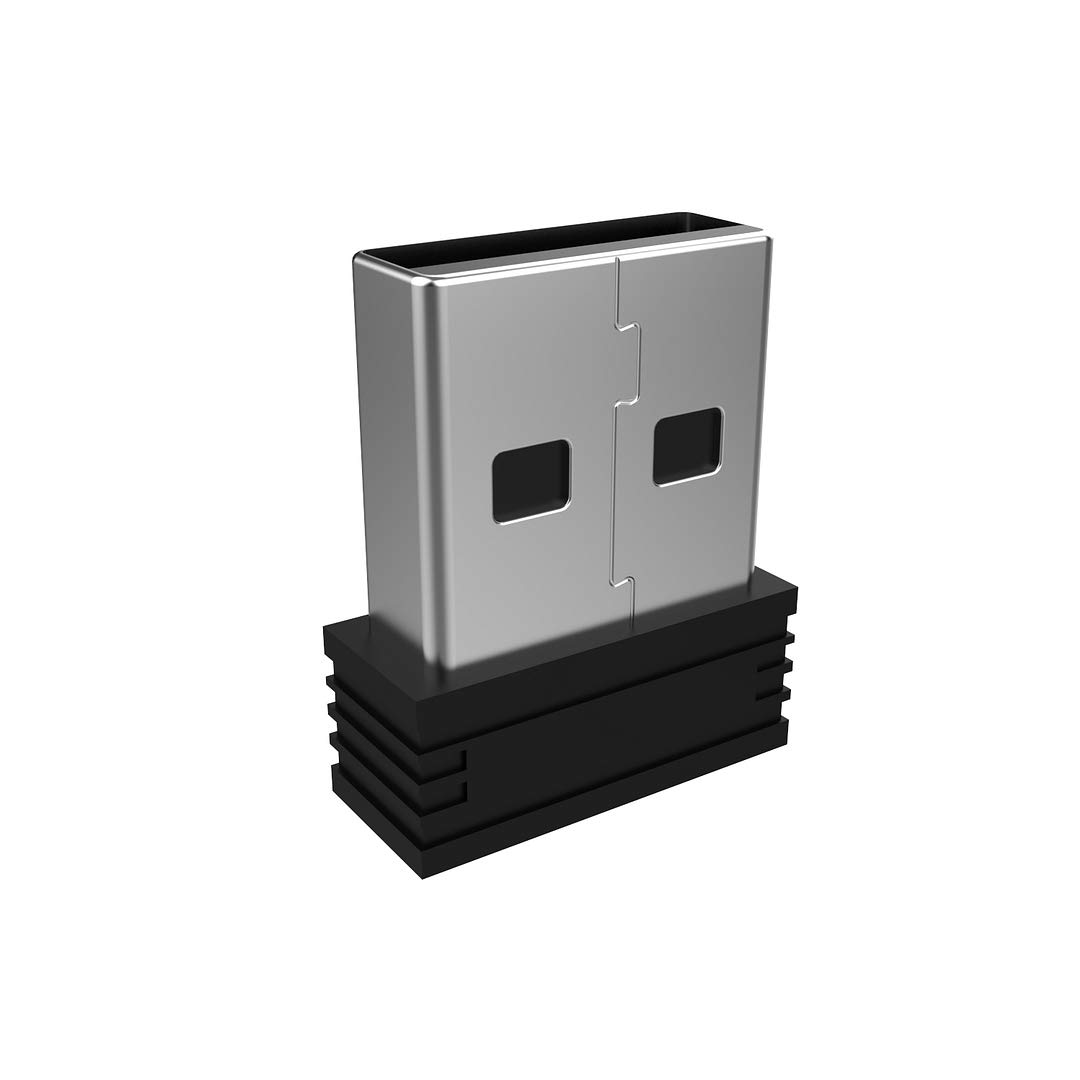
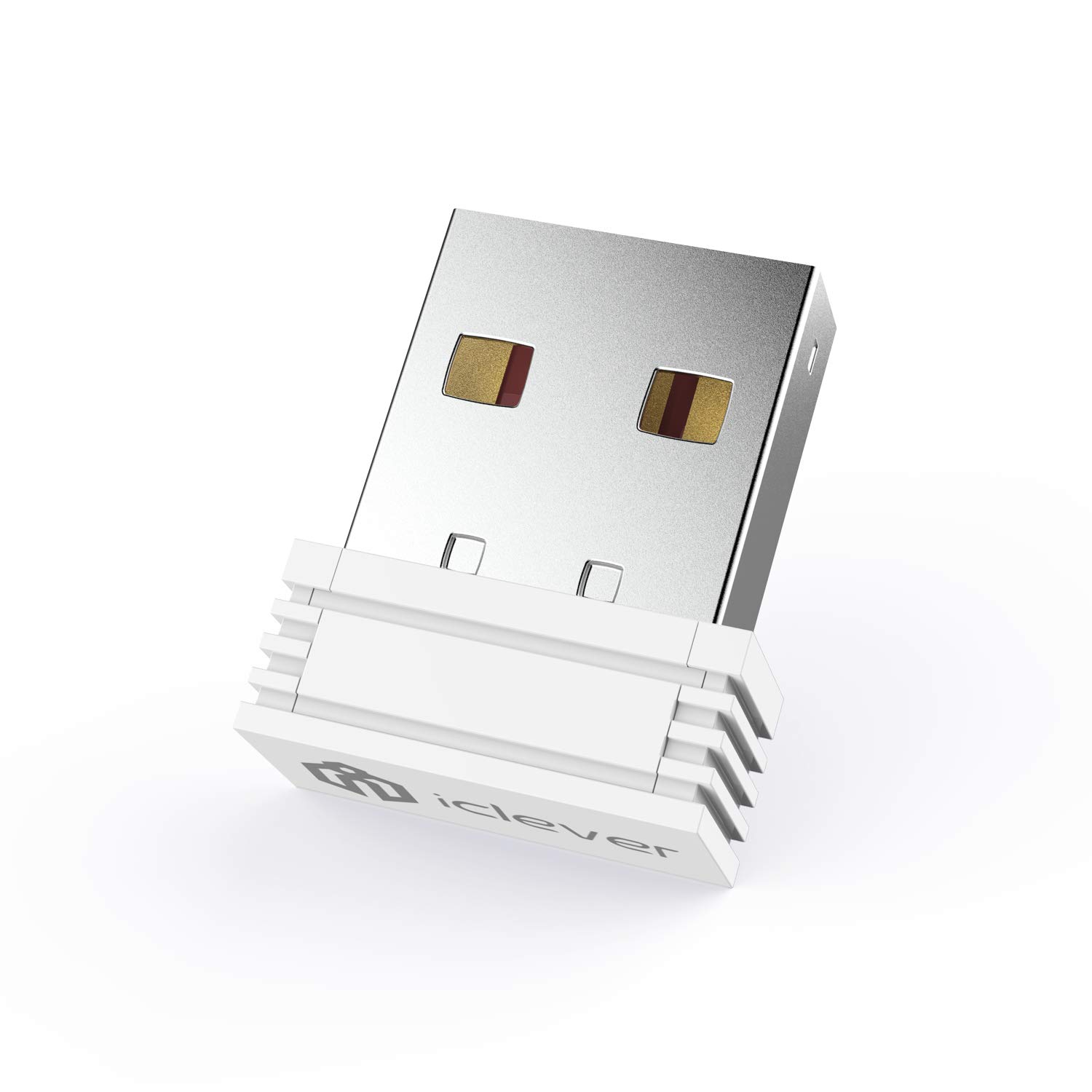
This USB requires manually pairing before using. Pairing Process: 1 Keyboard: Switch the keyboard to be on and press Esc+k, the indicator will blink. Move the Keyboard close to the USB port and insert the USB receiver. 2 Mouse: Switch the mouse to be off, press and hold the right button and the wheel, turn on the mouse wait 2 seconds to release the holding, the indicator will blink. Move the mouse close to the USB port and insert the USB receiver. Arteck Only This nano USB receiver is for Arteck USB wireless products, it's not suitable for other brands. It's not suitable for Arteck HW197, HD197, MD167, MD172 or Bluetooth keyboard or mouse. This USB is not suitable for Arteck HW197, HD197 or Bluetooth keyboard or mouse. Manually Setup If you have problem to connect the USB to the Arteck keyboard or mouse, please contact the seller as there’s manually pairing the USB to the keyboard and the mouse.
Customer reviews
10 Trustpilot reviews total, with 2 shown at a time.
I wrote to Bigamart's customer support and they accompanied the process of reshipping the item until it finally arrived. I felt a genuine effort to solve the problem till it was finally solved.
The package was here in Australia from England in a few days — so quick! Something was missing and they refunded it straight away. Pretty happy with these guys.
You might also like