ASKC
✓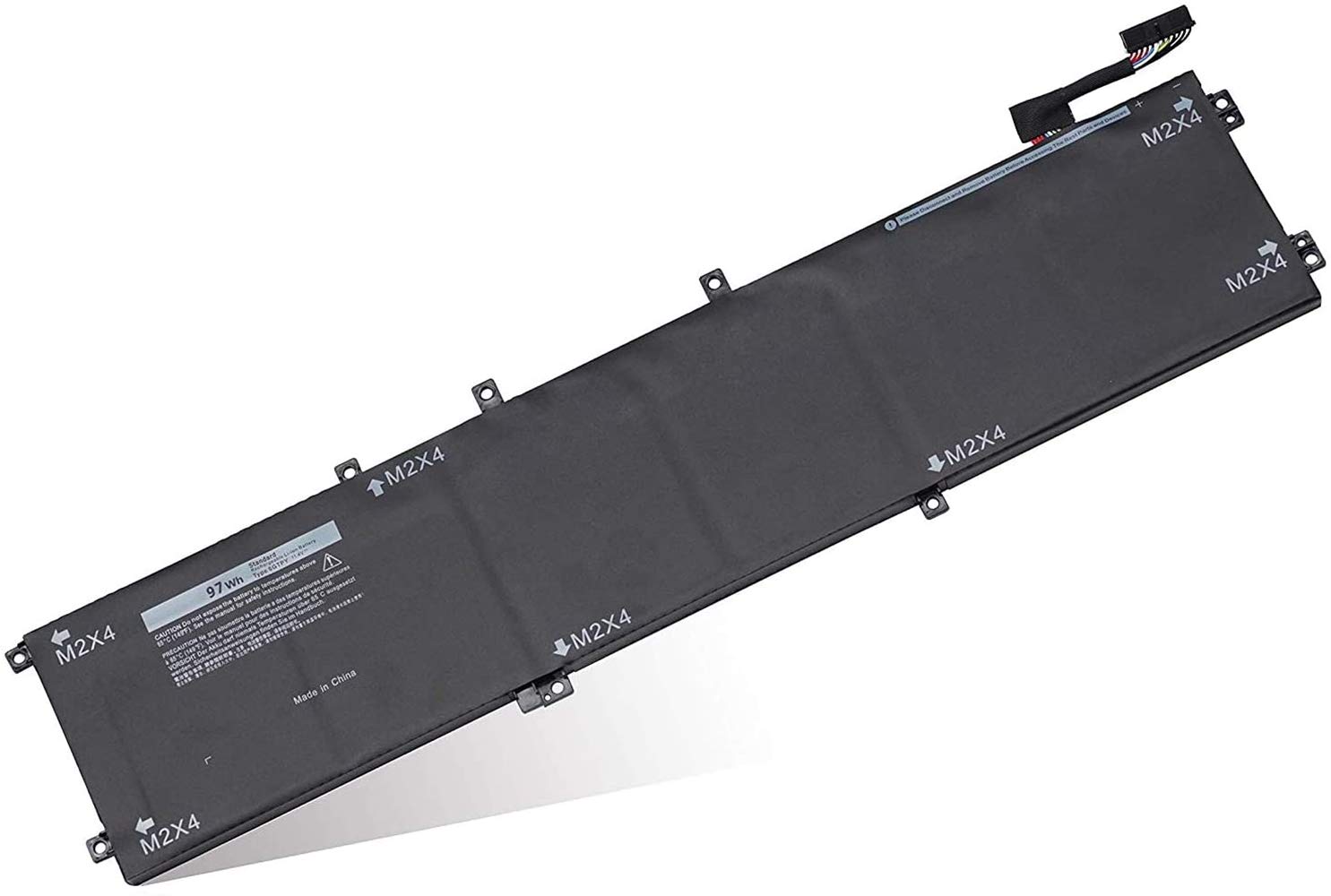
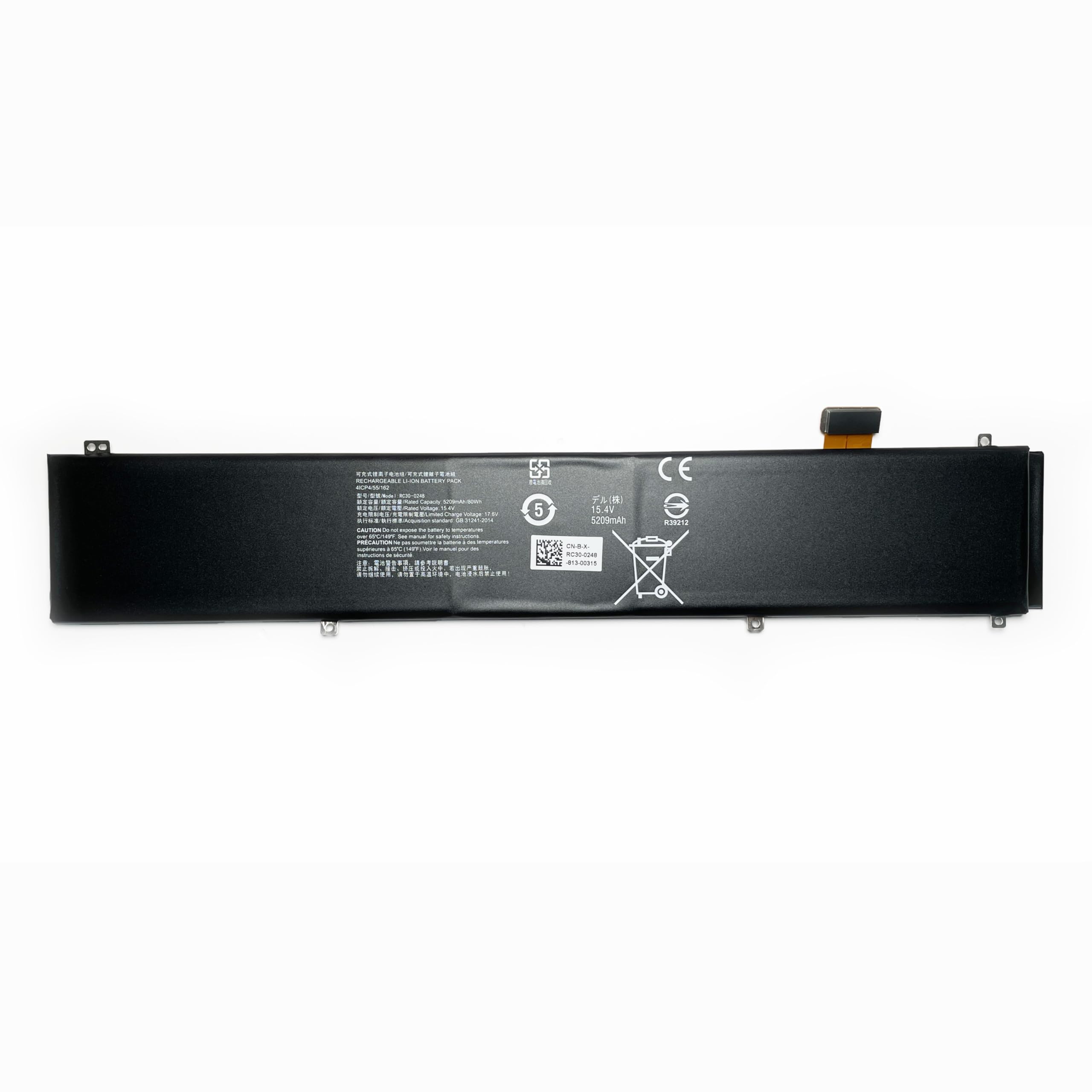
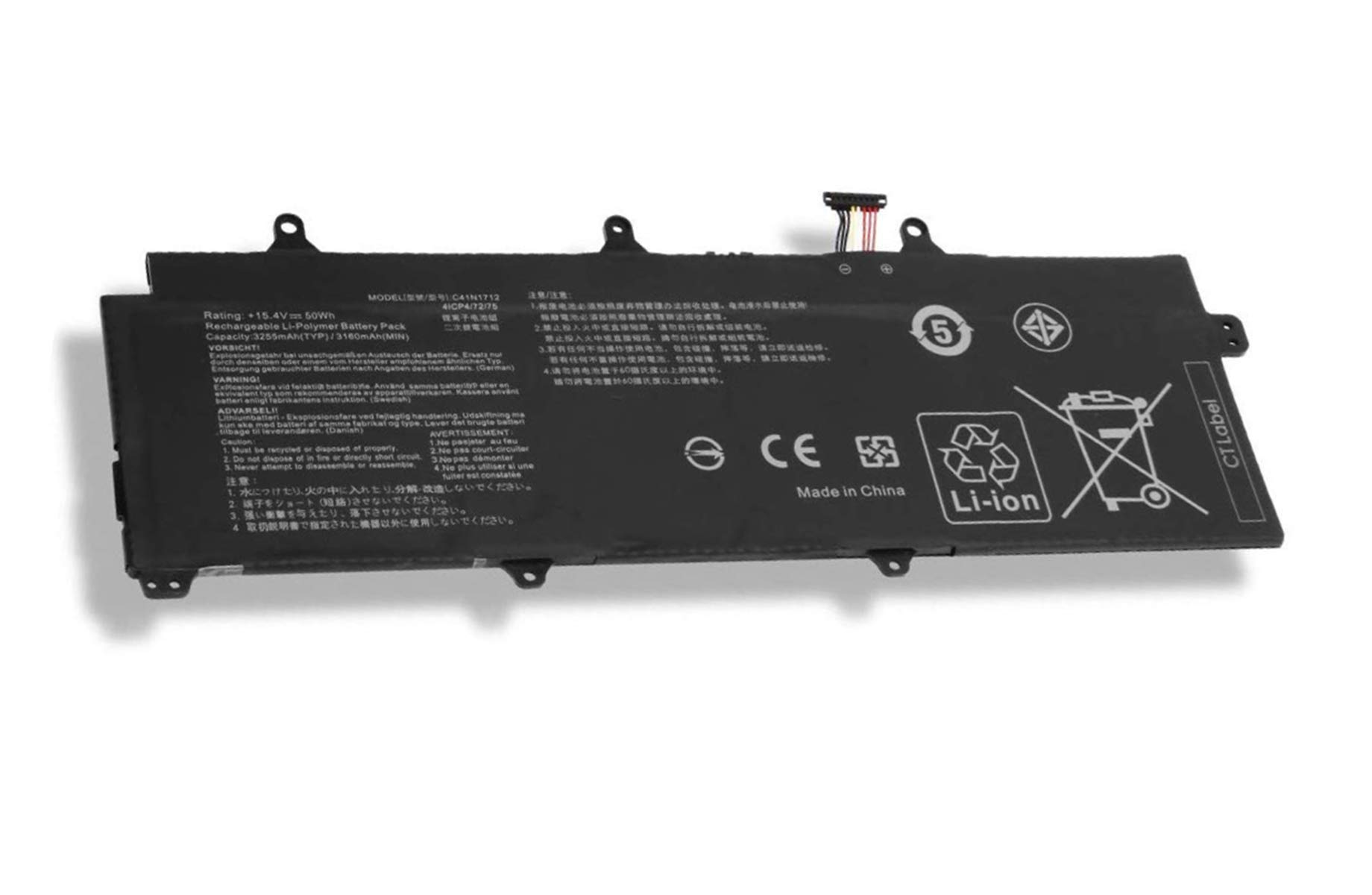
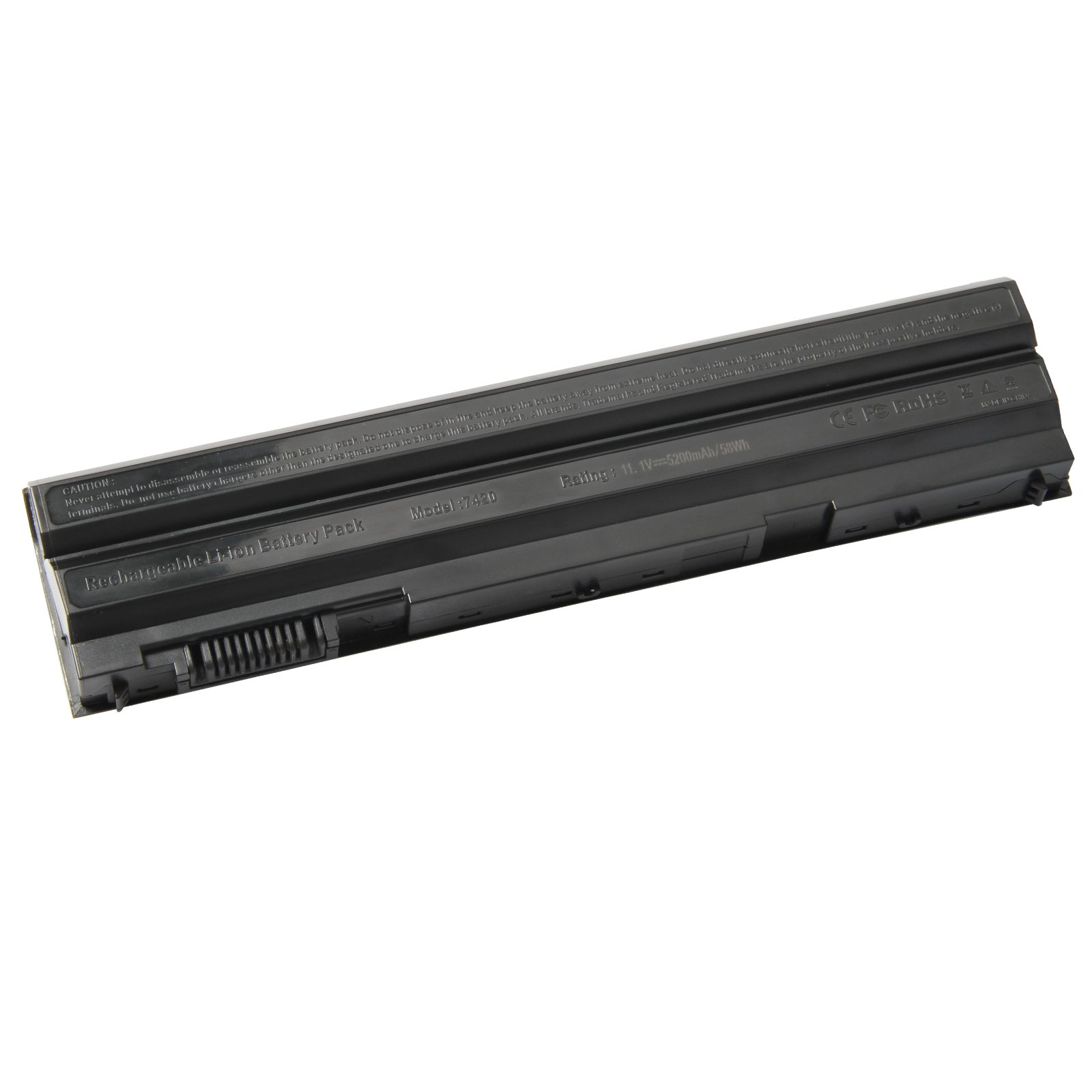
Please check the original battery model, shape. Make sure you get the correct battery. Battery Information: Condition: Brand New Battery Type:Li-ion Voltage: 11.4V Capacity: 97Wh / 6Cell Certificate: CE,RoHS,FCC Compatible Part Numbers: 6GTPY 5XJ28 05XJ28 GPM03 0GPM03 Compatible Models:(Use "Ctrl"+"F" to find your laptop model) Dell XPS 9550 9560 9570 7590 Series: Dell XPS 15 2017 9560, XPS 15 9560 i7-7700HQ, XPS 15-9560-D1745, XPS 15-9560-D1845T, XPS 15-9560-D1645, XPS 15-9560-D1545, XPS 15-9560-D1845 Dell XPS 15 2018 9570, XPS 15-9570-D1541, XPS 15-9570-D1945T,XPS 15-9570-D1841, XPS 15-9570-D1845, XPS 15-9570-D1501, XPS 15-9570-D1741, XPS 15-9570-D1605, XPS 15 9570 i7 UHD, XPS 15-9570-D1941T, XPS 15-9570 Dell Precision 5510 5520 5530 5540 Series. (Important Note: NOT fit for Precision 5530 2-in-1 Series.) Dell Inspiron 7501 7590 7591 Series. (Important Note: NOT fit for Inspiron 7590 2-in-1 // Inspiron 7591 2-in-1 Series.) NOTE:For Optimal Use battery: 1.Discharge the new battery to 5%-10% (not 0%), then charge and cycle 3-4 times to wake up the new battery. 2.The important point is to perform a full discharge charge every other month to extend battery life. 3.Don't connect adapter for a long time while using the battery. It may damage the battery. 4.Avoid artificial shocks, disassembly, crush or puncture. Do not dispose of in fire or water. 5.Avoid using the battery in an environment where the temperature is too high or too low.
Customer reviews
10 Trustpilot reviews total, with 2 shown at a time.
I wrote to Bigamart's customer support and they accompanied the process of reshipping the item until it finally arrived. I felt a genuine effort to solve the problem till it was finally solved.
The package was here in Australia from England in a few days — so quick! Something was missing and they refunded it straight away. Pretty happy with these guys.
You might also like