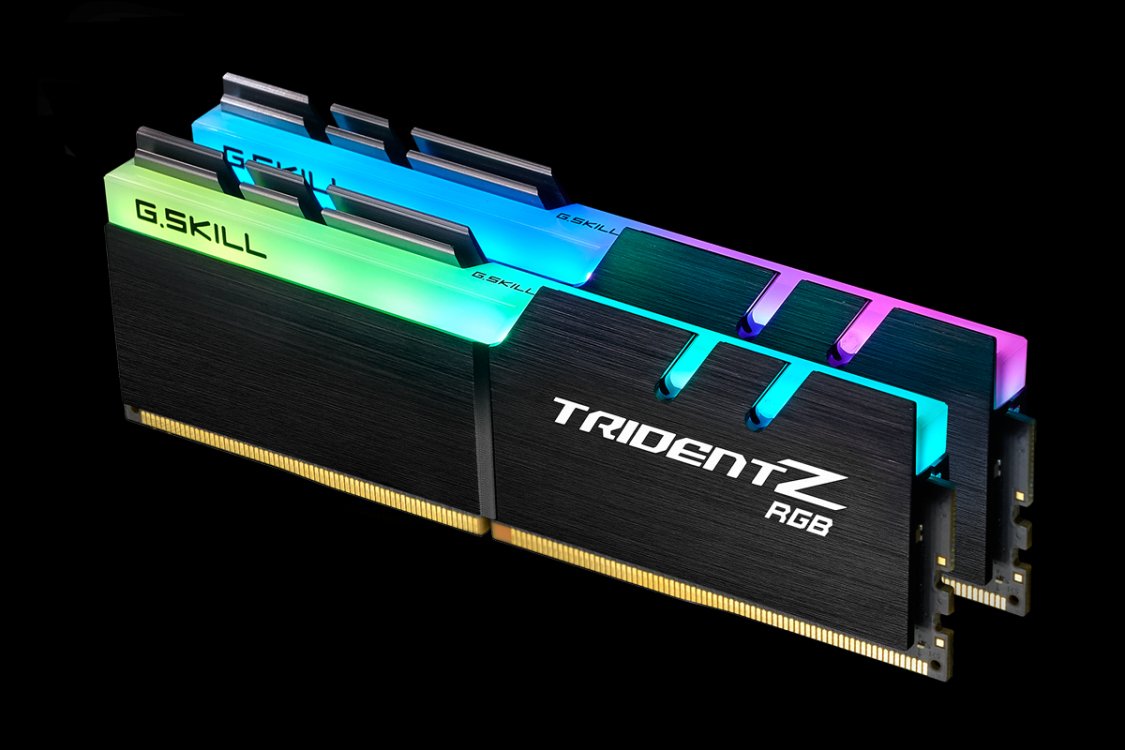
G.SKILL
✓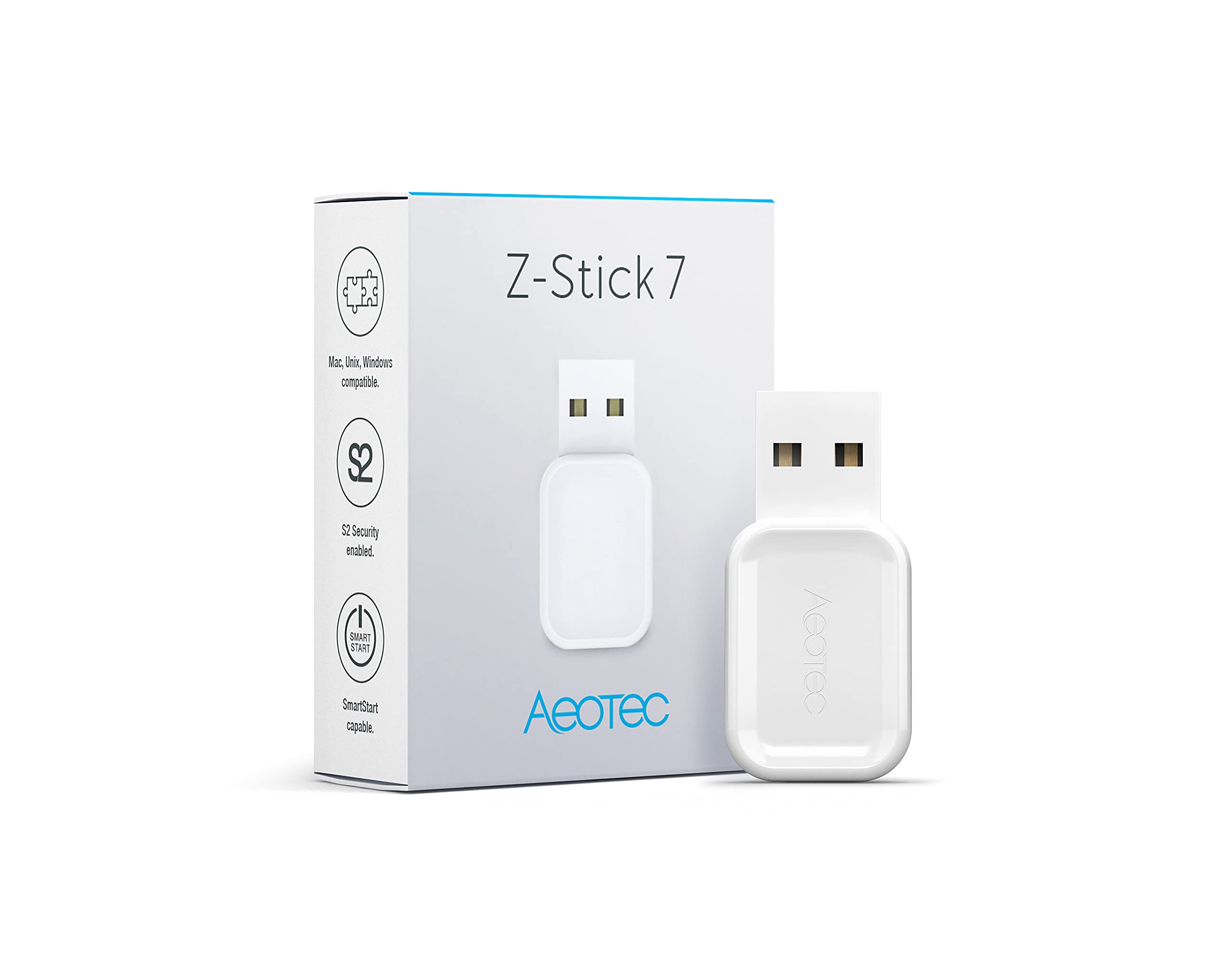
Control your smart home locally, privately and without the cloud. With the Aeotec Z-Stick 7 allows you to build your own automation gateway using Z-Wave Gen7 and 700 series technologies. Packed with new features and technologies, but even more compact. The Z-Stick 7 is 79% smaller than the Z-Stick Gen5+ yet just as easy to set up. S2 encrypted. With the Z-Stick 7, your smart home becomes a safe home. Wireless communication between his Z-Wave antenna and the Z-Wave products installed in your home is secured by S2 Security's triple security. Local hosting. If your automation system isn't hosted locally, security and privacy can be compromised. Take control of both by using open-source hardware, such as Raspberry Pi, and software with Z-Stick 7 to host and control your automation setup locally. SmartStart supports. Install new devices in seconds. The Z-Stick 7 offers a native SmartStart feature that allows new Z-Wave devices to connect to your system simply by scanning their QR code via a SmartStart-enabled app. Features Z-Wave 700 series - longer range, more efficient and better performance compared to older generation series Z-Wave controller as a USB stick Wireless technology Z-Wave Plus V2 SmartStart capable S2 Security Compatible with Raspberry Pi 4 or older versions and also with Windows, Linux and iOS Manages up to 232 Z-Wave devices Universally usable with various Z-Wave software solutions (requires Z-Wave Serial Bridge API support) Adding Z-Stick to an existing Z-Wave network. This must be done via the host software, which controls the Z-Stick USB adapter while the Z-Stick is in SerialAPI mode. Please consult the host software user guide to add the Z-Stick to an existing Z-Wave network (e.g. “Learn,” “Sync,” “Add as a secondary controller,” etc.). This feature can only be performed using the host software. Reset your Z Stick The Z Stick can also be reset to factory settings via the host software. The host software must take control of the Z-Stick USB adapter while the Z-Stick is in SerialAPI mode. Find the Z-Wave controller reset option/button/function in your chosen software.
Customer reviews
10 Trustpilot reviews total, with 2 shown at a time.
I wrote to Bigamart's customer support and they accompanied the process of reshipping the item until it finally arrived. I felt a genuine effort to solve the problem till it was finally solved.
The package was here in Australia from England in a few days — so quick! Something was missing and they refunded it straight away. Pretty happy with these guys.
You might also like