Mesqool
✓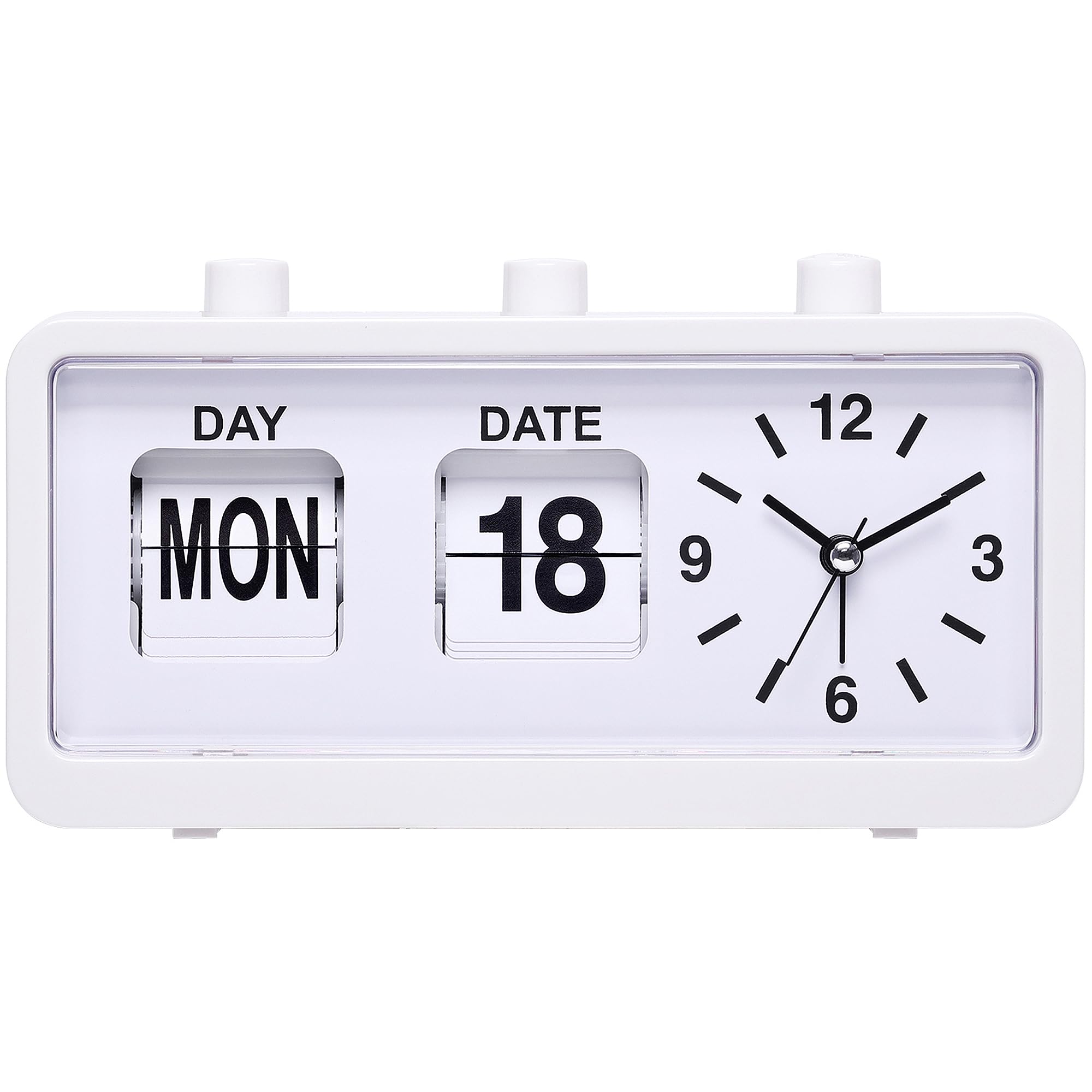
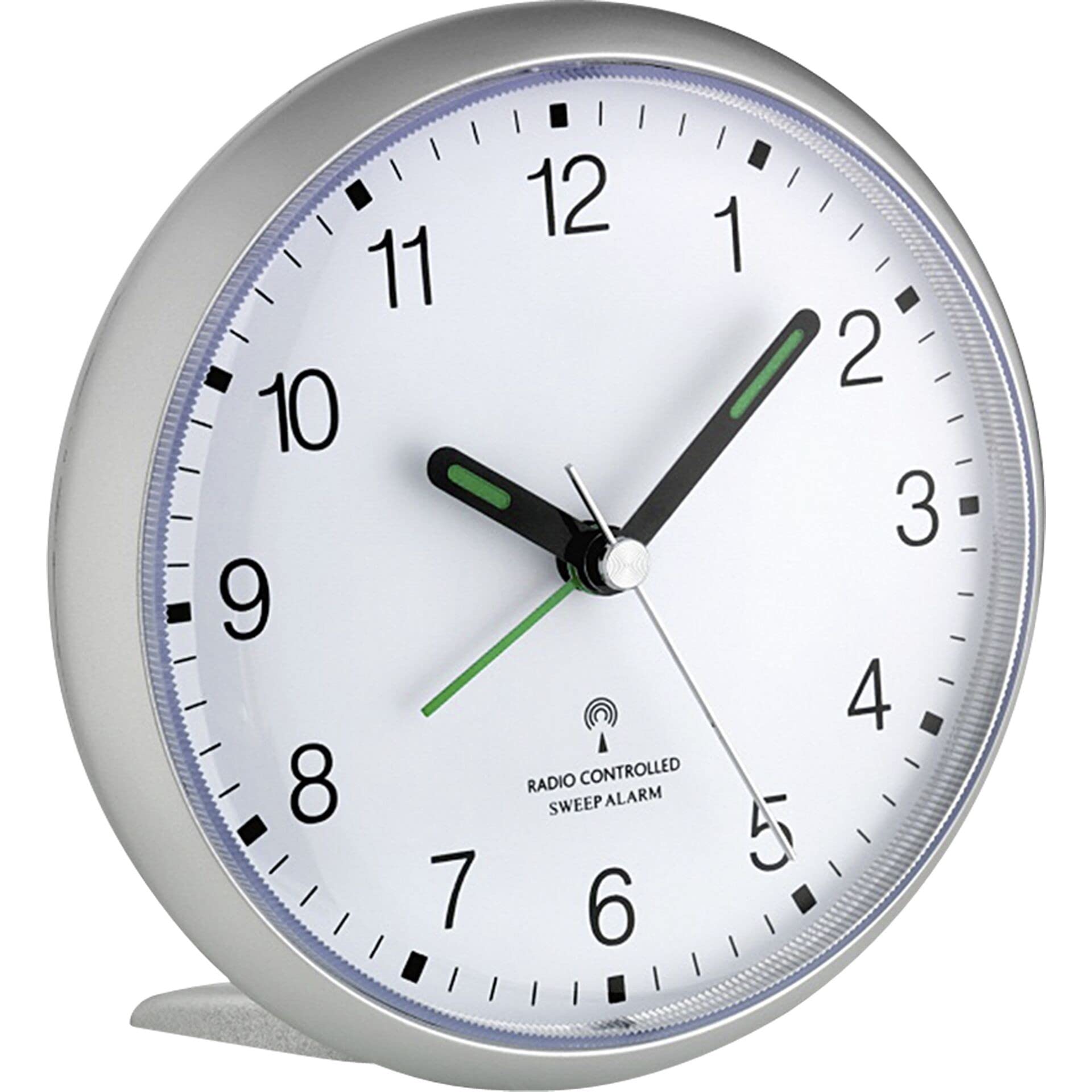
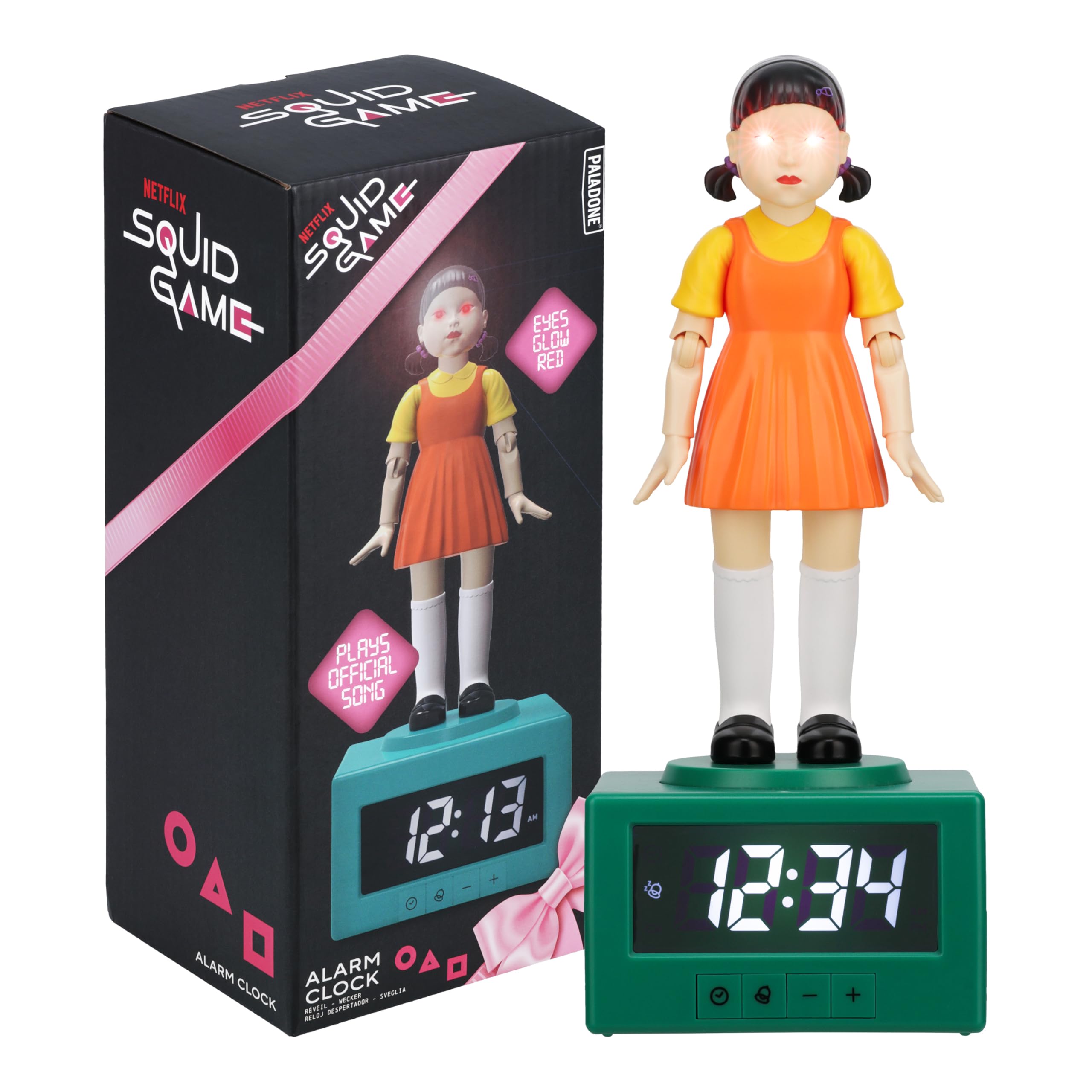
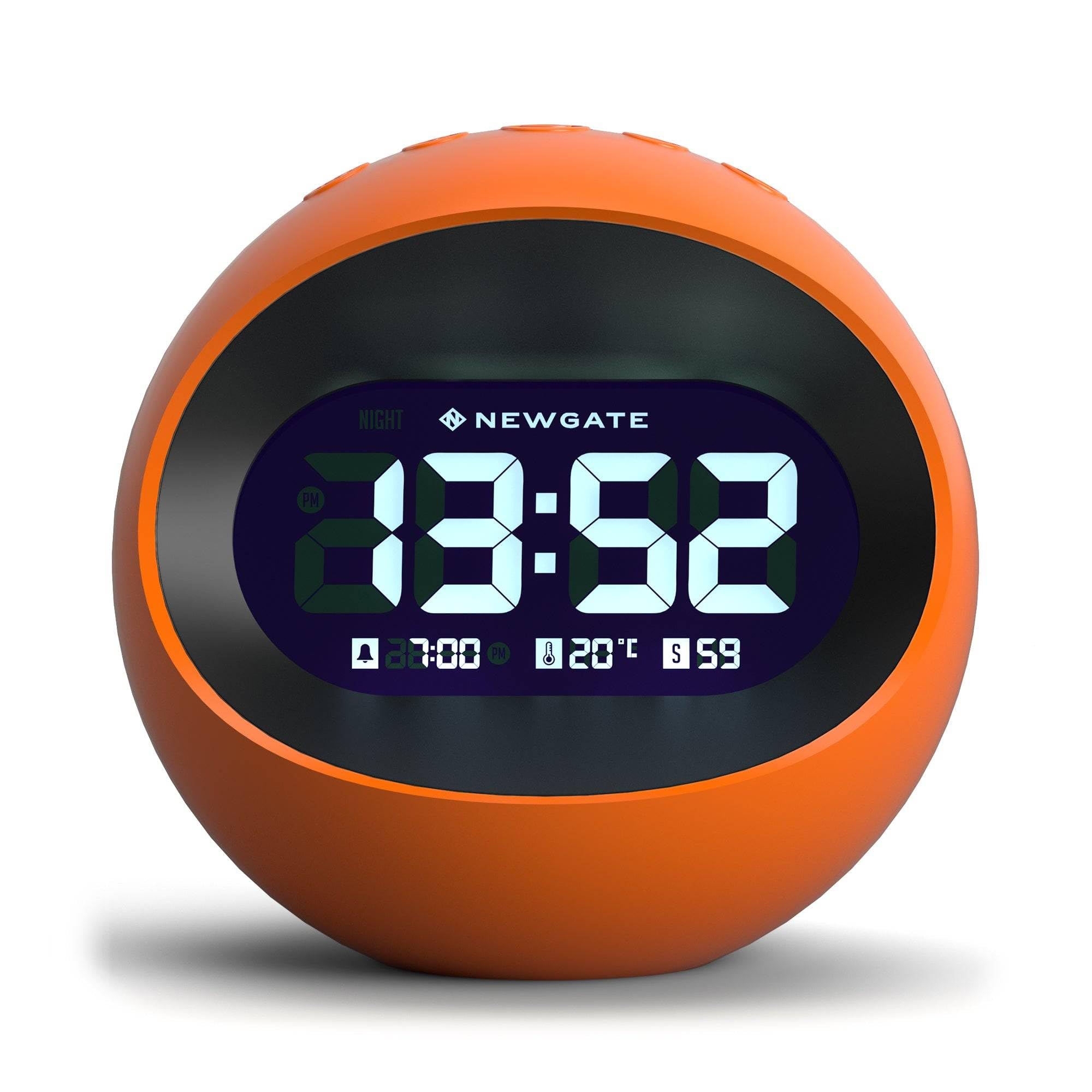
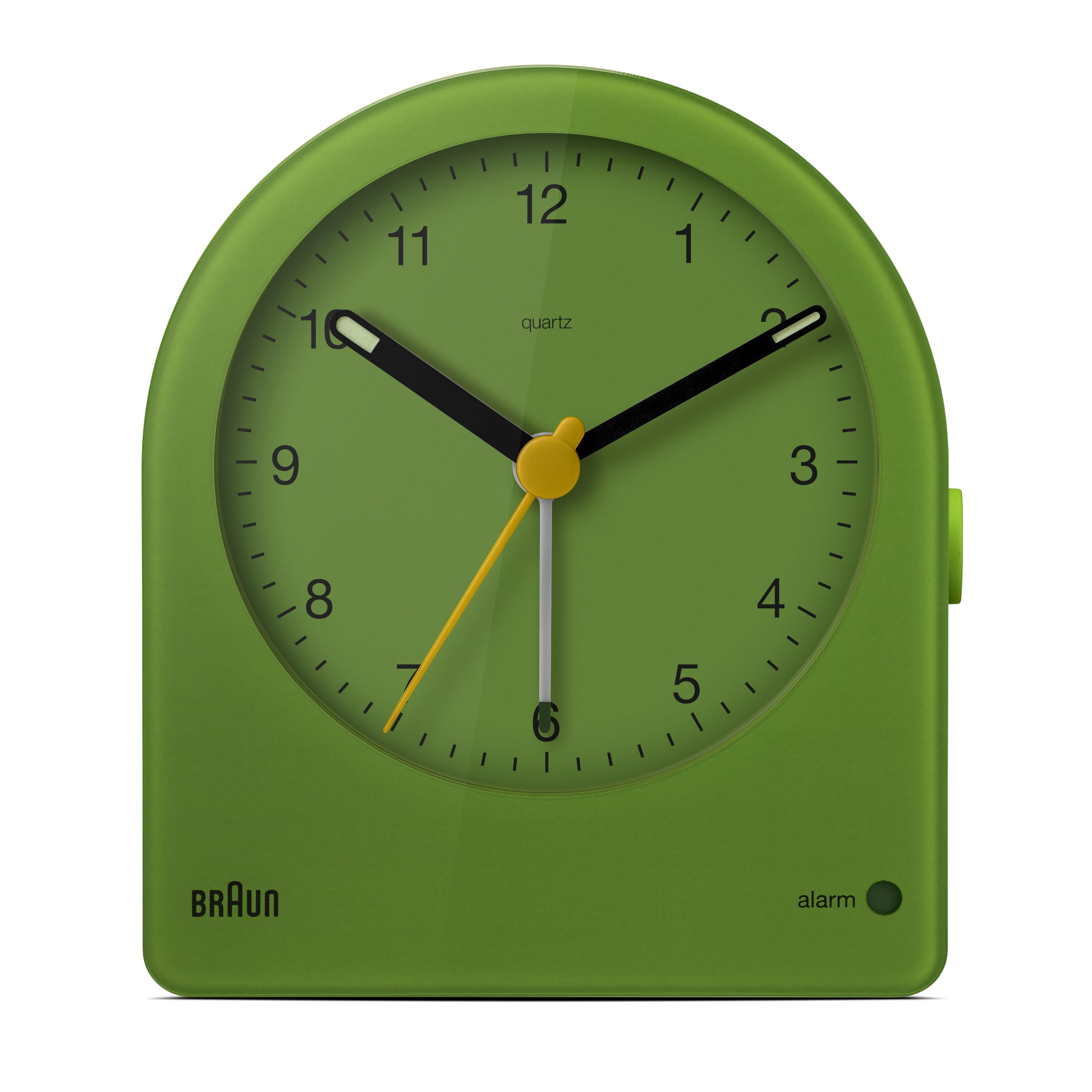
Digital Alarm Clock - Your Ideal Wake-up Companion Introduction: This digital alarm clock is designed to offer a simple yet efficient way to start your day. With its essential features and user-friendly design, it's suitable for various settings, whether it's your bedroom, office, or dorm room. Product Specifications:Dimensions:7.8"x1.9"x3.7" / 20cm x 9.5cm x 5cm (LxWxH) Power Supply:1 AA Battery (batteries not included) Display Type: LED What's in the Box: 1 x Digital Alarm Clock 1 x Manual Product Description: 1. Battery Instructions First, insert the positive (+) side of the battery into the battery slot. Then, press the negative (-) side of the battery into the slot to complete the installation. Note: This battery device cannot use alkaline batteries. Rechargeable batteries and normal 1.5V carbon batteries (generally sold in supermarkets) can be used. 2. Pointer Guide for Charging (Clock Hands Installation) (1) Remove the battery and pendulum. Position the front cover of the movement, and remove the hands from the base one by one. Install the hour hand first, then the minute hand, and finally the second hand/second. (2) Installation Order: Install the hour hand at the installation position, then the minute hand, and then set the position for the second hand/second installation where the minute hand is installed. (3) Lateral View of the Central Axis of Movement: After installing the hour hand, minute hand (of medium length), and second hand/second in sequence, align all pointers with the direction of 12 o'clock. If the battery is installed in the pointer, adjust the time. Ensure there is no collision between the pointers on the dial.
Customer reviews
10 Trustpilot reviews total, with 2 shown at a time.
I wrote to Bigamart's customer support and they accompanied the process of reshipping the item until it finally arrived. I felt a genuine effort to solve the problem till it was finally solved.
The package was here in Australia from England in a few days — so quick! Something was missing and they refunded it straight away. Pretty happy with these guys.
You might also like