Contacta
✓Intercom
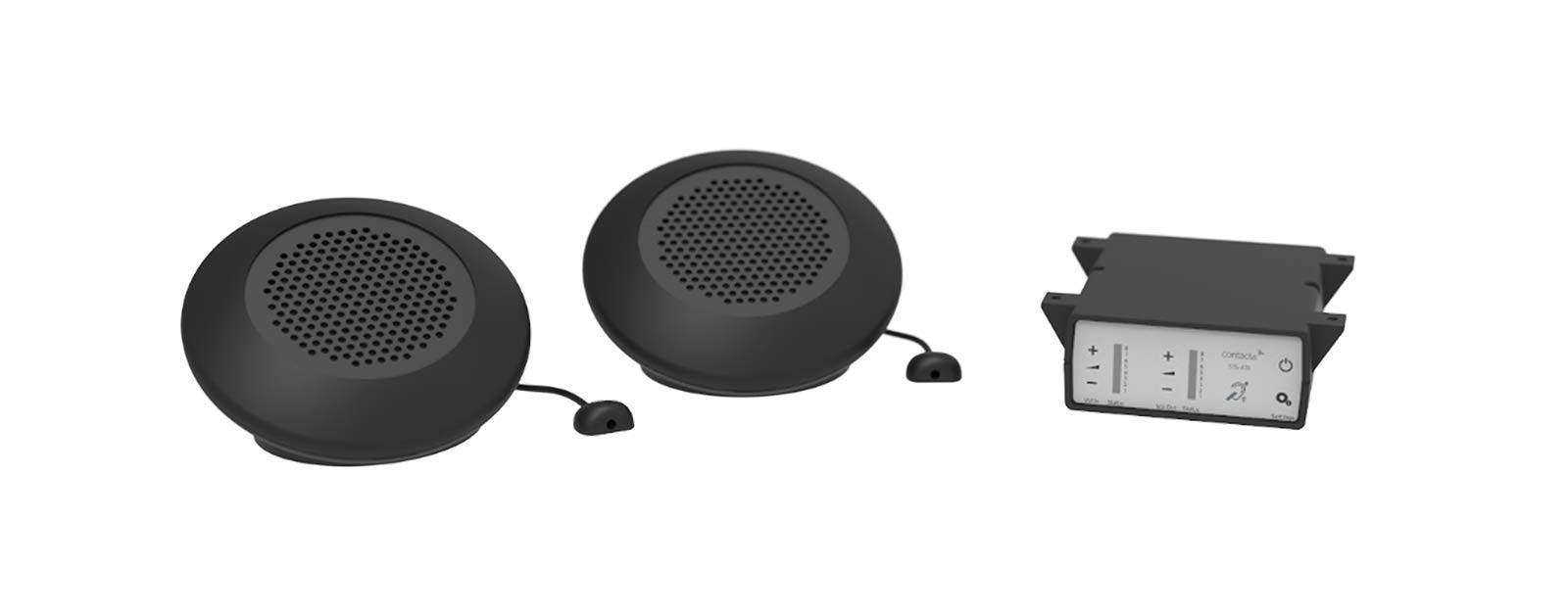
Contacta Two Way Window Intercom System STS-K070 Dual Speaker Pod System - Black
★★★★★5
$1331.99
View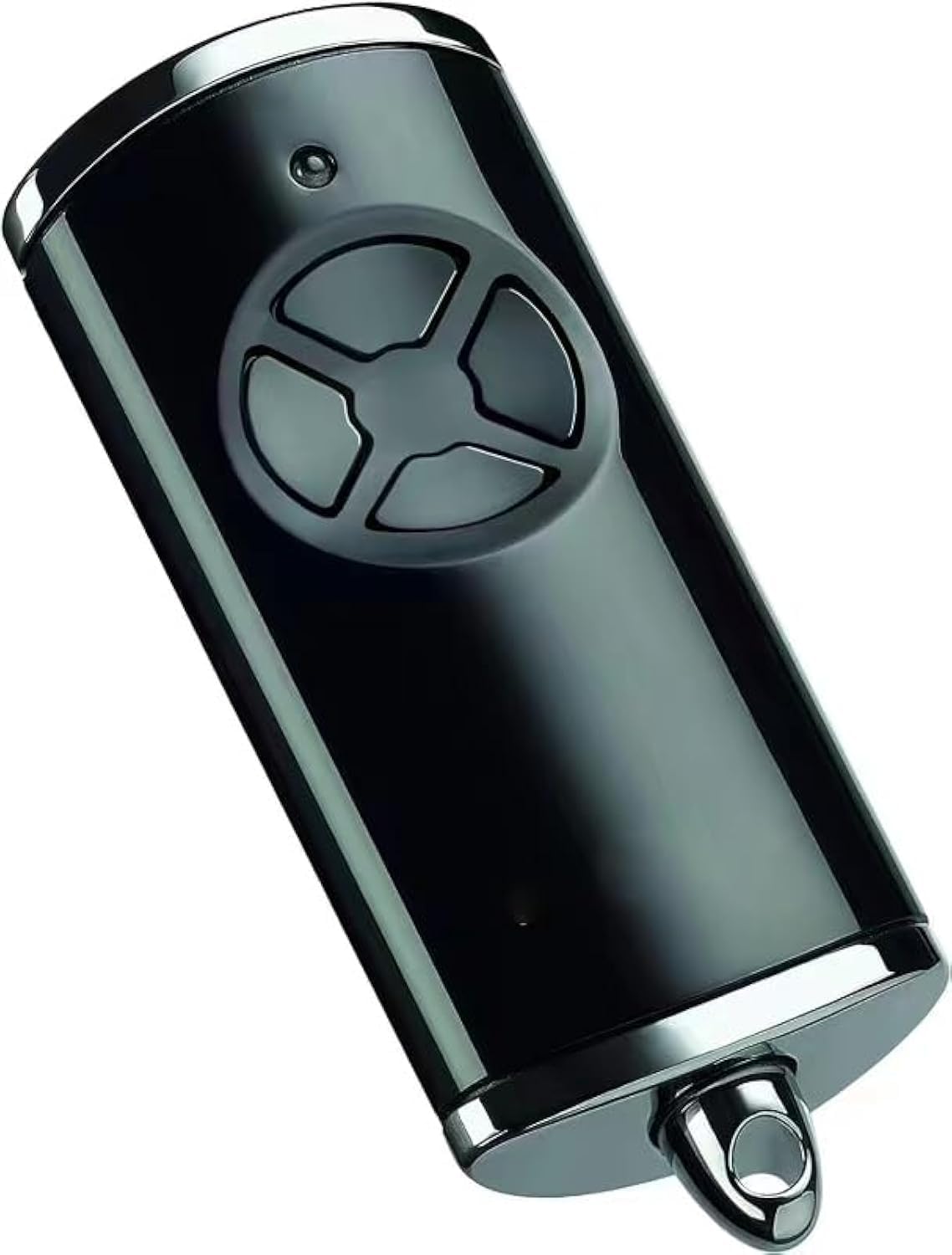
Note: Built-in scrolling codes (blue LEDs)! If your original remote control uses fixed codes (red LEDs), it will not work. Compatible models: For Hormann HS1-868-BS. For Hormann HS4-868-BS. For Hormann HS5-868-BS. For Hormann HSE1-868-BS. For Hormann HSE2-868-BS. For Hormann HSE4-868-BS. For Hormann HSP4-868-BS. For Hormann HSD2-868-BS. For Hormann HSS4-868-BS. How to program? 1) Press and hold the button of the new remote control, you want to save the code of the original remote control, press and hold it, press another button three times until the red LED light lights up for 10 seconds, and release all buttons. 2) Place the original remote control as close as possible on the left side of the new remote control. 3) Press the button of the original remote control. You need to copy the code until the LED flashes red and blue alternately. Check if the LED of the new remote control flashes blue. If not, try to get as close to the original remote control as possible. 4) When the blue light of the new remote control flashes quickly, the learning process is complete. Release all buttons. 5) Please do the same procedure for the remaining buttons. Reset method: Each button on the remote control is assigned to a new radio code using the following steps. (1) Remove the battery for 10 seconds. (2) Press and hold one button of the remote control. (3) Insert the battery. The LED flashes slowly blue for 4 seconds. The LED flashes quickly blue for 2 seconds. The LED lights up blue for a long ( 4) When you release the button of the remote control, all radio codes are reassigned. D Note: If the remote control button is released prematurely, no new radio codes will be assigned.
Customer reviews
10 Trustpilot reviews total, with 2 shown at a time.
I wrote to Bigamart's customer support and they accompanied the process of reshipping the item until it finally arrived. I felt a genuine effort to solve the problem till it was finally solved.
The package was here in Australia from England in a few days — so quick! Something was missing and they refunded it straight away. Pretty happy with these guys.
You might also like