IBest
✓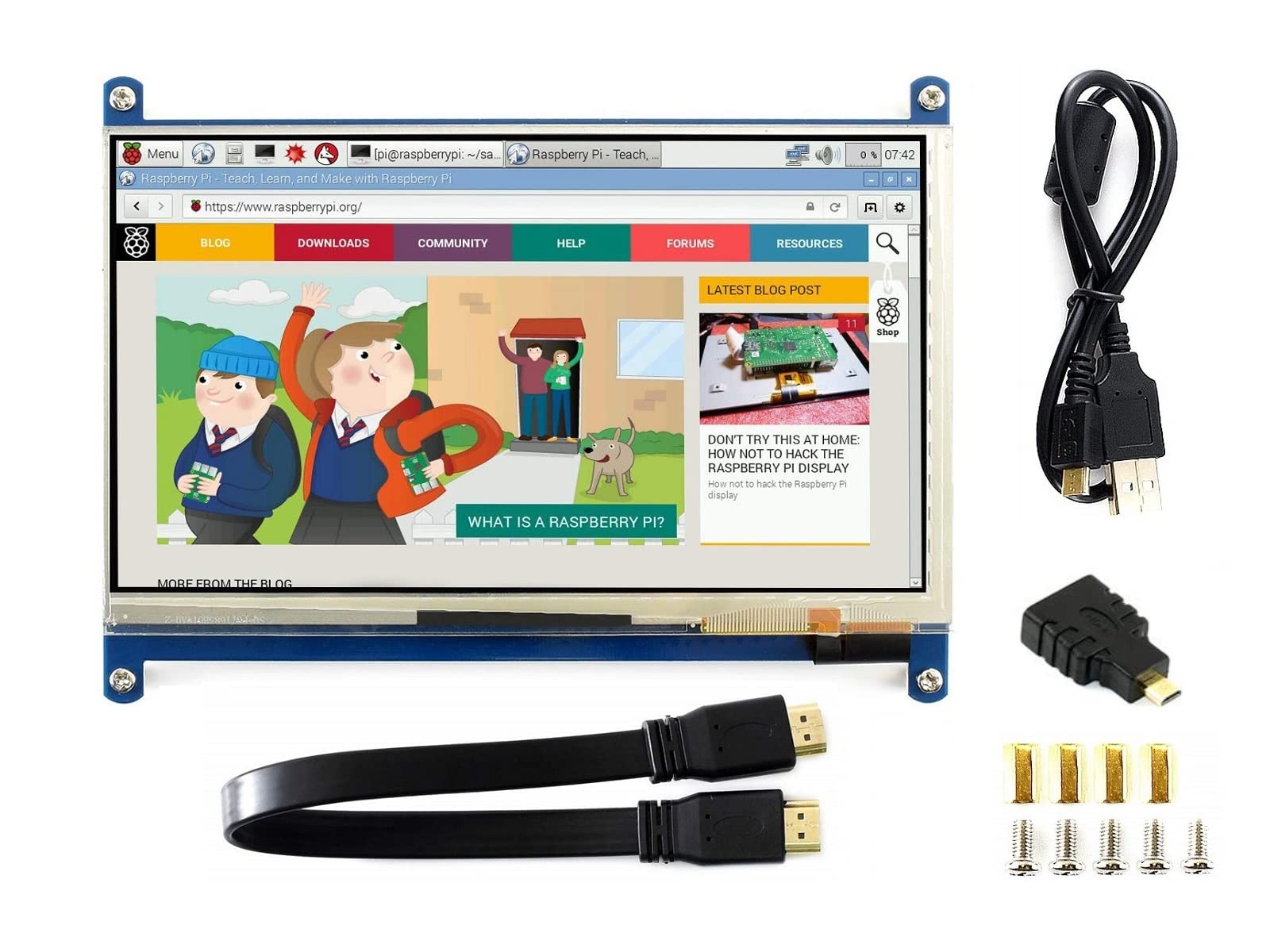
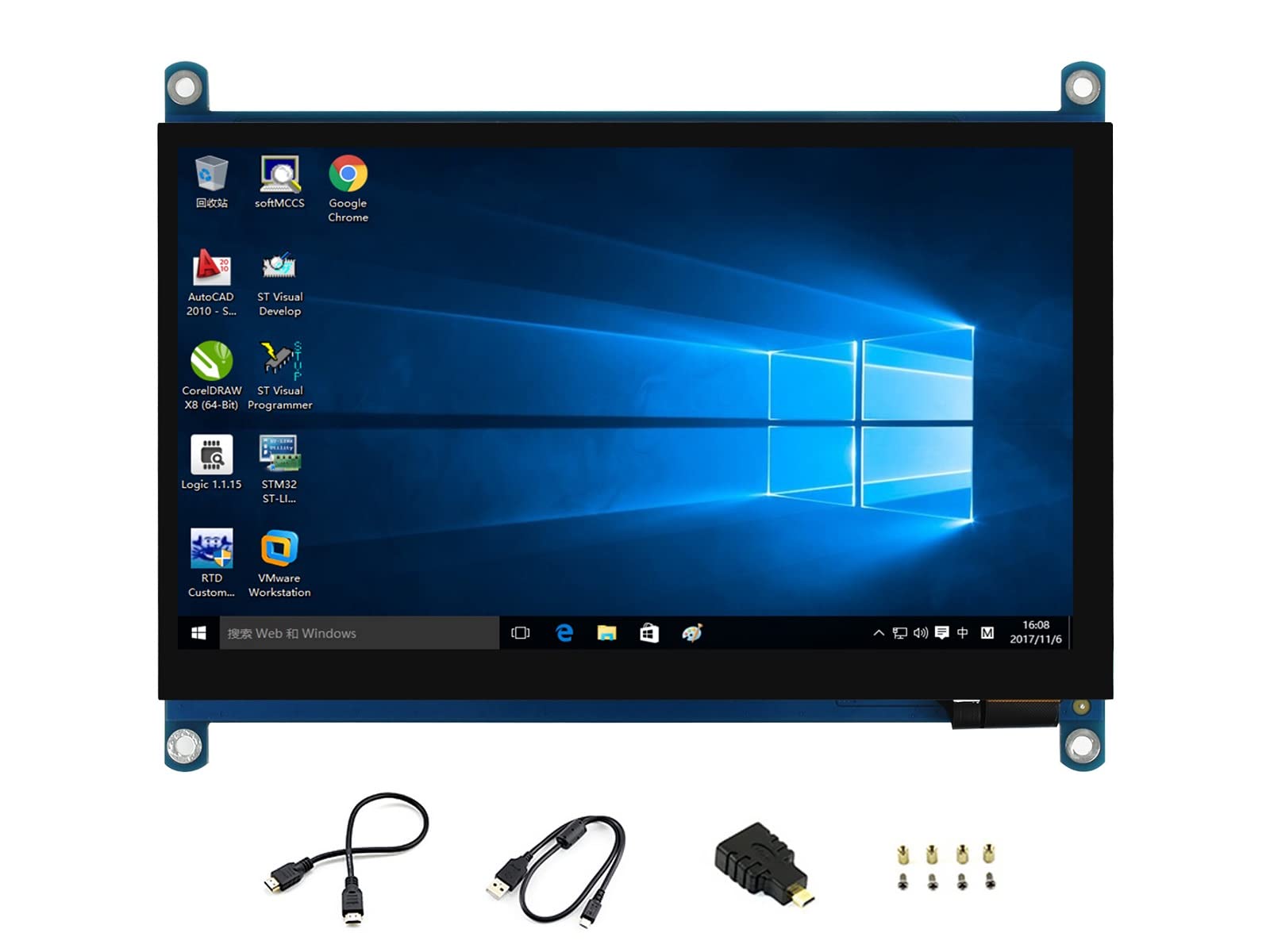
7 inch Capacitive Touch Screen LCD, HDMI interface, supports various systems 7inch HDMI LCD (C) Rev4.1 Features Latest Version-IPS screen, wider viewing angle, more clear displaying, better touch effects, stronger anti-interference ability. Standard HID protocol, easy to be integrated into your system Add the VCOM adjustable resistance and EMC circuit For the Raspberry Pi, supports Raspbian, Ubuntu, single touch, and driver free When work as a computer monitor, supports Windows 10/8.1/8/7, five-points touch, and driver free Supports Raspberry Pi Supports Banana Pi / Banana Pro, comes with Lubuntu, Raspbian images Supports BB Black, comes with Angstrom image Backlight can be turned off to lower power consumption Note: to use the LCD with following mini-PCs, additional cables are required and should be purchased separately: Raspberry Pi Zero: HDMI cable;USB-type-A-receptacle-to-Micro-B-plug-cable BB Black: HDMI cable Development Resources Wiki : www.waveshare.com/wiki/7inch_HDMI_LCD_ (C)?Amazon 1.What should we do if there are some red lines on the edge of the screen? Please adjust the config.txt file by adding [hdmi_drive=1] into the end of code.After that please power off the screen and put it aside for a few hours to avoid the flickers. 2.What should we do if there are some ghost pictures? Please check if the config file was configured correctly . Or adjust the potentiometer on the backside,and after the screen can display the desktop, rotate the resistor until it can get the best display of desktop.Then please leave the screen for a while,waiting for the ghost to disappear (may take several hours)
Customer reviews
10 Trustpilot reviews total, with 2 shown at a time.
I wrote to Bigamart's customer support and they accompanied the process of reshipping the item until it finally arrived. I felt a genuine effort to solve the problem till it was finally solved.
The package was here in Australia from England in a few days — so quick! Something was missing and they refunded it straight away. Pretty happy with these guys.
You might also like