No image
delka
✓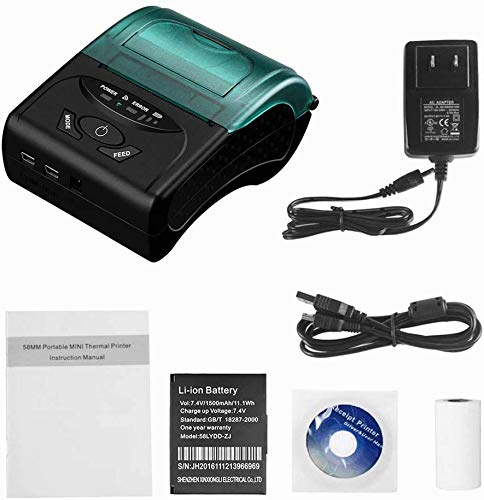
58 mm Bluetooth thermal printer for Android, iOS and Windows system. Small and portable. You can carry and print receipts anywhere, anytime. Multiple connectivity. Supports Bluetooth, USB and RS-232 connections. Rechargeable 1500mAh lithium-ion rechargeable battery, standby time 5-6 days. Note: Please remember to disconnect the insulating paste on the battery before use. Please read the user guide packed with printer. Unable to support PayPal / Intuit Gopayment / Square Register / Credit Card Reader / izettle / FileMake Go. Unable to support iRead lite, TabShop lite, O3POS, MobiPOS Lite and Kasse Speedy. Please confirm if it supports the application before ordering. ▶ Please download the app first by searching for POS-Printer on the app store or you cannot connect the device. Steps for connecting with iPhone / iPad: Search for the iOS app "POS-PrinterV1.0" from the APP Store. Download and install on your iOS device. Turn on the phone's Bluetooth. Look for printer in the iOS App and select "bluetooth printer". "Connected" and print then.
Customer reviews
10 Trustpilot reviews total, with 2 shown at a time.
I wrote to Bigamart's customer support and they accompanied the process of reshipping the item until it finally arrived. I felt a genuine effort to solve the problem till it was finally solved.
The package was here in Australia from England in a few days — so quick! Something was missing and they refunded it straight away. Pretty happy with these guys.
You might also like
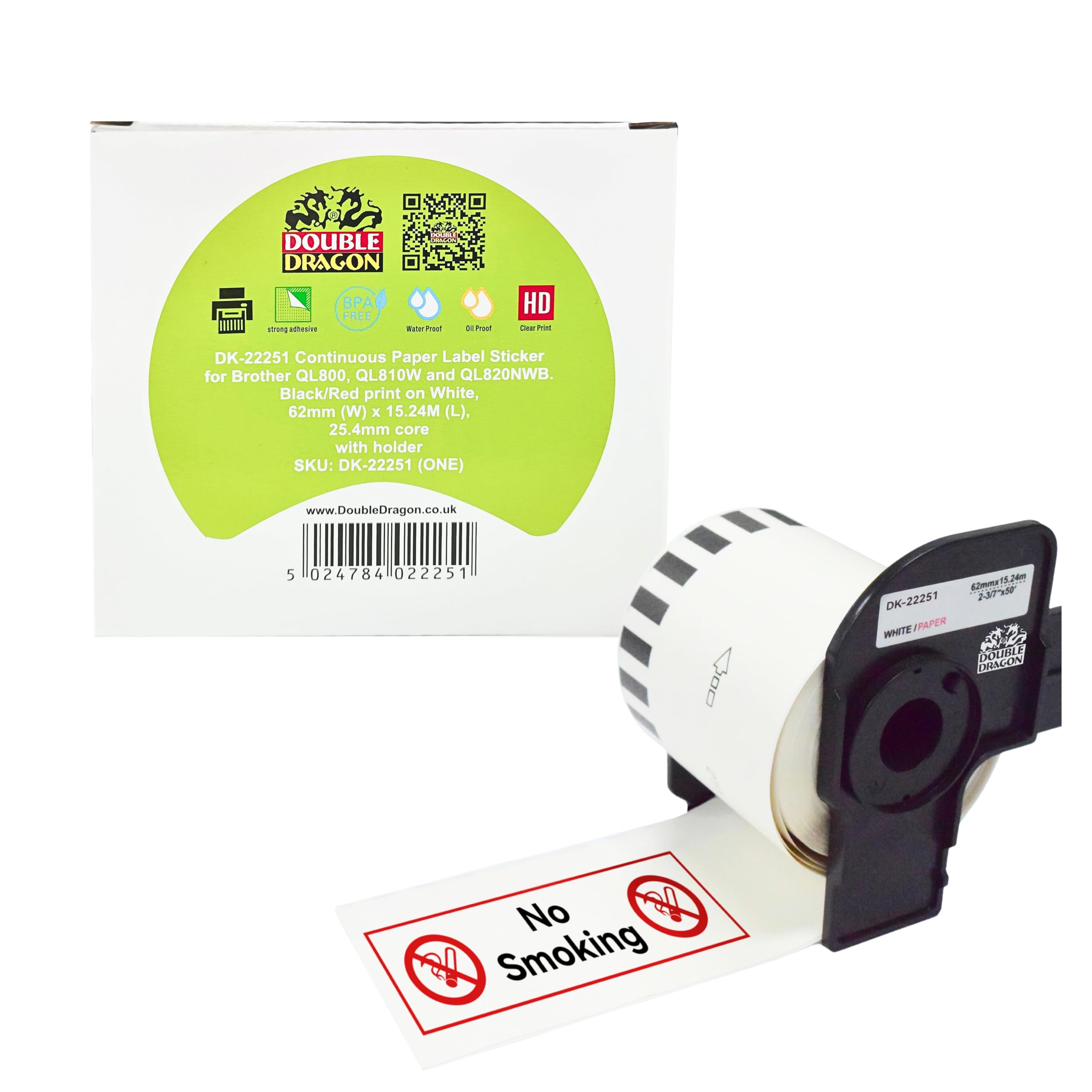
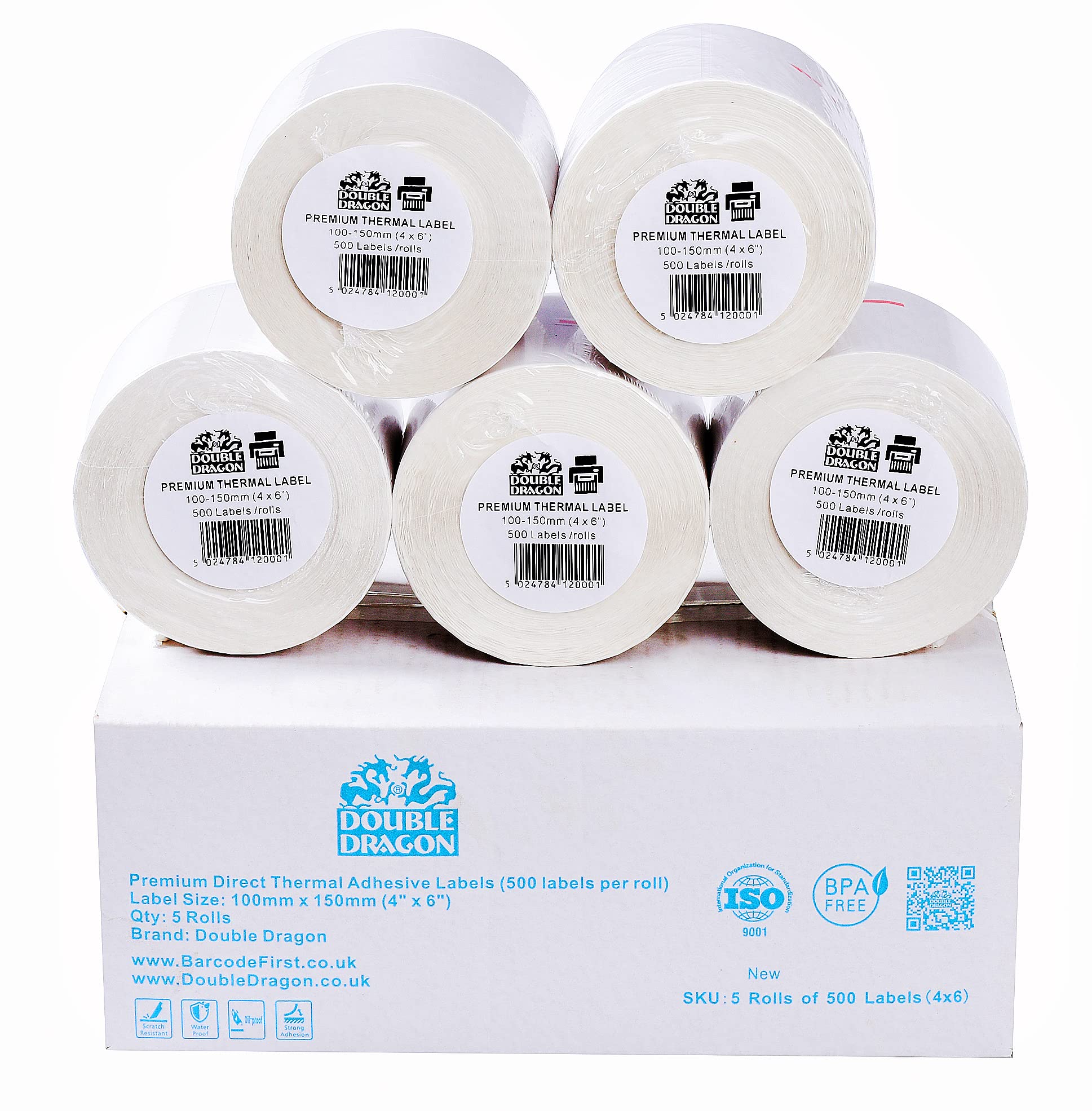
![Double Dragon 100 x 150 mm (4" x 6") Premium Coated Self-Adhesive Direct Thermal Label for Zebra, MUNBYN Printers [10 Roll - 5000 Label]](https://images-na.ssl-images-amazon.com/images/I/81QaHtsQ+DL.jpg)