IBest
✓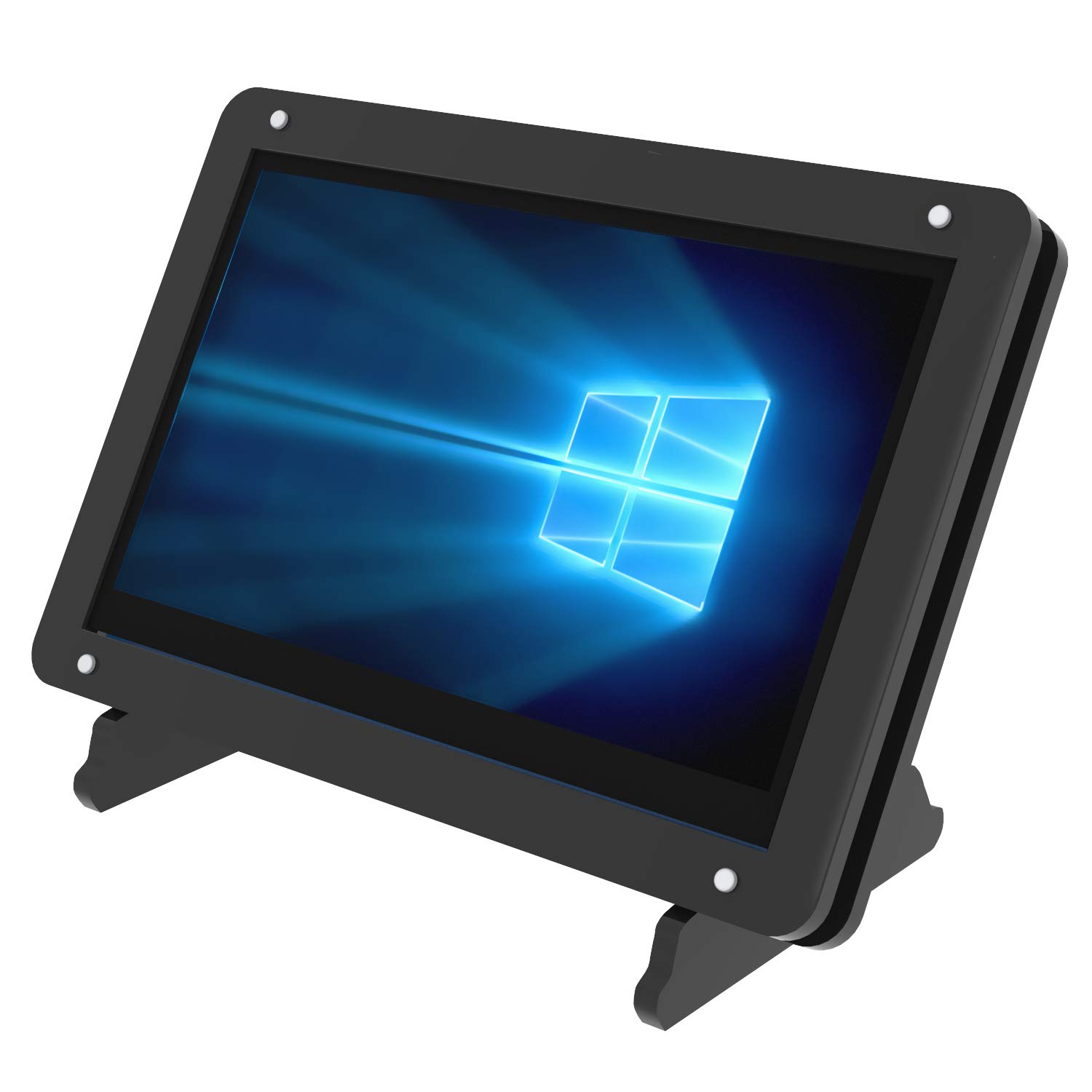
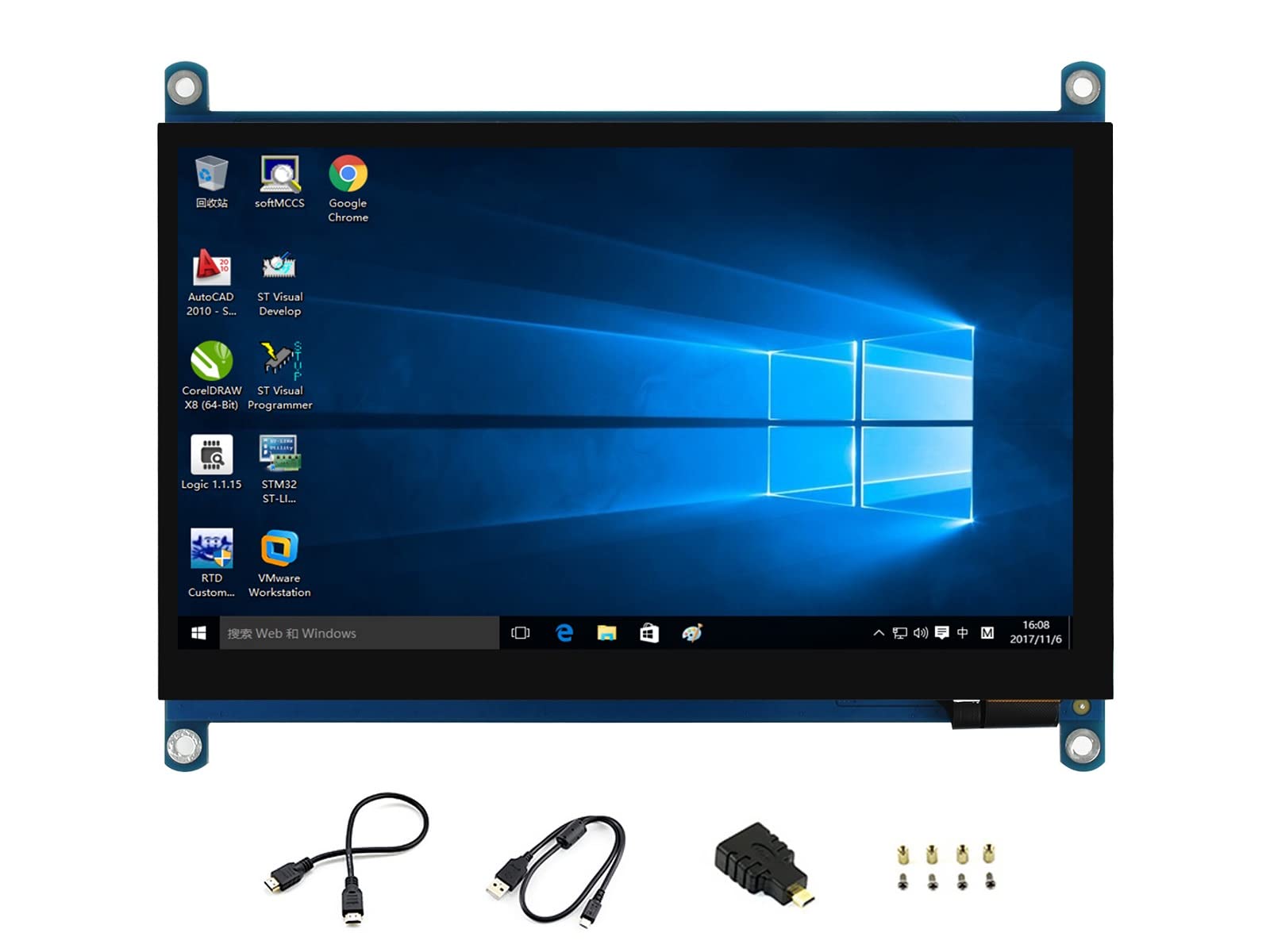
Specification: Dimensions: 121.11*95.24(mm) Resolution: 800*480 View angel: 6 o'clock Power consumption: 0.30A*5v Touch Panel: Capativie Compatible with mainstream mini PC such as Raspberry Pi, BB black, Banana Pi Used as a Raspberry Pi monitor, supports Raspbian, Kali, Ubuntu, WIN10 IOT systems, single touch Used as a computer monitor, supports Windows 7/8/8.1/10, free driver Support Microsoft Sony PS4, XBOX360 and other popular game consoles Easy to install Acrylic Case, the foundation is designed separately, which can be easily carried and protect the screen When working with Raspberry Pi, the screen need install driver, please reference Tutorial to download system with driver: http://www.lcdwiki.com/5inch_HDMI_Display-B How to connect the wire with Screen? Please make sure you have the correct cable connection 1.Connect 5 inch Screen touch interface with Raspberry Pi 4 USB interface with micro USB to USB cable 2.Connect 5 inch Screen HDMI interface with Raspberry Pi 4 Micro HDMI interface with Micro HDMI to HDMI cable How to rotate the screen please execute follow command: cd LCD-show/ sudo ./rotate.sh 90 (' 90 ' can be changed to 0, 90, 180 and 270) Package include: 5 inch screen *1 Acrylic case with foundation *1 Micro USB to USB cable *1 Micor HDMI to HDMI cable *1 3pcs heat-sink
Customer reviews
10 Trustpilot reviews total, with 2 shown at a time.
I wrote to Bigamart's customer support and they accompanied the process of reshipping the item until it finally arrived. I felt a genuine effort to solve the problem till it was finally solved.
The package was here in Australia from England in a few days — so quick! Something was missing and they refunded it straight away. Pretty happy with these guys.
You might also like