
Generic
✓Plug & Play Games Consoles
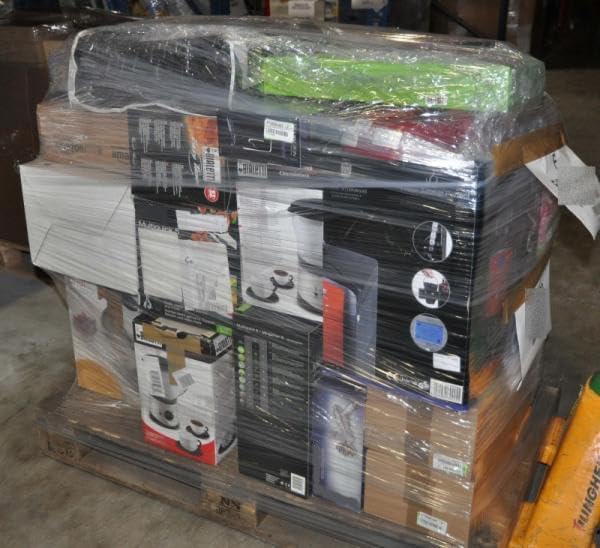
4-36 Pcs Multimedia Job Lot, Pallet of Laptops and Game Consoles, Customer Returns
$86.99
View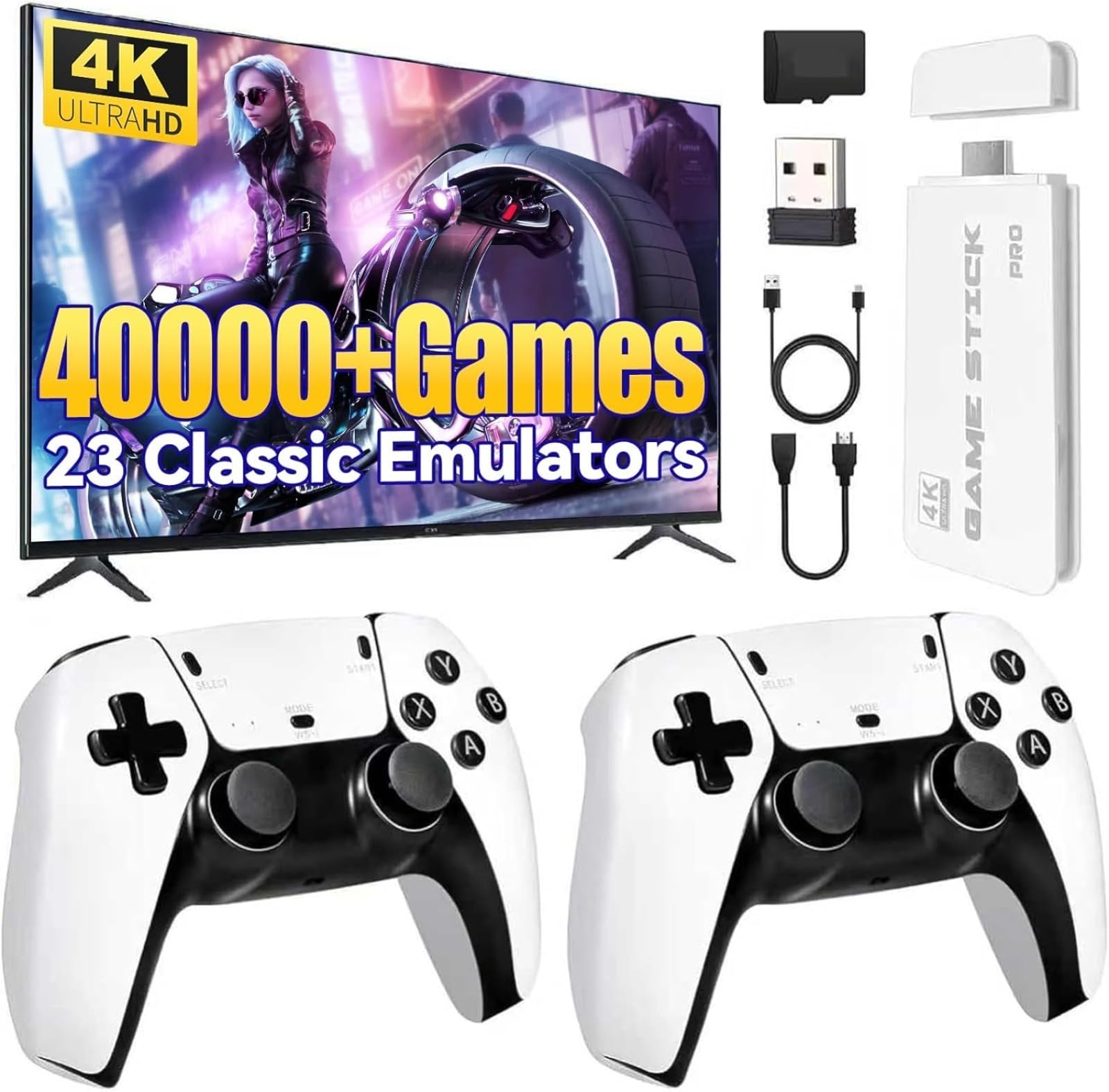
Product description Relive the classics and rediscover the joys of childhood! The M15 Wireless Retro Arcade Game Console is designed for nostalgic gamers, featuring over 20,000 classic games built-in. It supports high-definition HDMI output to TVs or monitors and comes equipped with a 2.4GHz wireless joystick for a more immersive gaming experience! Optional 64GB/128GB memory and pre-installed multi-language system make it ready to use out of the box. M15 2.4G Wireless Retro Arcade Game Console User Manual: 1. Remove the game console from the box. 2. Connect the game console to your TV or monitor via the HDMI port. 3. Turn on the game console and select your desired language. 4. Select a game room or create a new room. 5. Use the wireless game controller to navigate the menu and select a game. 6. Start the game and enjoy a classic arcade gaming experience. 7. To turn off the game console, press and hold the power button for a few seconds. Directions Remove the game console from the box. Connect the game console to your TV or monitor via the HDMI port. Turn on the game console and select your desired language. Select a game room or create a new room. Use the wireless game controller to navigate the menu and select a game. Start the game and enjoy a classic arcade gaming experience. To turn off the game console, press and hold the power button for a few seconds.
Customer reviews
10 Trustpilot reviews total, with 2 shown at a time.
I wrote to Bigamart's customer support and they accompanied the process of reshipping the item until it finally arrived. I felt a genuine effort to solve the problem till it was finally solved.
The package was here in Australia from England in a few days — so quick! Something was missing and they refunded it straight away. Pretty happy with these guys.
You might also like
