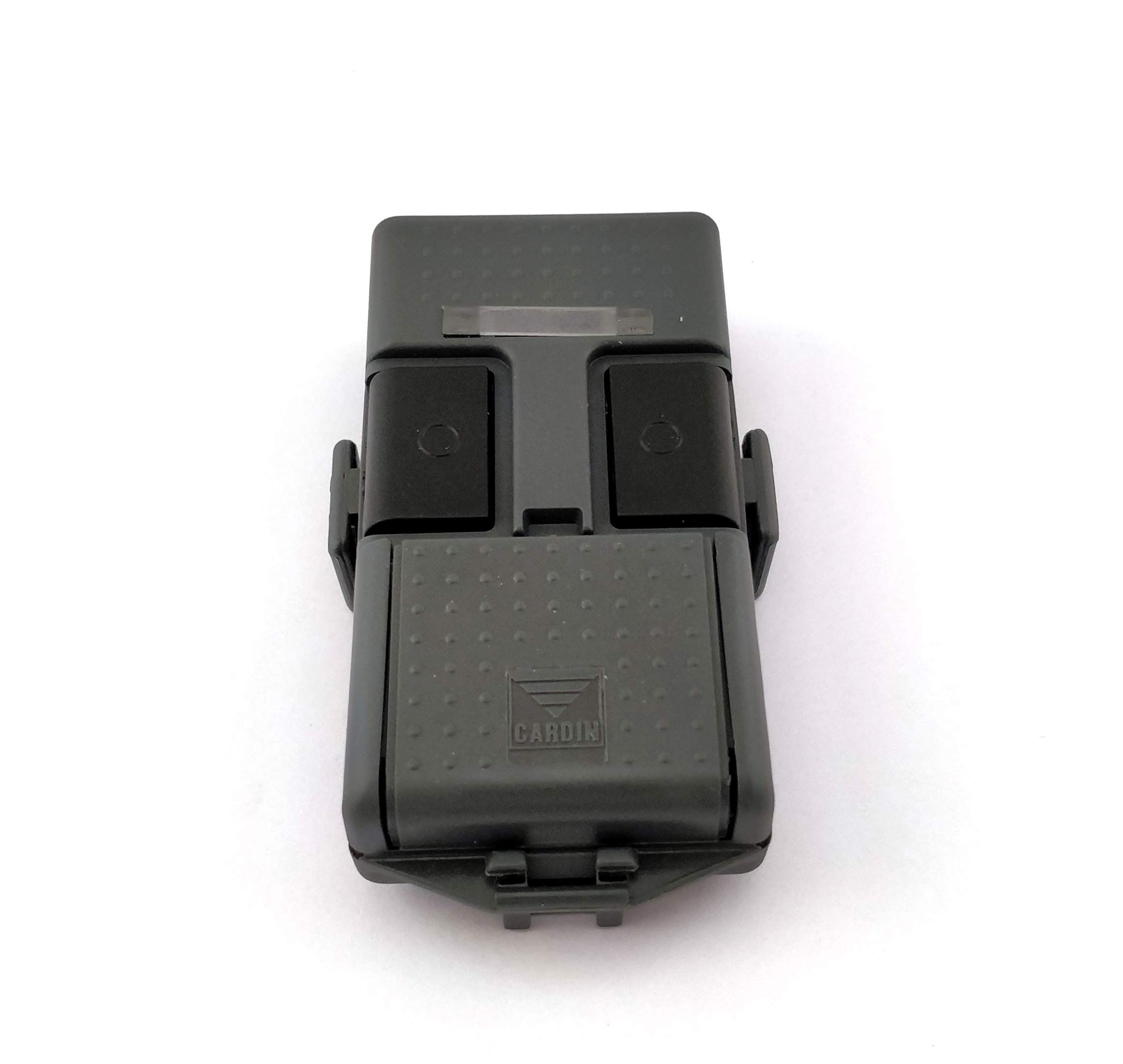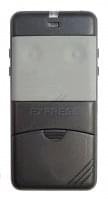
Cardin
✓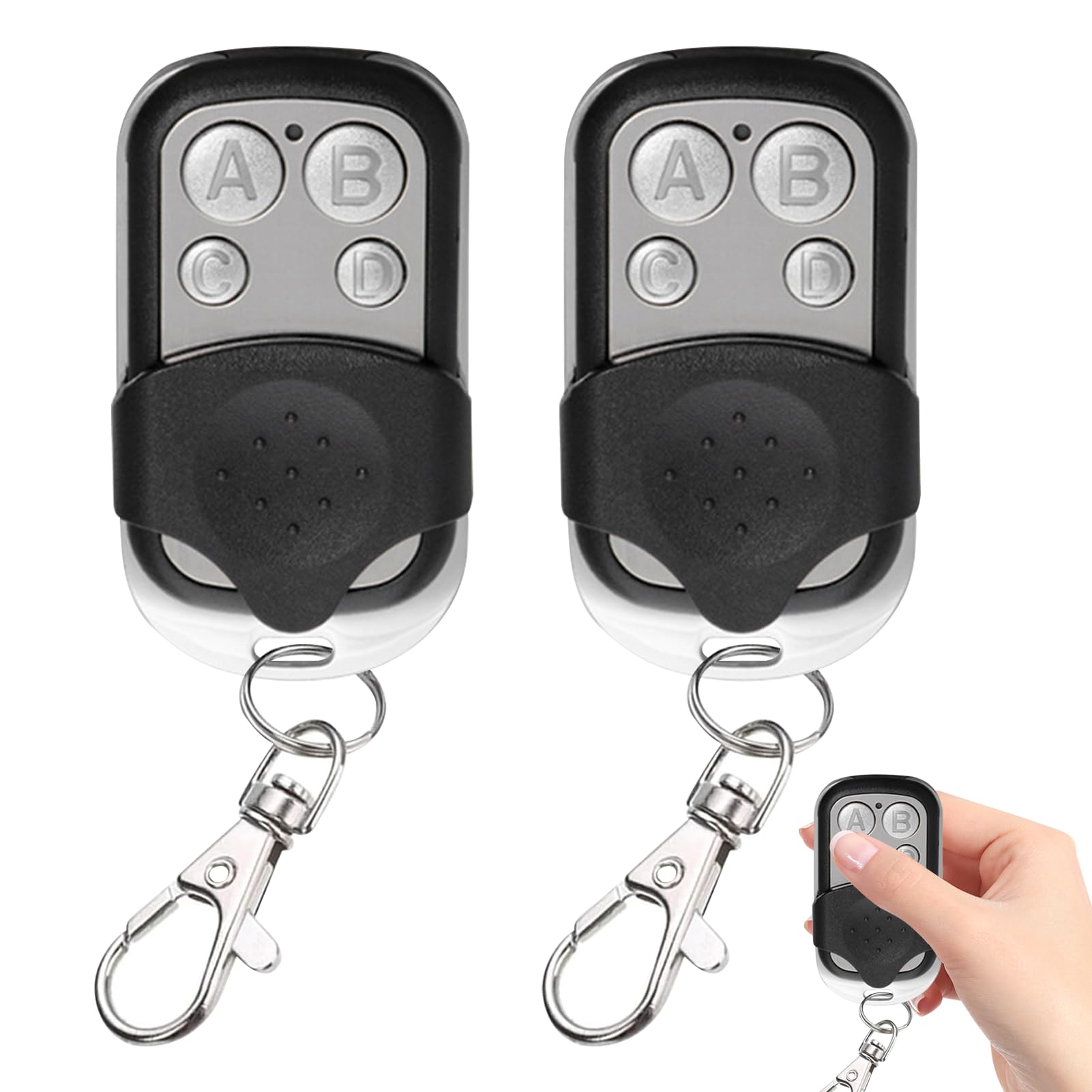
You will receive 2PCS the universal garage door opener remote is compatible with 433 MHz fixed frequency, which can easily copy fixed code remote controls and common learning functions, suitable for replacing damaged original accessories. 1. Place the original remote control and the clone remote control in the ""back-to-back"" position or zero distance and place them side by side. 2. Press and hold a key on the original remote control, and then press and hold a key on the clone remote control. Press and hold until the LED blinks 2 times (Note: LED blinks 2 times means do not release the button) then blinks 3 times and stabilises, you have successfully cloned, the other buttons operate in the same way. Press and hold the ""A"" and ""B"" keys at the same time --- the LED will blink 3 times. Then release the ""B"" key (while the ""A"" key remains pressed) and click the ""B"" key 3 times - the LED will blink and then go out. The data is cleared successfully.
Customer reviews
10 Trustpilot reviews total, with 2 shown at a time.
I wrote to Bigamart's customer support and they accompanied the process of reshipping the item until it finally arrived. I felt a genuine effort to solve the problem till it was finally solved.
The package was here in Australia from England in a few days — so quick! Something was missing and they refunded it straight away. Pretty happy with these guys.
You might also like